✨ סיכום מאמר בעזרת בינה מלאכותית

There is no single best AI podcast clip generator for everyone. OpusClip is the safest default for video podcasters who want fast, hands-off clips. Descript wins if you already edit your full episode there. Riverside makes sense when you record inside its platform. For audio-only shows, Flowjin and Podsqueeze handle podcast-specific needs that video-first tools miss. Every AI clipper still needs human review before you hit publish.
Turning a 60-minute podcast into five good Shorts should not eat your whole afternoon. The problem is that many AI clip generators look great in demos but still miss context, crop speakers badly, or hide real costs behind credits and watermarks. This guide compares the best AI podcast clip generators by workflow so you can pick the right tool, avoid surprise costs, and publish clips that actually represent your show.
למי זה מיועד: Weekly podcasters, video podcast producers, creator teams, and small agencies turning long episodes into short-form social clips.
כיצד הערכנו: We compared pricing pages, free plan limits, upload and export rules, public reviews on G2 and Capterra, Reddit complaints, and podcast-specific workflow fit rather than relying on vendor marketing claims.
למה זה קיים: Most pages ranking for “best AI podcast clip generator” are written by companies that sell clipping tools. This article focuses on practical fit and honest tradeoffs.
If you’re also figuring out how to take an audio show and make it visual, our guide on turning your podcast into video is a useful companion read.
For most video podcasters, start with OpusClip if you want fast, hands-off clips. Choose Descript if you also edit your full episode from a transcript. Use Riverside Magic Clips if you already record inside Riverside. For audio-first shows, start with Flowjin or Podsqueeze. For low-cost testing, try Vizard, Choppity, Klap, or Ssemble, but review every clip before posting.
Best full podcast workflow: תיאור
Best hands-off video clipping: OpusClip
Best if you record interviews remotely: גְדוֹת הַנָהָר
Best audio-first option: Flowjin
Best podcast repurposing suite: Podsqueeze
Best browser cleanup and editor: Kapwing
Best budget and high-volume tests: Choppity, Klap, Ssemble, Vizard
Best for marketing teams: Munch
Pricing checked September 2026. Verify live pricing before subscribing.
כְּלִי | הטוב ביותר עבור | Free Tier | Paid From | Main Strength | Biggest Gotcha |
|---|---|---|---|---|---|
תיאור | Editing full podcast + clips in one workspace | 60 media min/mo | $16/mo (annual) | Text-based editing, speaker detection, Create Clips | Full editor learning curve; AI credits add cost complexity |
OpusClip | Hands-off viral-style clips from video | 60 credits/mo, watermark | $15/mo | Fast clipping, captions, virality score | AI selections can miss context; video-first only |
גְדוֹת הַנָהָר | Shows recorded in Riverside | Magic Clips included, 720p, watermark | $24/mo (annual) | Record + edit + clip in one platform | Less useful if you record elsewhere |
Flowjin | Audio/video podcast repurposing | One-time 60 min, 5 exports | $12.50/mo (annual) | Audio + video clips, audiograms, scheduler | Starter stays at 720p; free tier does not refill |
Podsqueeze | Show notes + clips + audiograms | No visible free plan | $8.99/mo | Podcast-native asset generation | Starter: only 120 min and 8 clips/audiograms |
Choppity | Browser editing with scheduling | 1 hr AI analysis, limited downloads | ~$14/mo (annual) | AI clipper + editor + captions + scheduling | Free downloads may be locked; pricing docs inconsistent |
Vizard | Budget-friendly free start | 60 credits/mo, 720p, 3-day storage | ~$14.50/mo (annual) | Generous free credits, 4K on paid | Moment selection still needs review |
Kapwing | Polishing clips after AI clipping | Watermark, short export limits | $16/mo (annual) | Collaborative editor, subtitles, resizing | Not a dedicated podcast auto-clipper |
Klap | Simple clip-count pricing | Limited trial | $14/mo (annual) | Per-clip plans, unlimited social accounts | Thinner review footprint; support complaints exist |
Munch | Marketing-led repurposing | משתנה | Unclear ($9-$48/mo range) | Trend and context scoring | Pricing/branding confusion; mixed reviews |
The best AI podcast clip generator depends on your source file, not the tool’s marketing page. We used eight criteria that matter specifically to podcasters, not generic video creators.
Source support. Does it accept YouTube links, local video uploads, audio-only files, RSS feeds, and multitrack recordings?
Clip selection quality. Does the AI find story-complete moments with hooks and payoffs, or just loud, energetic bits?
Speaker handling. Active speaker detection, split-screen layouts, speaker labels, and how it handles crosstalk.
Caption quality. Word-level timing, speaker colors, editing tools, subtitle export, and accuracy with accents.
Output control. Locked MP4 only vs. editable projects, subtitle files, brand templates, custom fonts.
Publishing workflow. Direct posting, scheduling, platform-specific aspect ratios, social account limits.
Cost model. Per-minute, per-video, per-clip, per-hour, watermark removal, storage expiration.
Finishing layer. Caption cleanup, intro/outro consistency, safe background music, and Content ID considerations.
One factor most ranking pages skip: the clip must make sense without the full episode. A “viral score” means nothing if the clip begins mid-thought or ends before the payoff.
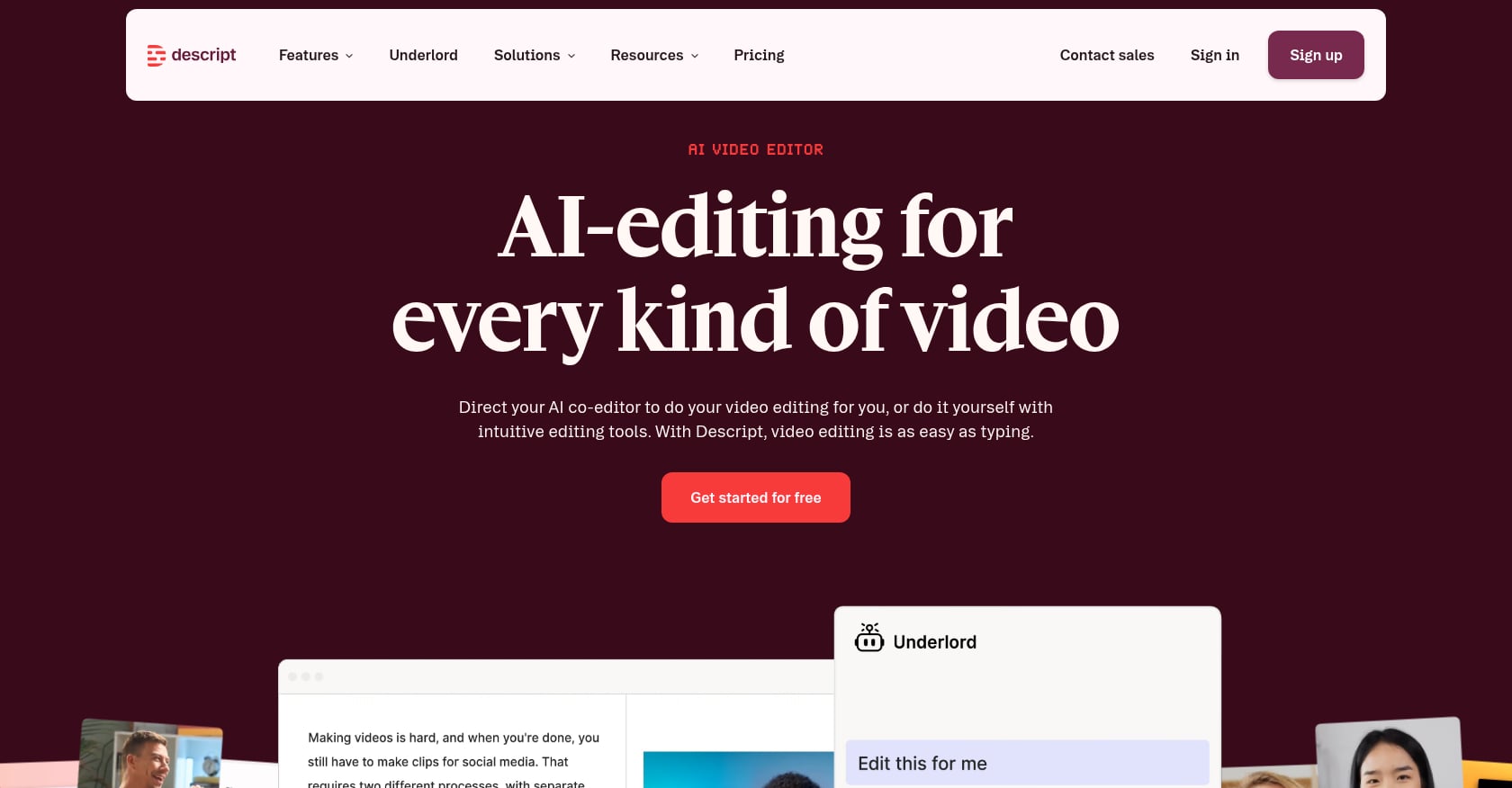
מתאים במיוחד ל: Podcasters who want to edit the full episode and create clips from the same transcript-based workspace.
Descript is not just a clip generator. It is a full editing suite where you cut, clean, and repurpose from one transcript. If you already remove filler words and edit episodes in Descript, generating clips from the same project is the natural next step.
תמחור:
Free: 60 media minutes/month
Hobbyist: $16/mo annually ($24/mo monthly), 10 media hours/month, 400 AI credits, 1080p export, Create Clips
Creator: $24/mo annually ($35/mo monthly), 30 media hours/month, 800 AI credits, 4K export
תכונות עיקריות:
Text-based editing and filler word removal
Create Clips and highlights from transcript
Speaker detection for 8+ speakers
Automatic multicam and active speaker centering
Studio Sound for audio cleanup
Social post and show note generation
פשרות:
Overkill if you only want auto-generated MP4 clips
AI credits add a confusing cost layer on top of the subscription
Browser and desktop performance can lag with long video projects
מה אומרים המשתמשים:
G2 rates Descript 4.6 from 880 reviews, with praise for text-based editing and complaints about performance on less powerful machines. Practitioners on Reddit are more divided. One r/podcasting thread describes users who love the workflow but get frustrated by pricing changes, AI credit consumption, and occasional glitches.
Choose it if: You edit full episodes and want clips from the same workspace.
Skip it if: You only need a quick viral-clip machine.
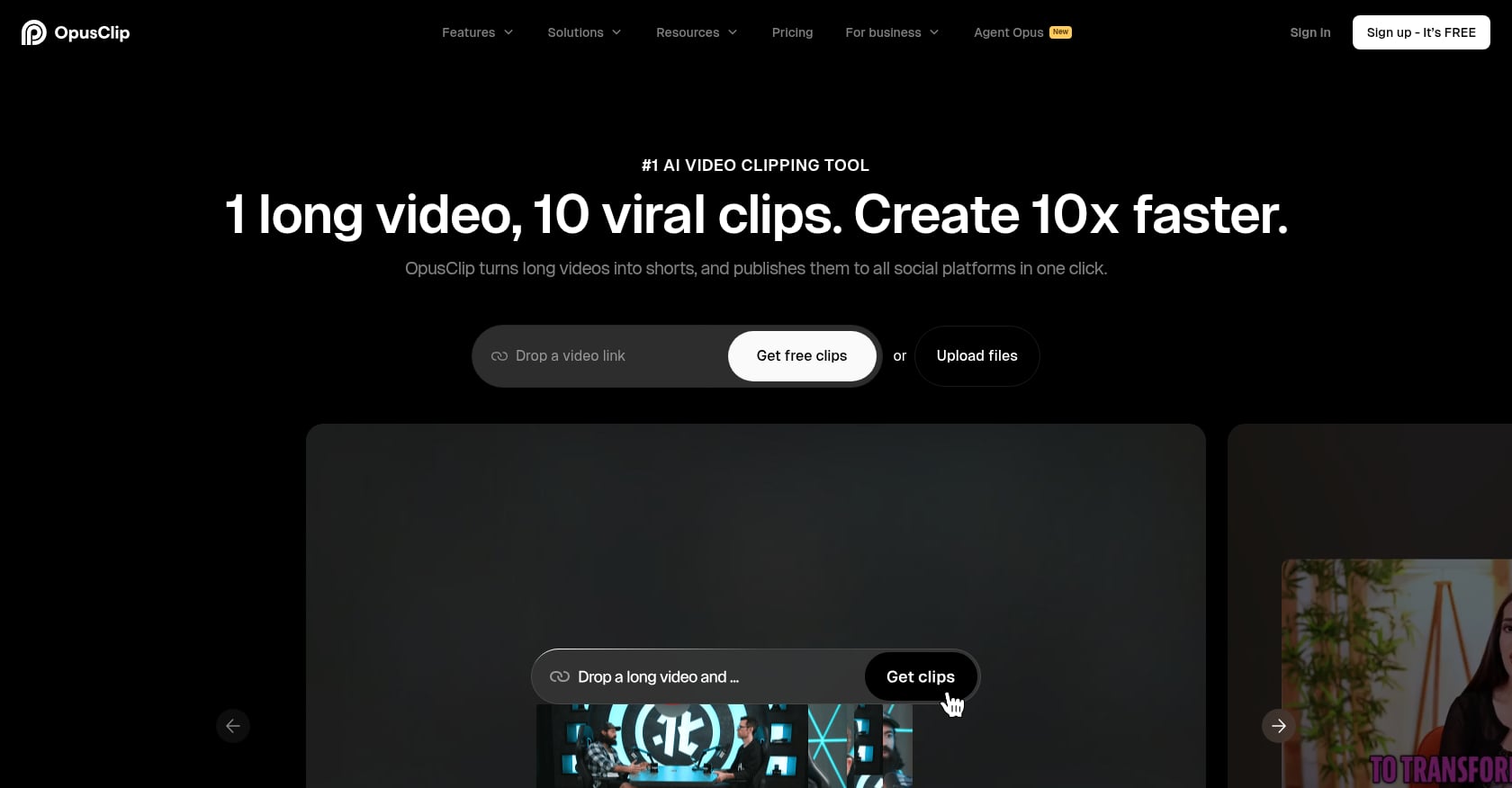
מתאים במיוחד ל: Creators who want the most hands-off AI clipping experience for long-form video podcasts.
OpusClip is one of the most-discussed AI podcast clip makers in creator communities. Upload a video or paste a YouTube link, and it returns a batch of captioned vertical clips ranked by a “virality score.” For podcasters who publish weekly and need clips fast, it is a reliable starting point.
תמחור:
Free: 60 credits/month, watermark, no editing, 3-day export window
Starter: $15/mo
Pro: $29/mo
תכונות עיקריות:
AI clipping from long videos with auto hook detection
Animated captions with emoji and keyword highlighting
Auto reframe for vertical format
Virality score ranking
Custom clip length settings
פשרות:
Video-first only; not built for audio-only podcasts
Free tier adds a watermark and deletes exports after 3 days
AI may favor energetic moments over story-complete ones
מה אומרים המשתמשים:
G2 reviewers praise the time savings but note that clip selection is hit or miss and often needs manual adjustment. Reddit mirrors that divide. Some podcasters call it “the best” for quick turnaround, while others say multi-speaker interviews still require heavy manual review.
Choose it if: Speed matters more than deep editorial control.
Skip it if: Your show is audio-only or you need precise clip boundaries.
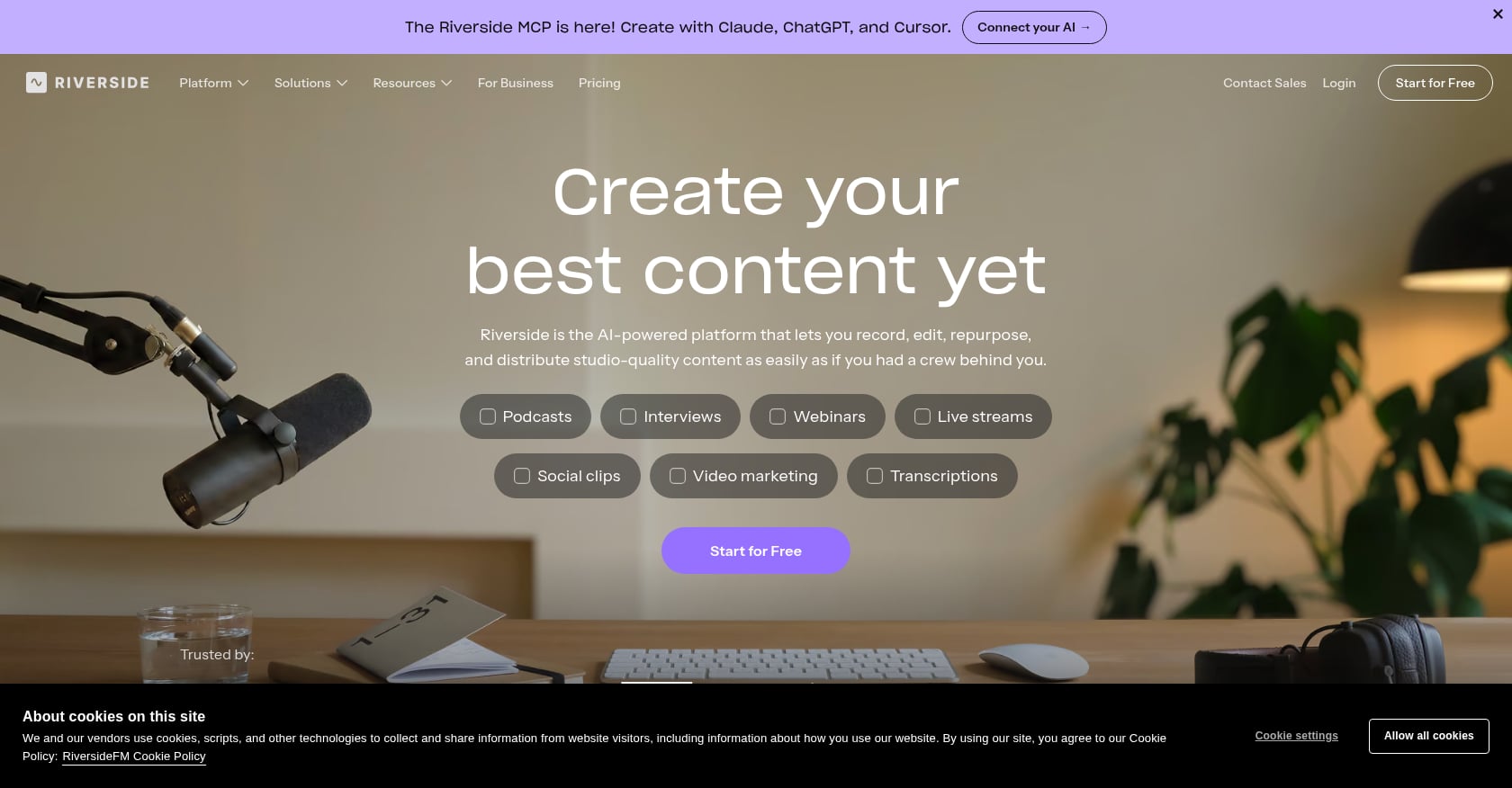
מתאים במיוחד ל: Podcasters who already record inside Riverside and want clips without adding another tool.
Riverside combines recording, editing, AI-powered Magic Clips, transcription, and publishing in one platform. If the podcast is already produced here, trying Magic Clips before paying for a separate AI podcast clip generator is the obvious first move.
תמחור:
Free: 720p video, Riverside watermark, Magic Clips included, 2 hours separate track downloads
Pro: $24/mo annually ($29/mo monthly), up to 4K, no watermark, Magic Clips, AI editing, show notes
Grow: $34/mo annually ($39/mo monthly), adds hosting, scheduling, newsletter
תכונות עיקריות:
Record remote podcasts with local-quality tracks
Text-based editing
Magic Clips AI generation
Show notes and AI co-creator
Publishing to podcast directories and social platforms
פשרות:
Less compelling if you record elsewhere and only need clipping
Free plan watermark makes clips look unprofessional
Magic Clips generate from raw recordings, so unedited mistakes carry through
מה אומרים המשתמשים:
G2 shows 4.8 from 24 reviews with praise for recording quality, though users mention slow uploads on long sessions. One Reddit user in r/RiversideFM said Magic Clips “works well enough” but every generated clip still needed fixing because the source was raw and unedited.
Choose it if: Riverside is already your recording platform.
Skip it if: You just need a standalone clipper for finished episodes.
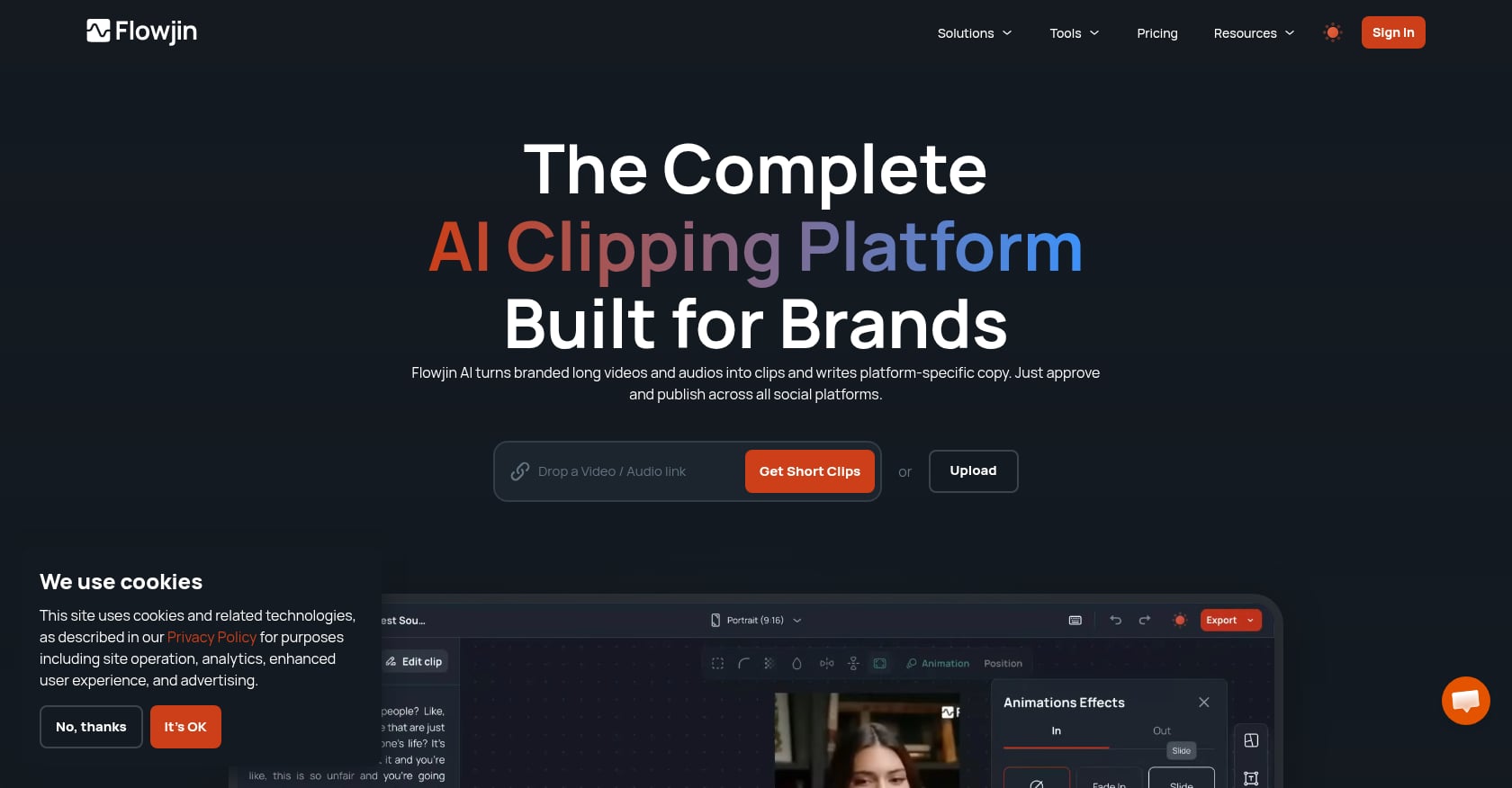
מתאים במיוחד ל: Audio-first podcasters and creators who want audiograms, social copy, and scheduling alongside clips.
Flowjin is one of the better AI podcast clip generators for shows that are not video-first. It handles both audio and video input, creates audiograms (waveform visuals over audio clips), generates social copy, and includes a scheduler. For RSS-based podcasters who feel left out by video-only clippers, this is a strong pick.
תמחור:
Free: One-time 60 minutes, up to 5 exports, 720p
Starter: $12.50/mo annually ($17/mo monthly), 150 min/month, unlimited exports, 720p
Creator: $20.80/mo annually ($29/mo monthly), 300 min/month, 1080p, AI B-roll
תכונות עיקריות:
Audio and video input
Audiograms for audio-only shows
Multiple aspect ratios (9:16, 1:1, 16:9)
Social copy and quote graphics
Built-in scheduler
פשרות:
Free tier is a one-time test, not an ongoing plan
Starter is locked to 720p, so 1080p requires Creator tier
Caption styling is less trendy than caption-focused tools
מה אומרים המשתמשים:
Reddit podcasters mention Flowjin as similar in output quality to OpusClip for podcast clip generation. Transcriptr’s comparison describes it as a dedicated podcast clipper with diarization and transcript-backed clips, but notes the free tier is limited.
Choose it if: Your show is audio-only or you want audiograms alongside video clips.
Skip it if: You need advanced video reframing or polished TikTok-style caption design.
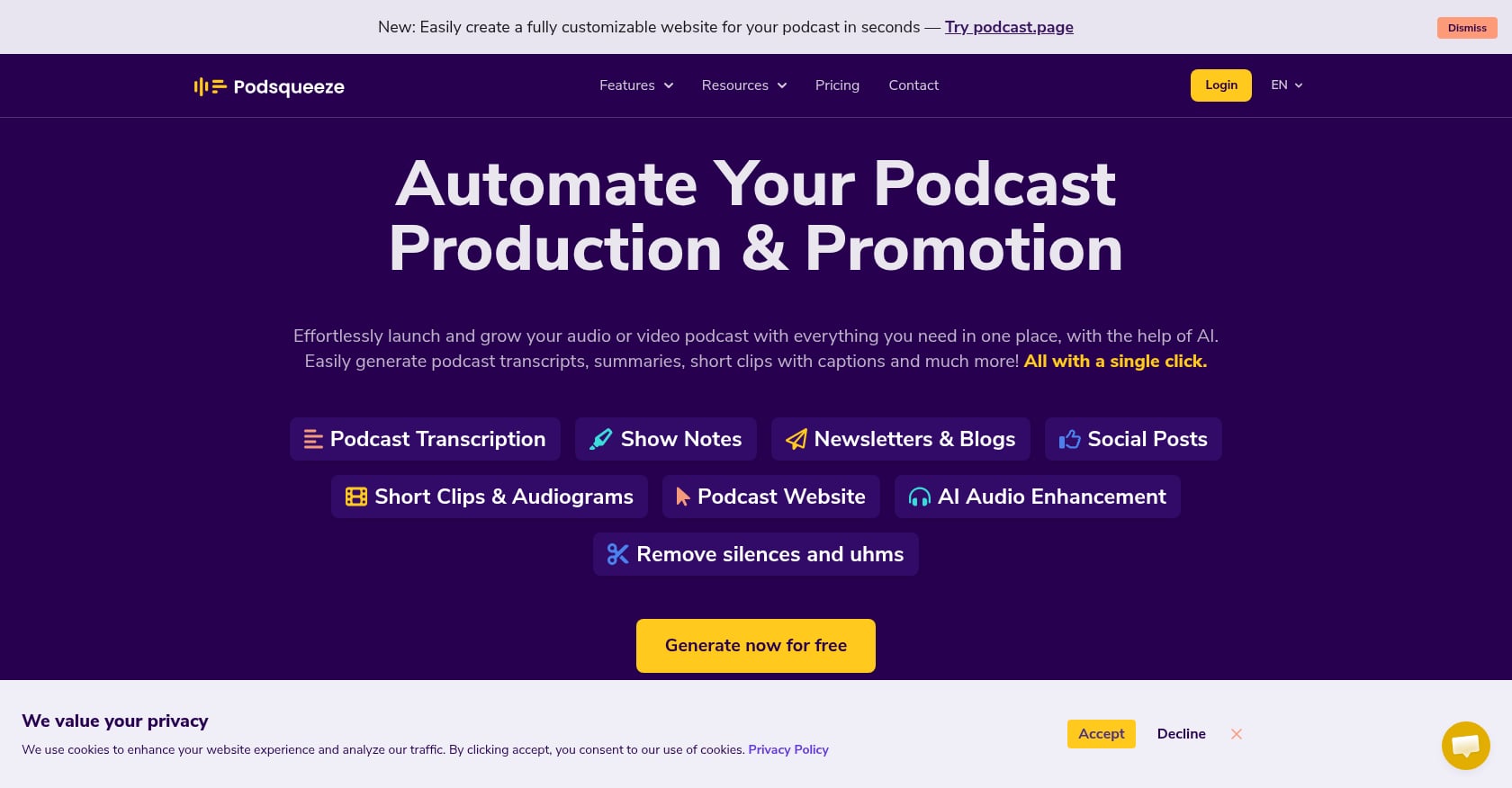
מתאים במיוחד ל: Podcasters who want transcripts, show notes, social posts, audiograms, and clips from one tool.
Podsqueeze is clearly podcast-native. It generates not just clips but an entire content repurposing package: transcripts, show notes, blog drafts, newsletter copy, social posts, audiograms, and quote images. The clipping is one piece of a broader podcast content engine.
תמחור:
Starter: $8.99/mo, 120 minutes/month, 8 video clips or audiograms
Pro: $49/mo, 320 min/month, 20 clips or audiograms
Agency Lite: $89/mo, 600 min/month, 40 clips or audiograms
תכונות עיקריות:
Podcast clips and audiograms
Show notes, transcripts, blog drafts
Social copy and newsletter assets
Audio enhancement
Quote images
פשרות:
Starter’s 120 minutes and 8 clips will not cover a weekly 60-minute podcast
No visible free plan on the current pricing page
Clip editing is less polished than dedicated video clippers
מה אומרים המשתמשים:
Practitioners on Reddit consistently mention Podsqueeze as a favorite. One r/podcasting user calls it a strong pick specifically for podcasts. Others say they upload episodes to Podsqueeze to generate shorts for YouTube and TikTok alongside written content.
Choose it if: Show notes, summaries, and audiograms matter as much as video clips.
Skip it if: You need advanced video reframing or high-volume clip production at low cost.
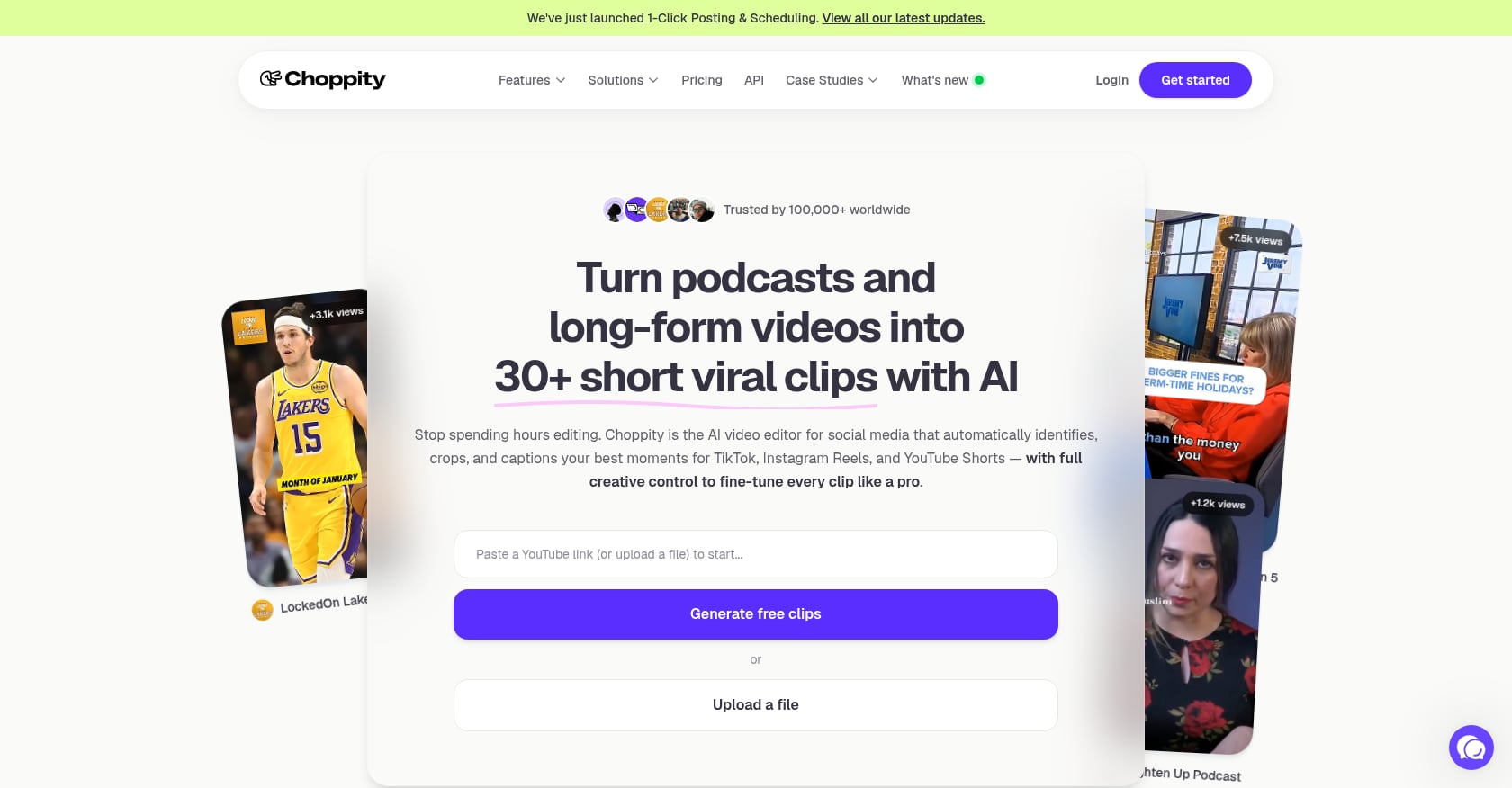
מתאים במיוחד ל: Creators who want AI clip generation, a browser editor, captions, and social scheduling in one place.
Choppity bundles AI video analysis, an advanced editor, captioning, transcription, brand assets, and scheduling. It measures usage in AI video analysis hours rather than source minutes or clip counts, which is a different cost model worth understanding.
תמחור:
Free: 1 hour AI video analysis, 2 GB storage, 3-day project storage, no downloads on some features
Starter: ~$14/mo annually ($20/mo monthly), 3 hours AI analysis, 1080p, scheduling
Creator: ~$22.40/mo annually ($32/mo monthly), 5 hours, brand templates, API, 3 social accounts
Team: ~$33.60/mo annually ($48/mo monthly), unlimited seats, 10 social accounts
Note: Choppity’s pricing docs show slight inconsistencies between pages. Verify before subscribing.
תכונות עיקריות:
AI video clipper with captions and transcription
Advanced browser editor
Social scheduling
Brand assets and custom fonts
Team workspaces and API access
פשרות:
Free tier may lock downloads and scheduling behind paid plans
3 hours of AI analysis on Starter may not cover four 60-minute episodes
Pricing documentation is inconsistent
מה אומרים המשתמשים:
A Reddit user testing 2-3 hour videos said Choppity handled a 3-hour Zoom podcast without crashing and that clip quality was “not perfect but good enough to avoid feeling like wasted time.”
Choose it if: You want editing and scheduling in one browser tab at a reasonable price.
Skip it if: You need hands-off quality without manual cleanup.
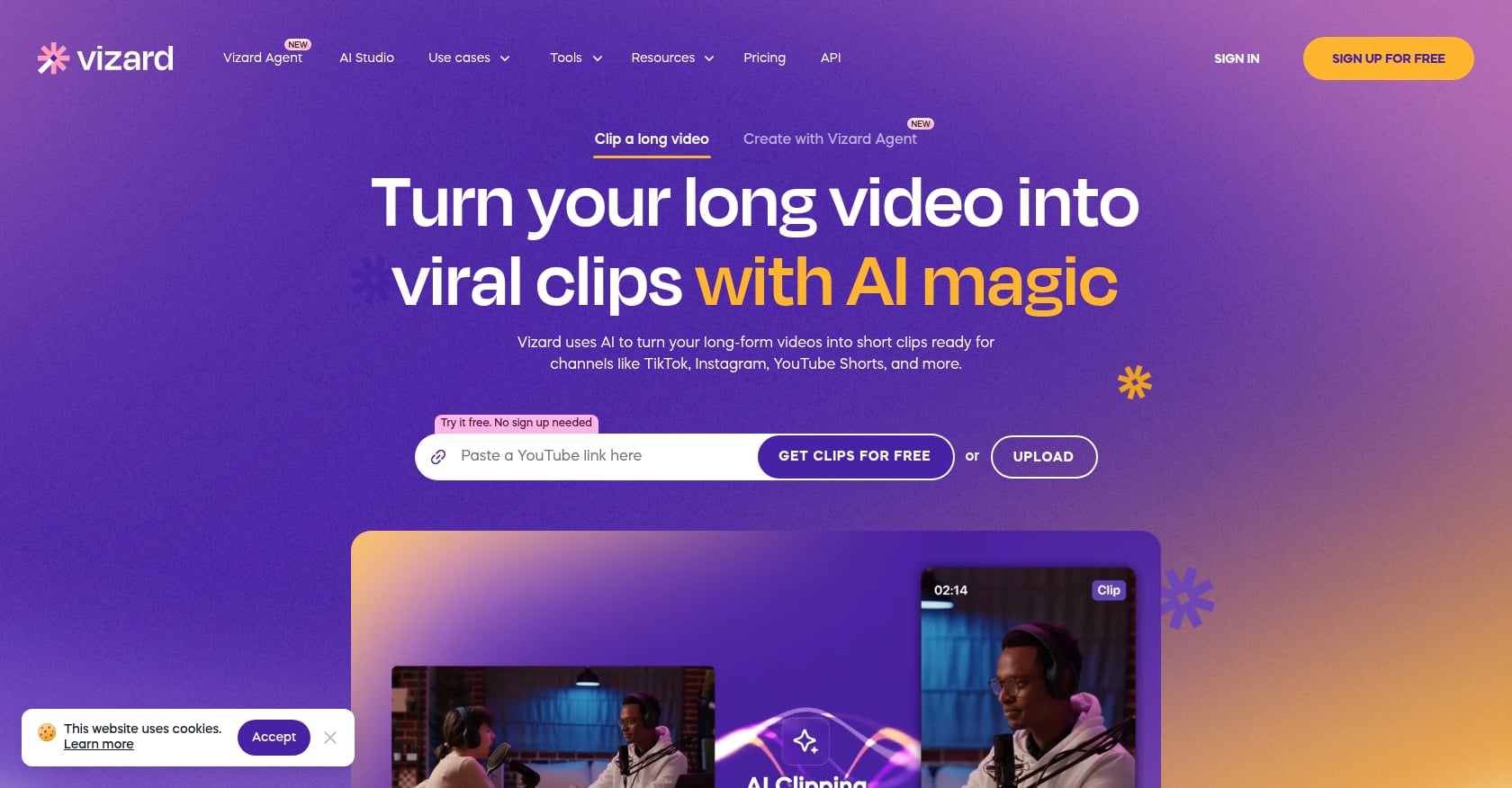
מתאים במיוחד ל: Budget-conscious creators who want a generous free start before committing.
Vizard gives 60 free credits per month (1 credit per source minute), which is enough to test a full episode. Paid plans add 4K export, watermark removal, scheduling, and more social accounts. It is a solid AI podcast clipper for creators who are not ready to pay $15-$30/month.
תמחור:
Free: 60 credits/month, 720p, 3-day storage, watermark
Paid: Starts around $14.50/mo annually (verify live pricing, as the page renders dynamically)
תכונות עיקריות:
AI-generated clips from long videos
Full video editor access on free plan
4K export on paid plans
Social account management and scheduling
Credit-based usage model
פשרות:
3-day storage on free tier pressures quick exports
AI moment selection still needs manual review
Pricing page renders inconsistently; check your actual plan limits at checkout
מה אומרים המשתמשים:
G2 reviewers note that Vizard’s AI is not always accurate when picking the best moments. A Reddit commenter said Vizard was a good alternative after being put off by OpusClip’s cost, and found the subtitling and editing stronger than expected.
Choose it if: You want to test AI clipping on a real episode before spending money.
Skip it if: You need reliable 1080p+ exports from day one.
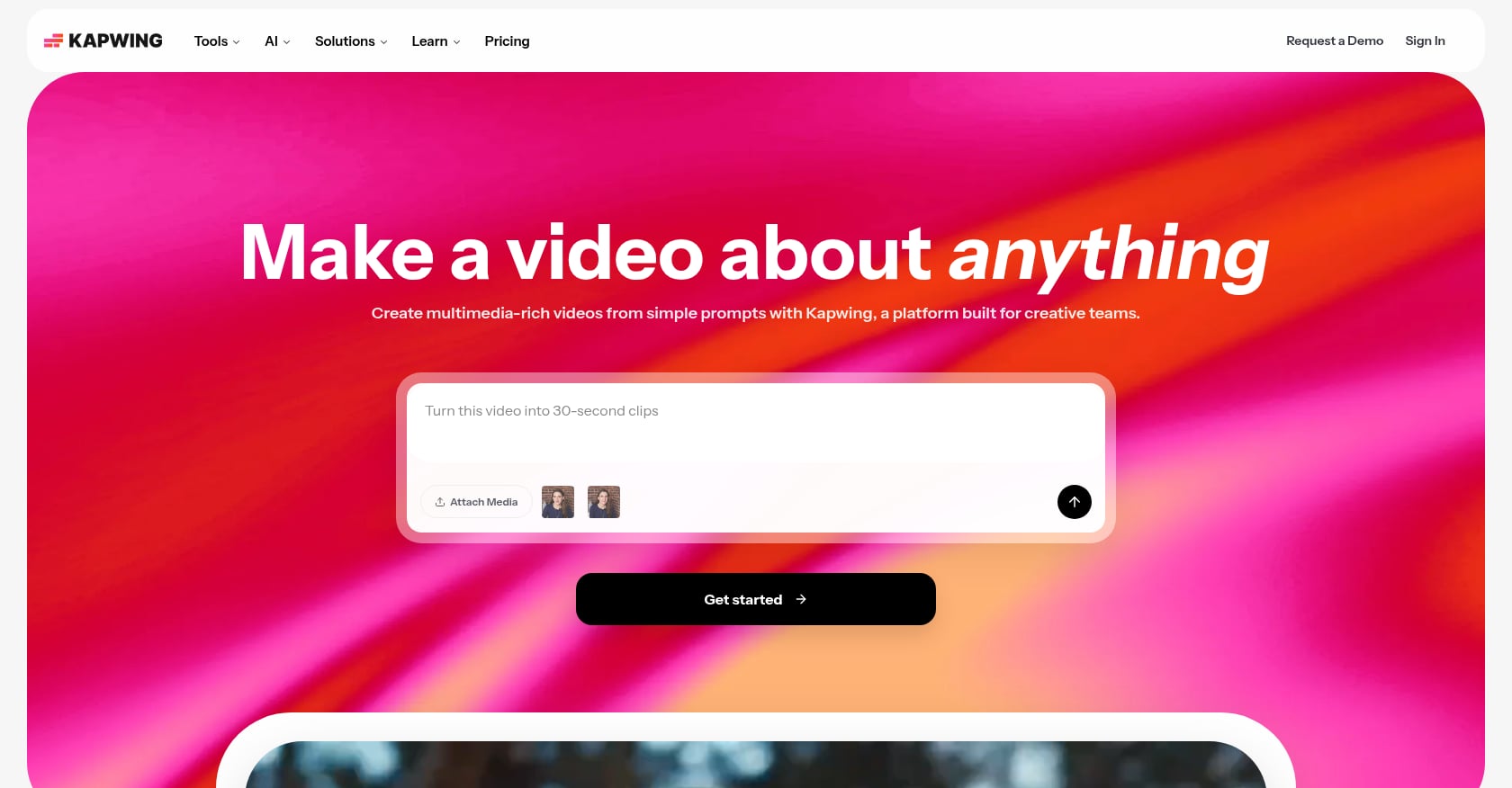
מתאים במיוחד ל: Creators who need a browser-based editor for cleaning up, captioning, and resizing clips after AI has found the moment.
Kapwing is not a dedicated AI podcast clip maker. It is a collaborative browser editor for subtitles, resizing, translation, audio cleanup, and templates. Think of it as the finishing layer between your AI clipper and your publish button.
תמחור:
Free: Watermark, exports up to 4 min, 720p, limited auto-subtitling
Pro: $16/mo annually ($24/mo monthly), no watermark, 4K, 1,000 credits/month, brand kit
Business: $50/mo annually, 4,000 credits/month, voice clones, 500 GB storage
Heads-up: Kapwing’s help docs and pricing page show slightly different free tier limits. Check your account at signup.
תכונות עיקריות:
Browser-based collaborative editor
Auto-subtitles and translation
Resizing for multiple aspect ratios
Clean Audio tool
Brand kit and stock assets on Pro
פשרות:
Not a podcast auto-clipper; you still need another tool to find moments
Free plan is too limited for real publishing
Slow exports and plan caps frustrate some users
מה אומרים המשתמשים:
G2 shows 4.1 from 40 reviews, with users liking auto-subtitles but noting slow exports. Capterra reviewers (4.4 from 207 reviews) praise cloud editing but flag free plan limits and subscription frustrations.
Choose it if: You already have clips and need a browser tool for captions, resizing, and team edits.
Skip it if: You want one tool that handles both clipping and editing.
For social media clips specifically, understanding the right video format for each platform helps you export correctly the first time.
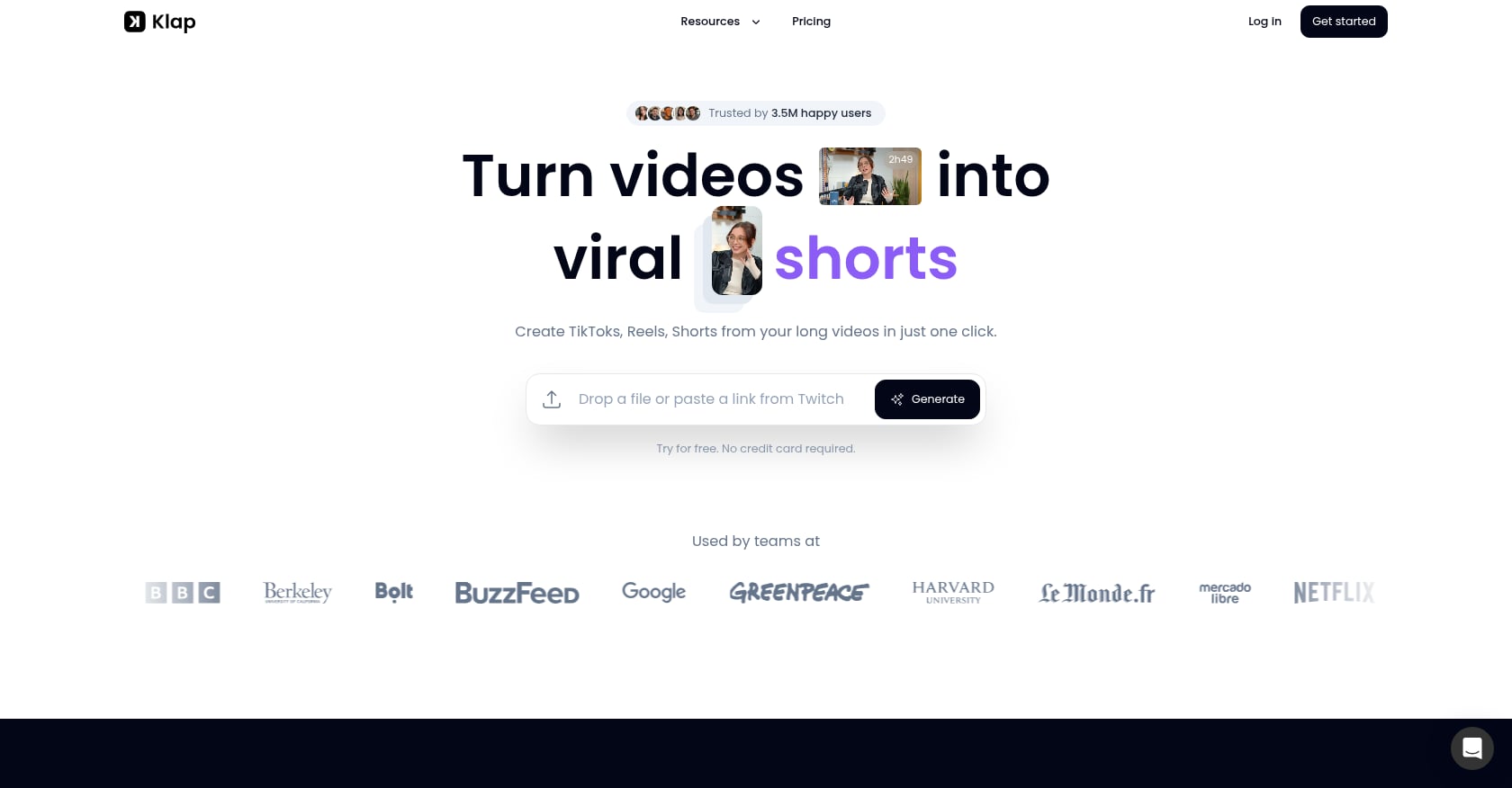
מתאים במיוחד ל: Creators who want simple, predictable per-clip pricing.
Klap takes a different approach: plans are measured in clips per month rather than source minutes or credits. If you know you need roughly 20 clips a month, the math is straightforward.
תמחור:
Basic: $14/mo annually, 100 clips/month
Pro: $39/mo annually, 300 clips/month
Pro+: $94/mo annually, 1,000 clips/month
All plans include AI clipping, unlimited social accounts, and analytics
תכונות עיקריות:
AI clipping from YouTube videos
Clip-count billing model
Unlimited social accounts on all plans
Analytics dashboard
פשרות:
Annual pricing looks cheap but locks you in; check monthly billing rates
Public review footprint is thinner than Descript, OpusClip, or Kapwing
Trustpilot snippets include support and reliability complaints
Needs testing on multi-speaker podcast episodes specifically
מה אומרים המשתמשים:
One Reddit user said Klap made clipping “smoother without needing to babysit every edit,” but this was in a low-traffic thread and should be treated as anecdotal. Trustpilot shows some support and network-error complaints that suggest testing reliability before committing.
Choose it if: You publish a predictable number of clips and prefer counting outputs over inputs.
Skip it if: You want a well-reviewed tool with a large community.

מתאים במיוחד ל: Marketing teams that want repurposed clips tied to trend data and content strategy.
Munch positions itself around turning long-form videos into social clips with trend and engagement context baked in. It is more marketing-team-oriented than podcast-editor-oriented, which makes it a niche pick in this list.
תמחור:
Pricing is genuinely confusing. One official page shows plans starting at $9/mo, while another source cites $48/mo for Munch Studio’s Essential plan. Treat pricing as unstable and verify directly before signing up.
תכונות עיקריות:
Long-form video to short clips
AI video editing and auto-captioning
Relevance and trend scoring
Scheduling and content strategy tools
פשרות:
Pricing and product naming create confusion across domains
Clip boundaries can be off, especially on interview-style content
Mixed Trustpilot sentiment across Munch-related profiles
Solo podcasters may find it overly complex for their needs
מה אומרים המשתמשים:
G2 shows 4.6 from 29 reviews. One Reddit user said Munch reduced review time from hours to 20-30 minutes but still picked odd cut points. Another claimed about 20 of 30 generated clips from a 45-minute video were usable without heavy editing.
Choose it if: You run a content marketing team and want trend-aware clip suggestions.
Skip it if: You are a solo podcaster who wants simple, fast clipping.
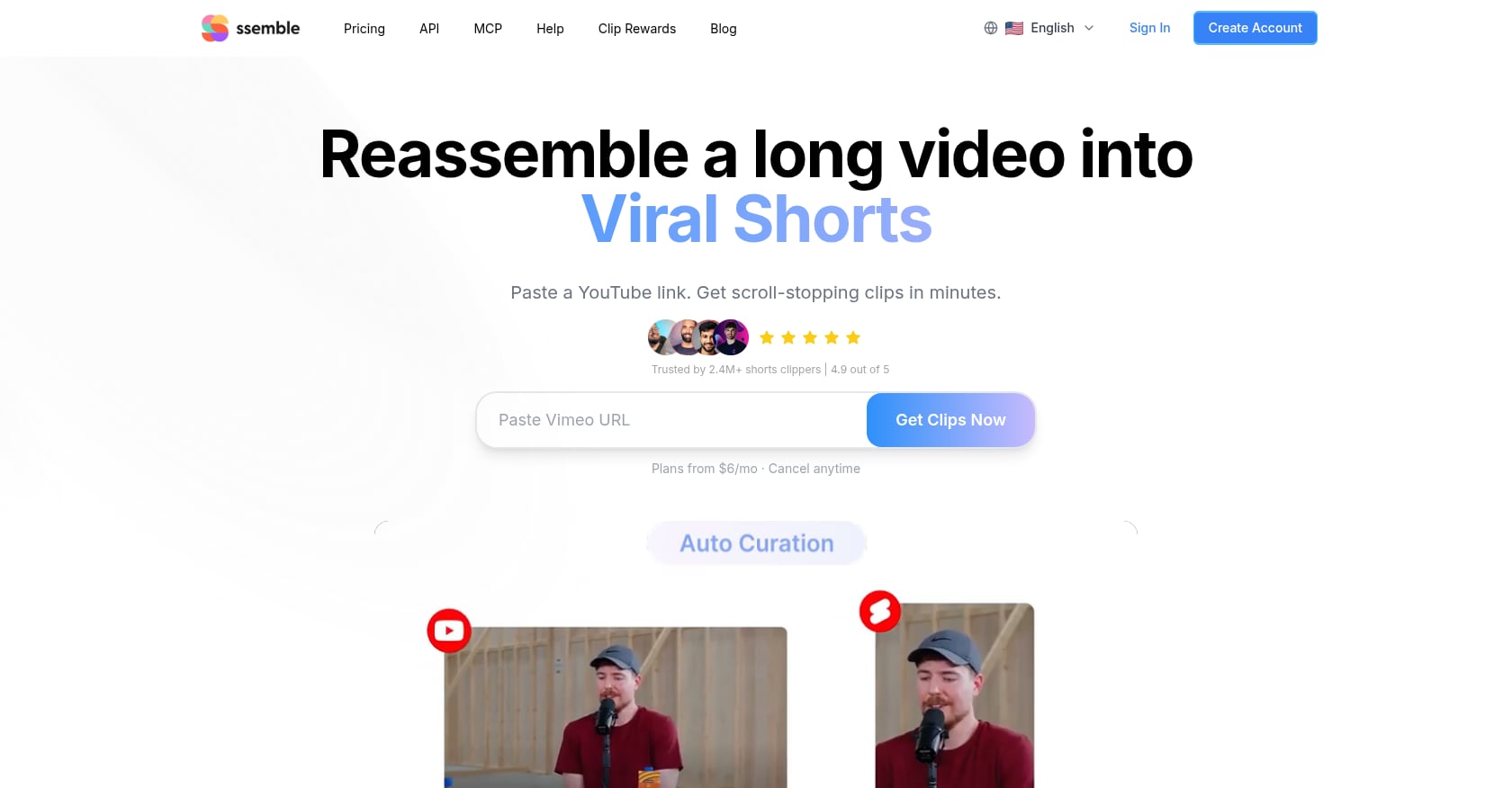
מתאים במיוחד ל: Budget-conscious creators who want per-video pricing instead of per-minute billing.
Ssemble charges 1 credit per video up to 20 minutes, which is a notably different cost structure from minute-based tools. Its annual plans start at just $6/mo equivalent. Worth noting: the top-ranking article for “best AI podcast clip maker” is written by Ssemble’s founder, so independent quality verification matters here.
תמחור:
Pro: $6/mo equivalent (annual), 360 credits/year
Expert: $12/mo equivalent (annual), 840 credits/year
Business: $24/mo equivalent (annual), 1,800 credits/year
Choose it if: You want the cheapest possible entry point to test AI podcast clipping.
Skip it if: You cannot find independent reviews confirming output quality.
Free AI podcast clip generators are useful for testing. They are not free production systems. Here is what “free” actually means for a weekly podcaster.
OpusClip Free: Watermark on every clip, no editing, exports deleted after 3 days
Riverside Free: Magic Clips included, but 720p and watermark
Flowjin Free: One-time 60 minutes and 5 exports, then it is over
Choppity Free: 1 hour AI analysis, but downloads and scheduling may require payment
Vizard Free: 60 credits/month at 720p with 3-day storage
Kapwing Free: Watermark, 4-minute export cap, limited subtitling
The pattern is clear. Free tiers exist to show you the interface. Publishing real clips from them means living with watermarks, low resolution, or scrambling to export before your files get deleted.
Always test with one real episode before building your weekly workflow around a free plan.
The cheapest AI podcast clip generator is not always the one with the lowest sticker price. The right question is: “What does it actually cost to process four 60-minute episodes per month and export 12-20 clips?”
That is roughly 240 source minutes per month.
Descript Hobbyist ($16/mo annual): 10 media hours covers four episodes comfortably, and you also get full editing
OpusClip Free (60 credits): Not enough for 240 minutes; Starter at $15/mo or Pro at $29/mo becomes necessary
Flowjin Starter ($12.50/mo annual): 150 minutes leaves you short; Creator at $20.80/mo covers 300 minutes
Podsqueeze Starter ($8.99/mo): 120 minutes and 8 clips is not enough; Pro at $49/mo is the realistic plan
Choppity Starter (~$14/mo annual): 3 hours of AI analysis barely covers four hour-long episodes
Riverside Pro ($24/mo annual): Makes sense only if you also record there, since it bundles recording, editing, clips, and hosting
Do not compare starting prices. Compare the plan that actually covers your episode volume, clip export limits, watermark removal, and storage expiration.
After sorting out your clipping tool costs, the last thing you need is another recurring bill for music. For intro stings, background beds, and outro tracks, a one-time music license can eliminate that line item permanently.
Every AI podcast clip generator on this list shares the same fundamental limitation: the AI picks plausible-looking moments, not necessarily good ones.
Practitioners on Reddit report this consistently. One r/podcasting thread put it bluntly: AI tools often cut in the wrong place, miss the payoff, or choose moments that sound energetic but make no sense out of context. Academic research backs this up too. A study on human-AI co-creation for podcast teasers found that AI reduced creators’ mental demand when used as a co-editor, but did not replace the need for human judgment on what represents a show fairly.
Here is the workflow that actually works:
Upload the edited episode, not raw footage
Generate 10-15 candidate clips
Watch the first 3 seconds, middle 10 seconds, and ending of each
Delete anything that starts mid-thought or ends before the payoff
Pick 3-5 clips
Fix captions, especially guest names and jargon
Add a consistent intro sting or low-volume music bed if it helps pacing
Export in 9:16 for Shorts, Reels, and TikTok
Track which clips drive full-episode listens, not just views
One Reddit creator who was spending 4+ hours per episode on clips got useful outsourcing benchmarks from the thread: freelance podcast clipping typically costs $15-$40 per finished short or $75-$200 per episode for 3-5 clips with captions. AI tools can bring that cost down, but only if you treat them as a shortlisting step, not a finished product.
The “story-complete clip” test matters more than any virality score. A good podcast clip needs a clear hook, enough setup to understand the point, a payoff or emotional turn, and a clean ending. If the clip misrepresents your guest, it is worse than no clip at all.
For creators who export clips and polish them manually in CapCut, knowing how to license music properly for CapCut avoids copyright headaches later.
AI clipping tools find and format moments. They do not solve audio identity, dead space, or copyright safety. Before publishing, run through this checklist.
Technical audio:
Voice levels consistent and loud enough for phone speakers
No sudden volume jumps at clip start or end
Dead space trimmed from the first 2 seconds
Captions:
Guest names spelled correctly
Industry jargon transcribed accurately
Caption timing synced to speech
Brand consistency:
Same intro sting or visual on every clip
Consistent caption style and colors
Show name or handle visible
Music and copyright:
Any background music is licensed for the platforms you publish on
If monetized on YouTube, music is אושר על ידי Content ID to avoid claims
If the clip is used in ads or client work, your license covers commercial use
Your clip generator gets you to a draft. Your audio choices make it feel like your show. For a deeper look at music rights for podcasters specifically, the מדריך המוזיקה של פודסיף covers everything from intro tracks to guest bumpers.
YouTube now classifies square or vertical videos up to 3 minutes as Shorts for uploads after December 8, 2025. But most podcast promo clips work best at 30-90 seconds. The goal is to earn the next second, not fill the format limit.
Choose the best AI podcast clip generator based on where your podcast already lives, not which tool has the flashiest demo.
If you edit your own episodes: Descript. One workspace for everything.
If you record remotely in Riverside: Use Magic Clips before paying for another tool.
If you upload finished video podcasts to YouTube: Test OpusClip, Vizard, Ssemble, Choppity, or Klap.
If your show is audio-only or RSS-first: Start with Flowjin or Podsqueeze.
If you need social copy, show notes, and audiograms too: Podsqueeze or Flowjin.
If you manage branded or client clips: Use an AI tool to shortlist moments, then finish in Kapwing, Descript, or a pro editor.
If the clip will be monetized, used in ads, or published for a client: Add only music you have clear rights to use. A pay-once music license with Content ID clearance avoids both subscription costs and copyright claims.
For a broader look at AI tools beyond just clipping, our roundup of 25 AI tools for video creators covers editing, generation, and automation.
For most video podcasters, OpusClip is the safest hands-off starting point, while Descript is better if you also edit the full episode. Riverside wins when you already record there. Flowjin and Podsqueeze serve audio-first podcast workflows better than video-only clippers. The best choice depends on your source file, episode volume, and how much manual control you want.
It depends on which limitation you can tolerate. OpusClip gives 60 credits/month but adds a watermark and deletes exports after 3 days. Vizard offers 60 credits/month at 720p with 3-day storage. Flowjin provides a one-time 60 minutes with up to 5 exports. Riverside includes Magic Clips on the free plan but watermarks everything. None are viable as ongoing production tools.
Some can, but many popular tools are video-first. Flowjin and Podsqueeze are the strongest starting points for audio-only or RSS-based podcasts because they support audiograms, audio processing, and podcast-specific repurposing beyond vertical video.
Not fully. They are useful for generating candidate clips, captions, and vertical formats. But creators still need to check context, caption accuracy, timing, speaker framing, and whether the clip represents the guest fairly. Reddit users repeatedly report that AI podcast clip makers still need review, especially for multi-speaker video.
As short as the idea allows. Most podcast promo clips work best at 30-90 seconds. YouTube classifies vertical videos up to 3 minutes as Shorts, but filling the format limit rarely helps retention. The strongest clips have one clear idea with a hook and payoff.
Most major tools include auto-captions. Quality varies significantly. Check whether the tool supports caption editing, speaker labels, word-level timing, custom fonts, subtitle file export, and accuracy with the language and accents used on your show.
Only when it improves pacing, fills dead space, or reinforces brand identity. Keep music low under speech. For monetized channels, client work, or ads, use properly licensed tracks rather than assuming platform sounds are safe everywhere. Learn how to use licensed music in social media before adding anything to your clips.
Auto-publishing the first batch without watching the clips. AI finds plausible moments, not necessarily good ones. The most common failures are clips that start mid-sentence, end before the payoff, misrepresent the guest’s point, or have wrong captions. Always review before posting.
Your AI clip tool finds the moment. The final polish is still yours. Before exporting your next batch, give your clips a consistent sound: a short intro sting, a clean outro, or a subtle music bed that supports the speaker without distracting from the story.
לְדַפדֵף פלייליסטים ללא תמלוגים של Foximusic for podcast-ready tracks, or grab the חבילת פתיחה/סיום בחינם to start building your show’s audio identity today.
צור באופן מיידי הנחיות טקסט לסרטון מוכנות להפקה וקבל תוצאות ברמה מקצועית בעזרת כלי יצירת הנחיות הווידאו החינמי שלנו.








 English English
  Spanish
 French
 Italian
 German
 Portuguese
 Chinese
 Japanese
 Hebrew