
✨ Summarize article with AI

Royalty free music for eLearning should be instrumental, properly licensed, and easy to document. For paid courses or client training, choose a source with clear commercial rights and a license certificate, not just a free download page. Free libraries like YouTube Audio Library and Pixabay work for budget projects but carry more licensing admin and possible Content ID claims. This guide compares seven sources, explains when music helps versus hurts learning, and gives you a license-proof workflow for course creators.
Music can make an eLearning course feel polished, but the wrong track can distract learners or create licensing problems after you publish. If you sell courses on Udemy, Teachable, Kajabi, or Thinkific, the word “royalty-free” alone is not enough. You need music that fits your delivery platform and comes with proof you can keep on file.
This guide compares the best free and paid royalty free music sources for eLearning so you can choose music once and keep building.
Source | Best For | Starting Cost | Paid Course Safety | Claim Risk | Key Tradeoff |
|---|---|---|---|---|---|
Foximusic | Paid courses, client training, course businesses | $12 personal / $29 commercial | High (Extended tier covers courses, apps, broadcast) | Content ID-cleared catalog | Smaller catalog than subscription giants |
YouTube Audio Library | YouTube-only tutorials and free promos | Free | Strong on YouTube; unclear off-platform | Low on YouTube | Not ideal for paid LMS/course products |
Pixabay Music | Zero-budget course videos | Free | Allowed, but claims possible | Moderate (Content ID disputes) | Requires proof and record-keeping |
Mixkit | Quick free music for simple videos | Free | Good for simple projects | Low to moderate | Limited licensing documentation |
Freesound | Sound effects and scenario ambience | Free (account needed) | Varies by CC license | Low (niche SFX) | Not a polished music library |
Musopen | Classical and public-domain education | Free / donation | Good for classical use | Low | Classical only |
Incompetech | Free attribution-based background tracks | Free with attribution | Varies | Low to moderate | Single-composer; overused sound |
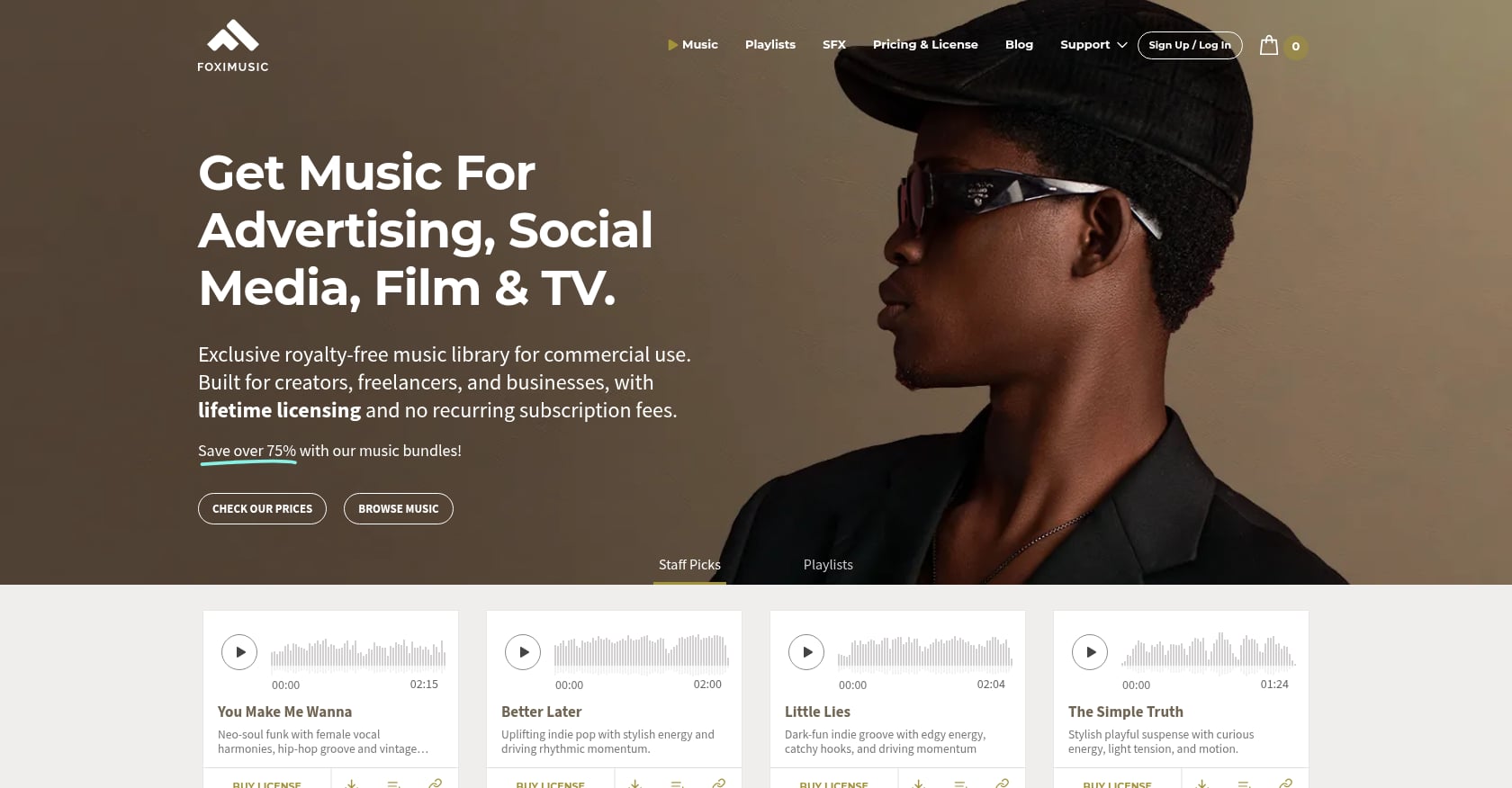
Best for: Paid course creators, freelance instructional designers, and agencies who need lifetime rights and license documentation.
Foximusic is the strongest fit when your eLearning course is commercial, client-facing, or distributed across multiple platforms. Its pay-once lifetime model, Content ID-cleared catalog, and instant license certificates solve the biggest worries course creators have: recurring fees, unclear rights, and platform copyright claims.
Founded in 2017, Foximusic produces and licenses all music in-house, which means no third-party conflicts and no changing terms from outside artists. The company owns 100% of its catalog and grants worldwide, perpetual rights under U.S. law.
Pricing:
Personal: 1 track $12 / 10 tracks $59 ($5.90 each) / 25 tracks $99 ($3.96 each)
Commercial: 1 track $29 / 10 tracks $99 ($9.90 each) / 25 tracks $149 ($5.96 each)
Extended: 1 track $150 / 5 tracks $600 ($120 each) / 10 tracks $1,000 ($100 each)
The Extended tier explicitly covers video courses, tutorials, revenue-generating educational products, apps, games, TV, radio, VOD/streaming, and film/festivals.
Check current pricing and tiers to match your course distribution model.
Key features:
One-time payment, lifetime license with no renewals
Content ID-cleared tracks that minimize YouTube claims
Full, loop, and short edits included per track
WAV files (16-bit, 44.1 kHz) for professional quality
Instant PDF license certificate after purchase, re-downloadable anytime
Tradeoffs:
Smaller catalog than major subscription-based music libraries
No unlimited download subscription option
Extended license costs more per track, though that is expected for course, app, and broadcast coverage
On G2, one small-business reviewer noted they found what they needed and had no major complaints, suggesting only that more results per page would be helpful.
Verdict: If you sell your course, deliver client training, or distribute eLearning content on an LMS, Foximusic’s Extended license is the clearest path to commercial-use coverage with documentation you can hand to clients or keep on file.
Best for: YouTube-only tutorials, free course promos, and teachers publishing non-commercial public lessons.
YouTube Audio Library is a strong free source of background music for eLearning when your content lives on YouTube. It contains royalty-free music and sound effects inside YouTube Studio, filterable by mood, genre, duration, and attribution requirements.
YouTube confirms that Audio Library tracks are copyright-safe for YouTube and can be monetized by YouTube Partner Program creators. New releases are added twice a month.
Pricing: Free. Requires a YouTube account.
Key features:
Free production music and SFX with search by genre, mood, and duration
Attribution filter (some tracks need credit, others do not)
Content ID protection on YouTube
Monetization allowed for Partner Program creators
Tradeoffs:
YouTube explicitly says it cannot provide legal guidance for off-platform uses
Music can sound familiar because thousands of creators pull from the same pool
Not a complete answer for paid courses distributed through Teachable, Kajabi, Thinkific, or a client LMS
Articulate’s Tom Kuhlmann, who has over 20 years in the training industry, calls YouTube Audio Library his go-to for tutorial background music. Practitioners on Reddit also recommend it as a first free option, though discussions show confusion about whether these tracks are safe outside YouTube.
Verdict: Best free source for YouTube-first eLearning. Less ideal as your only music source for paid online courses sold on other platforms.
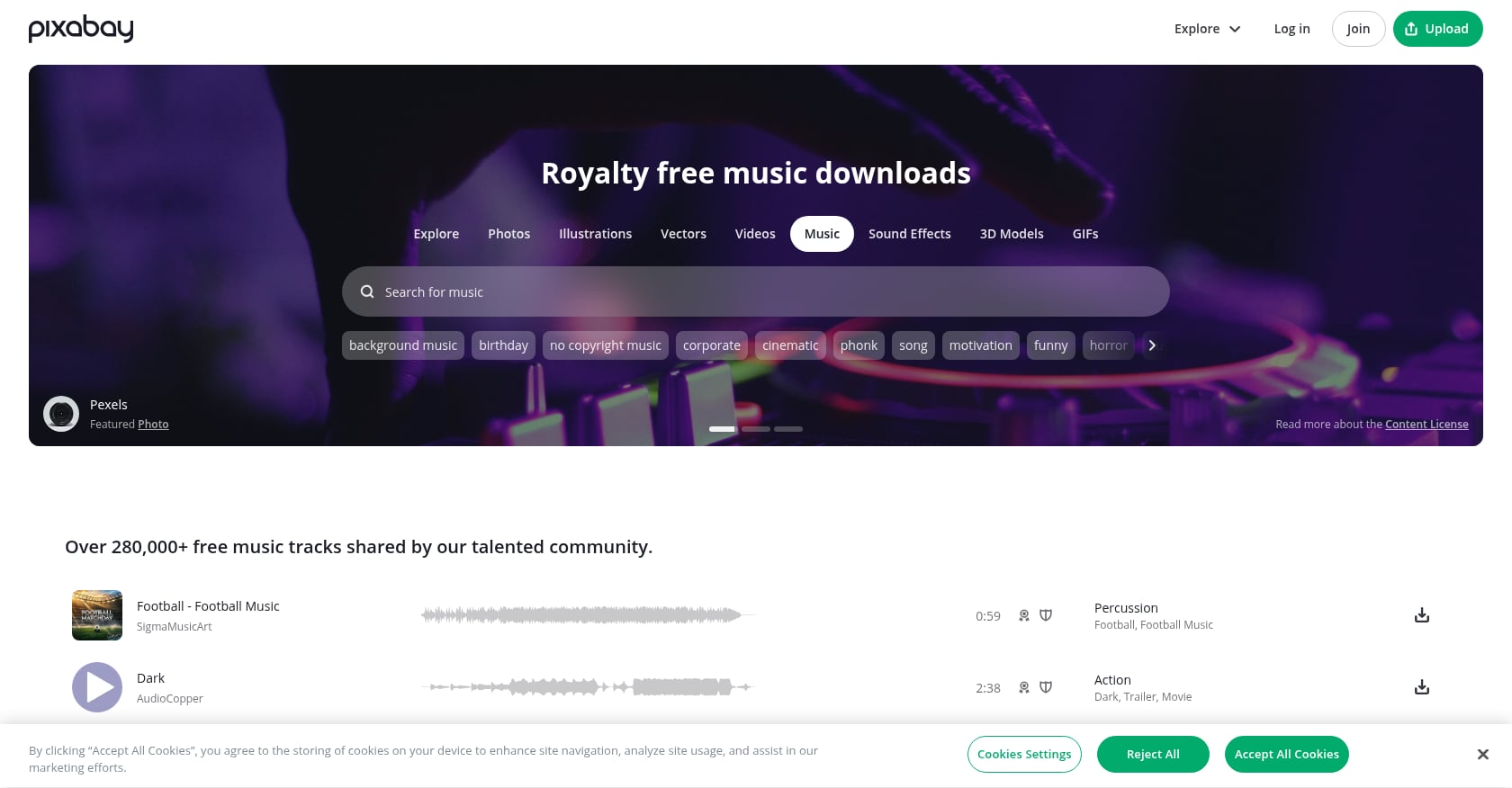
Best for: Zero-budget course videos where you can tolerate some copyright-claim admin work.
Pixabay provides free music that can be used in commercial video projects, including paid training content. No attribution is required. But there is a catch that trips up many course creators.
Pixabay’s own FAQ warns that some contributors or distributors register their tracks with Content ID systems. That means legal use can still trigger automated copyright claims on YouTube and other platforms.
Pricing: Free.
Key features:
Free music licensed for commercial video use
No attribution required
Paid training content specifically mentioned as allowed
Download certificates available for some tracks (look for the shield icon)
Tradeoffs:
Content ID claims happen even when use is fully legal
Claim disputes take time and require documentation
Quality and style vary because music is contributor-uploaded
Popular tracks may be overused across the internet
Practitioners on Reddit report this exact pain. In one r/NewTubers thread, a creator had a valid Pixabay license but still received a Content ID claim after publishing. The workaround was disputing with proof, but the process added days of admin to what should have been a simple upload.
Verdict: Useful for tight budgets. Download the certificate, screenshot the track page, and save the file name before publishing. If you cannot afford claim disputes slowing your launch schedule, a paid source with Content ID-cleared music will save time.
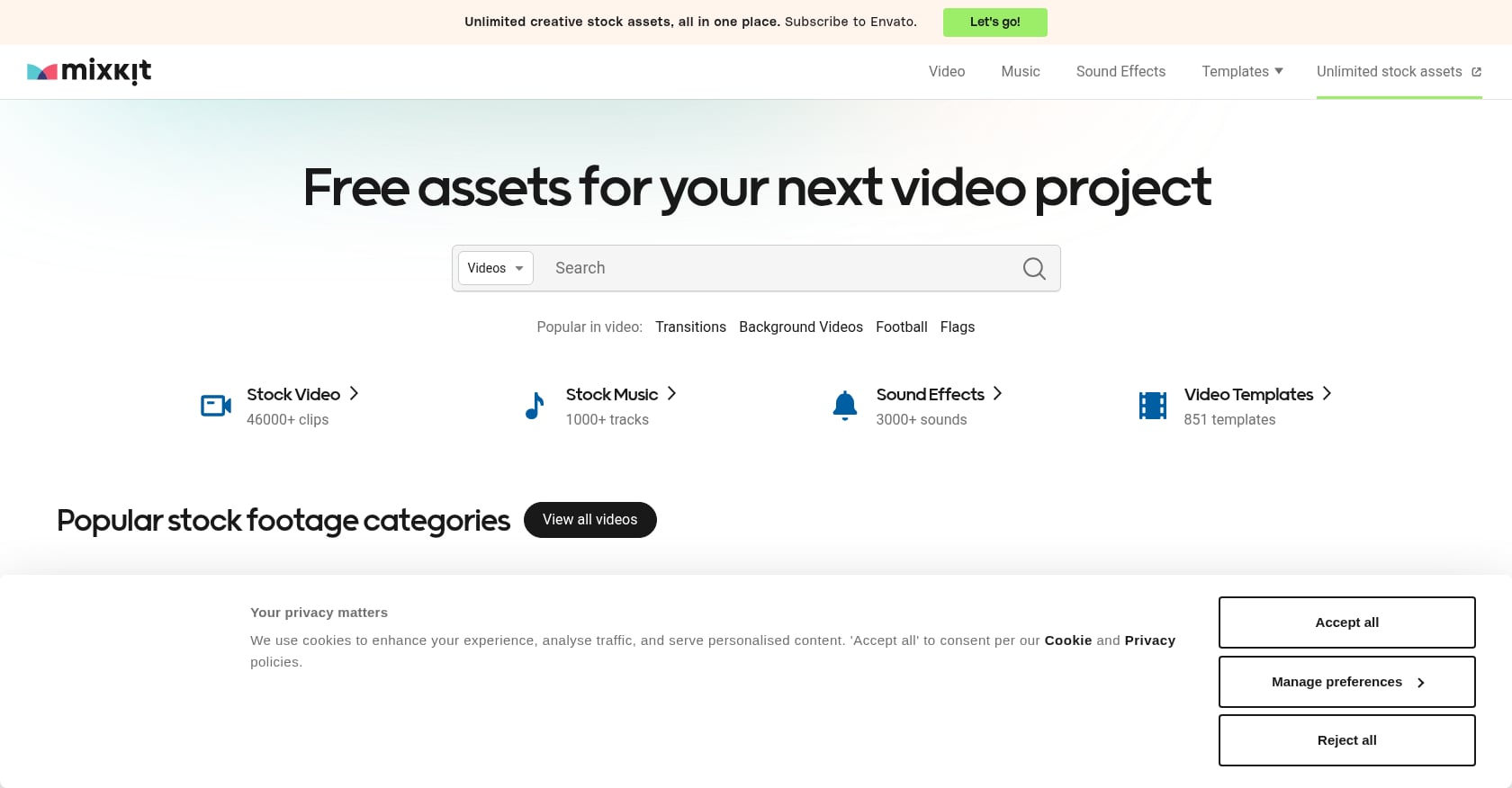
Best for: Quick free downloads for simple eLearning videos and prototypes.
Mixkit offers free stock music, sound effects, and video assets. Articulate recommends it as a no-attribution option with a solid selection for eLearning background music.
Pricing: Free.
Key features:
Free stock music and SFX alongside video templates and footage
No attribution required for most assets
Separate licenses apply depending on asset type
Tradeoffs:
Not eLearning-specific, so curation requires manual filtering
License terms vary by item type, so each download needs checking
No strong client-ready proof workflow compared to paid libraries
Best tracks may be widely used across many creators’ projects
A Reddit user in a Premiere Pro community called Mixkit their go-to for free music and templates, though the context was general video editing rather than course production.
Verdict: Convenient for prototypes and internal training modules. Not the safest choice for paid course businesses that need long-term license documentation.
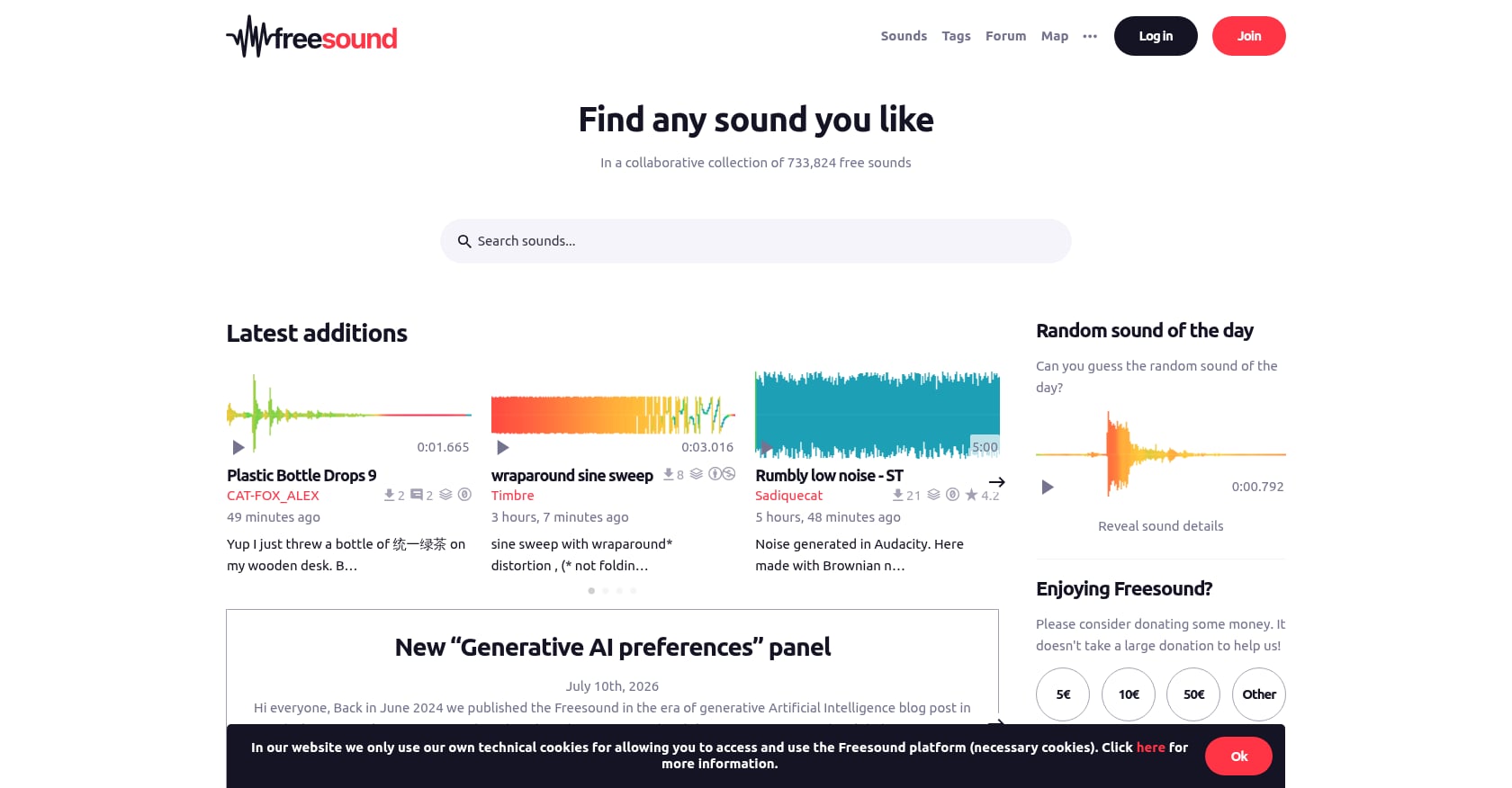
Best for: Sound effects, ambience, and scenario realism in interactive eLearning modules.
Freesound is better for sound effects than for polished background music. Think office ambience, phone rings, footsteps, applause, or keyboard clicks for scenario-based compliance training. Quality varies because content is user-uploaded.
For more curated options, see this guide to free sound effects.
Pricing: Free (account required). License varies by upload.
Key features:
Massive collaborative SFX database under Creative Commons licenses
Strong for branching scenarios, simulations, and serious games
Useful for realistic workplace ambience and microinteractions
Tradeoffs:
Not a music library, so you will rarely find polished course intro tracks here
Each upload carries its own Creative Commons license, and some block commercial use
Recording quality is inconsistent across uploads
Attribution requirements vary track by track
An eLearning practitioner on LinkedIn described ambient sound as a way to make branching scenarios feel more realistic, pointing to Freesound as a starting place for those assets.
Verdict: A specialist tool for sound design, not a general music source. Pair it with a proper eLearning music library for your intros, outros, and transitions.

Best for: Classical music education, humanities courses, and calm public-domain intros.
Musopen is a nonprofit focused on public-domain and royalty-free classical music. It works for music education, piano courses, history content, and calm intros where a classical tone fits the brand.
Pricing: Free downloads available, with some membership options for extended use.
Key features:
Public-domain recordings organized by composer, instrument, period, and form
Free educational resources designed for learning contexts
Recordings downloadable without typical copyright restrictions
Tradeoffs:
Classical only, so not suitable for modern business, tech, wellness, or creator-style branding
The composition may be public domain while a specific recording might not be
Not a full solution for courses needing consistent modern course branding
Verdict: Excellent specialist option for classical education and humanities. Not a replacement for a general royalty free music library for eLearning.
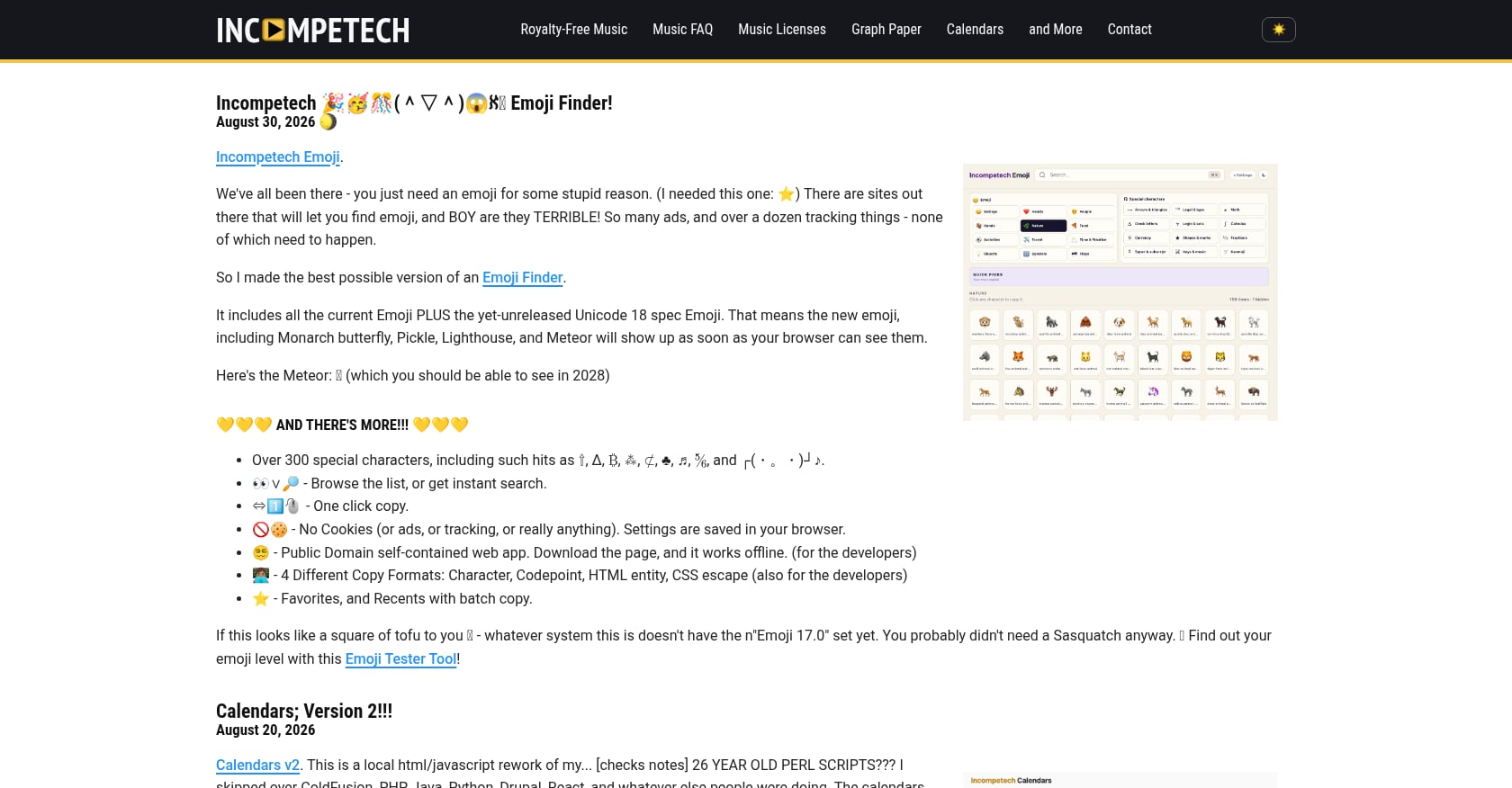
Best for: Teachers, student projects, and free courses where attribution is manageable.
Incompetech (Kevin MacLeod’s library) and Audionautix are single-composer libraries offering free music with attribution. Incompetech is one of the most widely used free music libraries on the internet, which is both its strength and its weakness.
Pricing: Free with attribution. Paid no-attribution licenses available for some tracks.
Key features:
Large catalog searchable by genre, feel, tempo, and duration
Free to use with proper credit
Paid options exist to remove the attribution requirement
Tradeoffs:
Many tracks are instantly recognizable because they appear in thousands of YouTube videos
Single-composer catalogs have a narrower stylistic range
Attribution can look awkward in a paid course or client deliverable
Tracking credits across course pages, YouTube descriptions, and downloadable workbooks takes effort
The eLearning Coach, a well-known instructional design resource, notes that Incompetech is a single-artist catalog and advises using correct attribution or paying for a no-attribution license to simplify documentation.
Verdict: Good for free classroom or student projects. Less ideal for paid courses where you want a distinctive sound and clean licensing.
For a paid online course, you need a license that explicitly covers commercial use, online distribution, and embedding music inside a product you sell. A free download or personal-use license almost never covers this.
The word “royalty-free” describes a payment model, not a copyright status. The U.S. Copyright Office confirms that copyright protection exists automatically when a musical work or sound recording is fixed. “Royalty-free” simply means you do not pay ongoing royalties per play or use under the license terms. The music is still copyrighted.
For a deeper look, see is royalty-free music copyrighted.
A paid course is a commercial product. It can have multiple distribution points: your own LMS, a marketplace like Udemy, a membership platform like Kajabi or Teachable, YouTube previews, sales page videos, social ads, and downloadable lesson files. Each of these touchpoints is a use that your music license needs to cover.
This is where license tiers matter:
Personal/Basic: Covers non-commercial or personal social media use. Not enough for a paid course.
Commercial/Standard: Covers monetized content, client work, and digital platforms. Fits many public YouTube lessons and marketing videos.
Extended: Covers video courses, apps, games, broadcast, VOD, and revenue-generating educational products. This is what most paid course creators need.
Foximusic’s Extended license explicitly covers video courses, tutorials, and revenue-generating educational products under a one-time lifetime payment. For creators selling on platforms like Skillshare, Udemy, Kajabi, or Teachable, this is the tier to evaluate.
Yes, but only if the license allows your exact use. Free music for eLearning can save money for classroom presentations, prototypes, and low-budget public lessons. It becomes risky when the course generates revenue or belongs to a client.
A simple safety framework:
Green (lower risk): A paid commercial or extended license that explicitly covers online courses, LMS, client work, and paid distribution.
Yellow (moderate risk): Free Creative Commons or stock music where commercial rights, attribution rules, and Content ID behavior vary by track. Requires research per download.
Red (high risk): Personal streaming music, random “copyright-free” YouTube uploads, unclear downloads, or tracks with no license record.
Creative Commons has six main license types. CC BY allows commercial reuse with credit. CC BY-NC does not allow commercial use. CC BY-NC-ND blocks both commercial use and adaptations. If your course is paid, you need CC BY at minimum, and you still need to track attribution across every platform where the course appears.
If you are not ready to buy music yet, Foximusic offers a free intro/outro pack (12 short tracks with attribution) so you can test royalty free music for eLearning before committing.
Use music when it supports mood, pacing, or transitions. Skip it when it competes with narration, reading, or assessment. This is not just a stylistic preference. It is an instructional design decision.
Richard Mayer’s coherence principle, summarized in UC San Diego’s guidance, calls for removing distracting sounds and unnecessary background music from learning materials. A 2023 meta-analysis published in Psychology of Music found a small positive average effect for background music in learning contexts, but the benefits varied heavily by timing, genre, knowledge type, and learner age.
The bottom line: music is not universally helpful or harmful. It depends on where and how you use it.
Use music for:
Course intros and outros
Section transitions
Scenario setup scenes
Course trailers and promotional clips
Recap screens and motivational openers
Avoid or reduce music during:
Dense narration or step-by-step explanations
Software walkthroughs and screen recordings
Assessments and quizzes
Accessibility-critical modules
Content for non-native speakers
Practitioners on Reddit back this up. In a 2024 r/instructionaldesign discussion, the most upvoted comments favored background music for eLearning only during intros, outros, and transitions. One commenter put it plainly: if music is not tied to the instructional goal, it should not be included. Another raised accessibility concerns, noting that background music can make auditory discrimination harder for some learners.
For more selection advice, this background music for videos guide covers volume, genre, and editing techniques.
Practical tip: For a 12-module course, do not license 12 random songs. Pick one intro/outro theme, one transition loop, and one soft background bed for recap or montage sections. That keeps the course consistent and makes your license folder easier to manage.
You cannot control every automated claim system, but you can reduce risk by choosing clear licenses, keeping proof, and testing before launch.
A license gives you rights. It does not guarantee that an automated platform will recognize those rights instantly. Pixabay’s FAQ confirms this: legal use under the Pixabay license can still trigger Content ID claims if a contributor registered the track. YouTube warns that writing credit in a video description does not automatically make music safe.
Reddit creator threads show the same pattern repeatedly. Creators use free or paid “royalty-free” music for training videos, then receive Content ID claims and need documentation to dispute them. The gap is not legality. The gap is proof.
For a full explanation of how these systems work, see Content ID and AdRev explained.
For every track you use in a final course, save:
Track title, composer/artist, and source library
License tier and certificate (PDF)
Invoice or payment receipt
Date downloaded and licensed
Copy or screenshot of terms at the time of download
Project or course name (and client name if applicable)
Platforms where the course will appear
Any required attribution text and claim-dispute instructions
Before publishing a course promo or public lesson on YouTube, upload an unlisted test version first. Resolve any claims before your actual launch. This takes five minutes per track and can save hours of dispute admin later.
The right source depends on where your course lives and whether it generates revenue. Here is a quick decision table.
Course Situation | Recommended Path |
|---|---|
Free YouTube tutorial | YouTube Audio Library or Foximusic Personal |
Free lead-magnet course | Foximusic Commercial or documented free source |
Paid Udemy/Teachable/Kajabi course | Foximusic Extended |
Corporate LMS or client training | Foximusic Commercial or Extended |
Course inside an app or game | Foximusic Extended |
Scenario module needing ambience | Foximusic music + Freesound SFX with license checks |
Classical/music education | Musopen with recording-rights verification |
The difference between lifetime and subscription licensing matters here. Subscription libraries work for teams publishing frequent video content. But for course creators who need a handful of durable tracks across many modules, paying once and keeping the rights forever makes more financial and legal sense. No cancellation confusion, no wondering whether your license survives after the plan ends.
If you are creating a paid course, client training, or a lesson series you plan to reuse, do not pick music track by track and hope the license works out later.
Browse Foximusic playlists for subtle intro, transition, and background options sorted by mood and energy level. Then choose the license tier that matches where your course will live.
If you are still testing your course concept, explore the royalty-free music catalog and download watermarked previews to try in your editor before buying.
Not necessarily. “Royalty-free” means the license does not require ongoing royalties per play or use. It does not mean the music is free to download or that it has no copyright. Most royalty-free music still requires a one-time license fee, and the underlying work remains copyrighted.
Yes, if your license explicitly allows commercial use and educational product distribution. Personal or free licenses often do not cover paid courses. Look for a commercial or extended tier that mentions video courses, LMS distribution, or revenue-generating products.
On YouTube, yes. YouTube says Audio Library tracks are copyright-safe for YouTube and can be monetized in the Partner Program. Off YouTube, the situation is less clear. YouTube states it cannot provide legal guidance for off-platform uses, so relying on Audio Library as your sole source for a paid course on Teachable or Kajabi carries some uncertainty.
It depends on the specific CC license. CC BY allows commercial reuse with credit. CC BY-NC and CC BY-NC-ND do not allow commercial use. Always check the exact license type before using any CC track in a course you sell.
A Content ID claim happens when an automated system matches your audio to a registered track. This can occur even when your use is legal. Some contributors or distributors register tracks with Content ID regardless of how those tracks are licensed elsewhere. Keep your license certificate and use it to dispute the claim.
It depends on the content. Music works well for intros, outros, transitions, and promotional trailers. During dense narration, software demos, assessments, or accessibility-critical content, music can distract learners and increase cognitive load. Use it intentionally, not by default.
Choose a license that explicitly covers paid digital products and educational distribution. Foximusic’s Extended tier covers video courses, tutorials, and revenue-generating educational products under a one-time lifetime license. Free or personal licenses typically do not cover marketplace or membership-platform distribution.
Save the license certificate (PDF), invoice, track title, composer name, source, license tier, download date, and the course where the track will be used. If the license requires attribution, record the exact credit text. For client work, include a proof-of-license document with your final deliverables.
Generate production-ready text-to-video prompts instantly and get pro-level results with our free video prompt generator tool.








 English English
  Spanish
 French
 Italian
 German
 Portuguese
 Chinese
 Japanese
 Hebrew