✨ Summarize article with AI


TL;DR: The best music licensing companies for YouTube are not just big catalogs. They are claim-prevention systems with clear proof of license, monetization rights, and transparent post-cancellation terms. For creators who want a simple pay-once model, Foximusic offers lifetime, Content ID-cleared licenses starting at $12 per track. Subscription platforms can lower per-video costs for high-volume uploaders, but check what happens when you stop paying.
Finding music for YouTube is easy. Finding music you can still monetize, defend against a Content ID claim, hand to a client, or reuse two years from now is a different problem. This guide compares music licensing companies for YouTube by the things that actually protect creators: price, Content ID handling, license scope, proof of rights, and what happens after cancellation.
Who this is for: Monetized or soon-to-be-monetized YouTubers, faceless-channel operators, freelance video editors, and small businesses publishing videos on YouTube.
How we compared: We checked public pricing pages, YouTube Help documentation, review platforms (G2, Trustpilot), and practitioner discussions on Reddit and LinkedIn. Every platform was evaluated against seven criteria: monetization rights, Content ID workflow, license holder clarity, use-case coverage, post-cancellation rights, proof of license, and cost per published video.
Why this exists: To help creators choose music that does not create claim, monetization, or client-delivery problems after the video goes live.
Ready to compare license tiers now? See Foximusic pricing for Personal, Commercial, and Extended options.
If you are… | Best path | Why |
|---|---|---|
A creator who hates subscriptions | Foximusic | Pay once, lifetime license, Content ID-cleared, PDF certificate |
A beginner with no budget | YouTube Audio Library | Free, copyright-safe inside YouTube Studio |
A high-volume weekly uploader | Subscription platform | Lower cost per upload if the license matches your use case |
A filmmaker chasing cinematic sound | Musicbed | Curated artist catalog, though rights-managed claim workflow is more complex |
A creator wanting mainstream songs | Lickd or Creator Music | More expensive and limited, often YouTube-specific |
A freelance editor delivering client work | Foximusic or a business/pro-tier plan | The license must cover the client’s use, not just your account |
Platform | Starting Price | Pricing Model | Content ID Approach | Best For |
|---|---|---|---|---|
Foximusic | $12/track | Pay once, lifetime | Content ID-cleared, in-house catalog | Pay-once creators, freelancers, faceless channels |
YouTube Native Tools | Free | Free / gratis | Audio Library downloads not claimed; Creator Music built into Studio | Beginners, zero-budget, YouTube-only |
Soundstripe | $9.99/mo or $49 one-time | Subscription + one-time | Allowlisted channels; codes at upload | Freelancers needing clearance-code workflows |
Epidemic Sound | $9.99/mo (annual) | Subscription | Safelisted/connected channels | High-volume creators, large music + SFX library |
Artlist | $9.99/mo (Social) | Subscription | Clearlist channels/projects | Creators wanting music + creative asset bundles |
Musicbed | $29/mo (Individual) | Subscription | Rights-managed; SyncID for subscribers | Cinematic filmmakers, wedding, documentary |
Lickd | From $8/track | Per-track (scales with views) | Claims-managed mainstream music | Recognizable mainstream songs on YouTube |
Uppbeat | Free plan; paid from $5.59/mo | Freemium + subscription | YouTube safelisting (1-10 channels by tier) | Budget creators and small teams |
Envato Elements | $16.50/mo (annual) | Subscription | License docs; may require dispute | Editors needing music + footage + templates + fonts |
PremiumBeat | $39/track | Pay per track | Per-track license proof | One-off polished hero tracks |
Most comparison lists rank platforms by catalog size or monthly price. Neither tells you whether your video will stay monetized six months from now. Before comparing specific companies, run every option through this checklist.
Monetization: Does the license explicitly allow monetized YouTube videos?
Content ID handling: Is the music Content ID-cleared, channel-safelisted, code-cleared, or manually disputed after upload?
License holder: Is the license issued to you, your business, your client, or only a personal channel?
Use-case coverage: Does it cover personal videos, sponsored videos, digital ads, client work, Shorts, livestreams, or podcast versions?
Post-cancellation rights: Can already-published videos stay up and monetized after cancellation? Can you use downloaded tracks in new projects?
Proof of license: Do you get a downloadable PDF, license ID, receipt, or claim-clearance code?
Cost per published video: Divide annual cost by actual videos published. A $200/year subscription used for 8 videos costs $25 per video. That changes the math.
Here is the practical rule underneath all seven points: if your YouTube video will also become a sponsor deliverable, paid ad, Instagram Reel, podcast clip, or client asset, choose based on the broadest final use, not just “YouTube monetization.” For a deeper dive into licensing types and terms, start there before comparing platforms.
A Content ID claim and a copyright strike are not the same thing, and confusing them leads to bad decisions.
YouTube says copyright claims can be automatically generated when an upload matches content in the Content ID system. A claim can block a video, monetize it for the rightsholder, or simply track viewership. Music claims commonly monetize videos longer than three minutes, meaning ad revenue shifts to the music owner rather than the creator. YouTube’s copyright page explains that claims usually affect individual videos, not the channel or account.
Copyright strikes are more serious. A strike means content was removed because of a legal copyright removal request. Three strikes within 90 days can lead to account termination. Disputing a claim without a valid reason can escalate into a strike.
The scale of Content ID is enormous. Google’s copyright transparency report says Content ID partner claims represented over 99% of all copyright actions on YouTube and totaled more than 2 billion claims in 2025.
For a more detailed look at how AdRev and Content ID interact, that guide covers the system behind the claims.
The phrase “royalty-free” confuses many creators into thinking a track will never trigger a copyright issue. It won’t. Royalty-free means you pay once (or subscribe) under set license terms rather than paying ongoing royalties per use. The copyright still exists. The owner can still register the track in Content ID.
A practical example from Soundscape’s Content ID guide illustrates the gap: two composers use the same commercial drum loop in different tracks. One track gets registered in Content ID. Another legitimately licensed track using that same loop triggers a false match. The creator did everything right, bought a license, used a legitimate track, and still got claimed.
A LinkedIn practitioner post also notes that claims can appear weeks or months after upload, when music gets registered after the fact or when videos are reused across platforms. The assumption that “if it was fine at upload, it’s fine forever” is wrong. A good YouTube music licensing company handles both sides: it provides cleared music and gives you proof to resolve problems when they appear.
Practitioners on Reddit report that the most common licensing trap is not price or catalog quality. It is who the license actually covers.
One editor in an r/editors thread warns that many stock music sites have attractive prices but do not include film, broadcast, or client-channel rights. Another says creators have been “burned” by usage limits and pushed into expensive enterprise licenses after discovering their plan did not cover the final use.
Before picking a platform, answer these questions:
Is the license in your name, your business name, or your client’s name?
If a client uploads the video to their own channel, are they covered?
If a sponsor wants to run your video as a paid YouTube ad, does your license include that?
If you are a freelancer, does the client inherit any rights after delivery?
YouTube Shorts add a specific risk that many creators overlook.
YouTube says that Shorts between 1 and 3 minutes long with an active Content ID claim are blocked, regardless of the claimant’s chosen policy. The creator does not receive a copyright strike for those active claims, but the Short itself gets blocked from viewers.
This matters for any creator who repurposes longer videos into vertical Shorts. A track that works fine in a 10-minute video can get the Short version blocked if the music triggers an active claim. For Shorts-heavy channels, Content ID-cleared music is not optional.
Here is the full breakdown. Each entry follows the same structure: who it is best for, pricing, key features, tradeoffs, and a real user perspective where available.
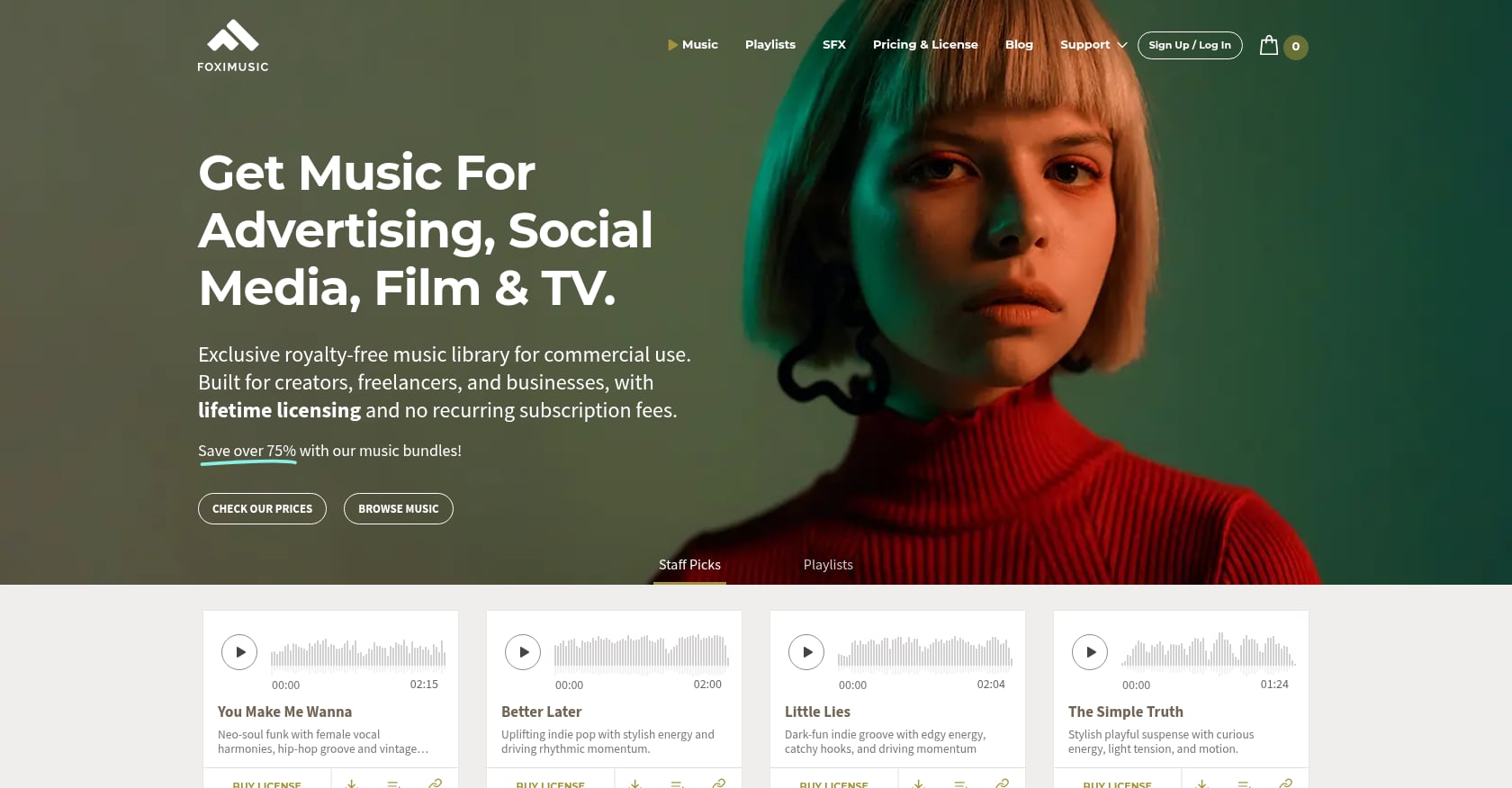
Best for: YouTubers, faceless channels, and freelance editors who want pay-once, lifetime music licenses without subscription management.
Pricing:
Personal bundles: 1 track $12, 3 tracks $24, 10 tracks $59, 25 tracks $99
Commercial bundles: 1 track $29, 3 tracks $59, 10 tracks $99, 25 tracks $149
Extended bundles: 1 track $150, 3 tracks $399, 5 tracks $600, 10 tracks $1,000
Key features:
One-time payment, lifetime license with worldwide, perpetual rights
Content ID-cleared, in-house catalog (Foximusic owns 100% of the music)
Commercial license covers monetized content, client work, and digital ads across unlimited online platforms
Extended license covers TV/radio, VOD/streaming, apps/games, courses, film/festivals, and live audiences up to 20,000
Instant PDF license certificates after purchase, re-downloadable from the account dashboard
Multiple versions per track: full, loop, and short edits included
Uncompressed WAV files (16-bit, 44.1 kHz)
Low-resolution watermarked previews for mockups before purchasing
14-day refund window if no downloads occurred
Free intro/outro pack with 12 short tracks (attribution required)
Tradeoffs:
Smaller catalog than subscription giants
No unlimited-download subscription for music
Buyers must choose the right license tier, especially for broadcast, app, or VOD use
Real user perspective: On Reddit’s r/VideoEditing, a creator specifically looking for lifetime, pay-per-track alternatives cited Foximusic as an example of that model. This mirrors the exact pain: creators want something other than another recurring subscription. G2 reviews (4.2/5) mention YouTube-safe monetization, PDF license certificates, and included loop versions.
Choose Foximusic if you want to buy a track once, keep the license permanently, and avoid the admin of remembering which subscription covered which upload. For faceless channels reusing background music across hundreds of videos, the lifetime license model eliminates ongoing costs completely.
Best for: New creators with no budget (Audio Library) and eligible U.S. YPP creators looking for track-specific gratis licenses (Creator Music).
YouTube Audio Library:
Free, available inside YouTube Studio
Includes royalty-free production music and sound effects
YouTube says Audio Library downloads will not be claimed through Content ID
YPP creators can monetize videos using Audio Library tracks
Some Creative Commons tracks require attribution
Creator Music (as of August 2026):
Paid Creator Music licenses were deprecated on August 10, 2026
YouTube is transitioning toward gratis licenses only
Currently available only to U.S. YouTube Partner Program creators
Existing licenses remain in effect until their term ends, with no renewal under previous terms
Tradeoffs:
Audio Library selection can feel generic and overused
YouTube explicitly says it is not responsible for problems arising from “royalty-free” music obtained from external sources
Creator Music is not a stable general-purpose licensing solution; the model changed materially in August 2026
Neither replaces a multi-platform commercial license for ads, Reels, podcasts, courses, or client work
Real user perspective: In a 2026 discussion on r/PartneredYoutube, a creator considering paid music said they wanted protection if a fraudulent third-party claimant appeared. The community response emphasized that paid providers give named licenses, channel whitelisting, and claim support that YouTube’s free library cannot.
Use YouTube Audio Library when the video lives only on YouTube and the budget is zero. Upgrade to a paid music licensing company for YouTube when you need stronger proof, client delivery, ad coverage, or multi-platform reuse.
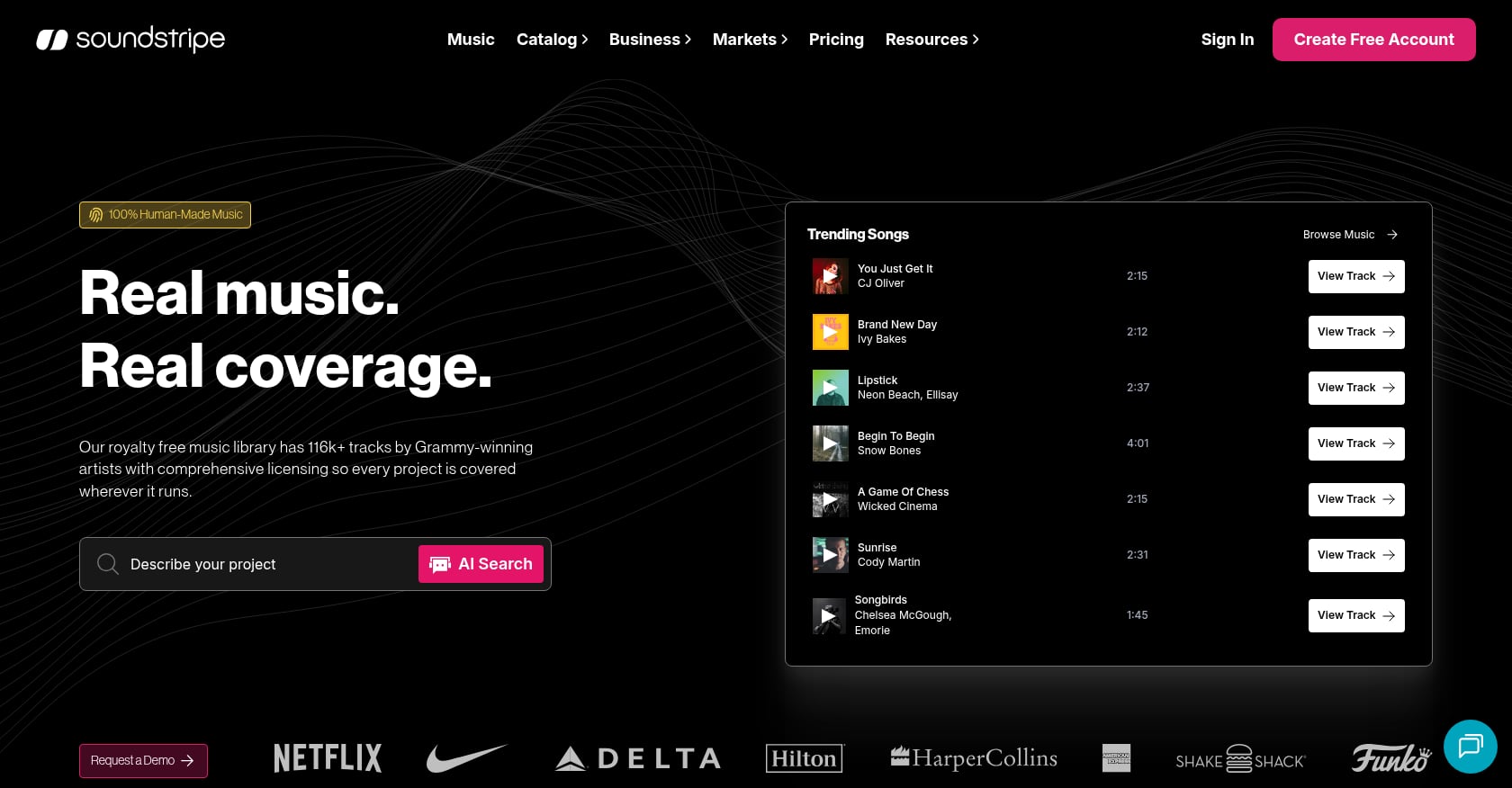
Best for: Freelancers who need structured YouTube clearance workflows and client-code handling.
Pricing:
Subscriptions from $9.99/month
Single-use licenses: Personal $49, Digital $199, Expanded from $399, All Media from $1,249
Key features:
58,000+ original tracks and nearly 100,000 sound effects
YouTube clearance via allowlisted channels
Personal plan covers 1 YouTube channel; Pro covers 5 channels plus unlimited codes
Pro includes stems, Premiere Pro extension, and commercial use (digital ads and campaigns)
Enterprise adds custom terms and up to $1 million indemnity
Tradeoffs:
Clearance codes must be added to the YouTube description at upload; claims may not be removed if the code was missing
Subscription downloads cannot be used in new projects after cancellation
“Lifetime Licenses” are no longer available; single-use licenses are per project
Real user perspective: G2 reviews (4.7/5 from 28 reviews) praise the library, search, and support. Some Reddit users report the catalog can feel stale, though opinions vary.
Soundstripe is strongest when your YouTube workflow needs clearance tools, not just downloads. The catch is that you must follow the claim-code process carefully.
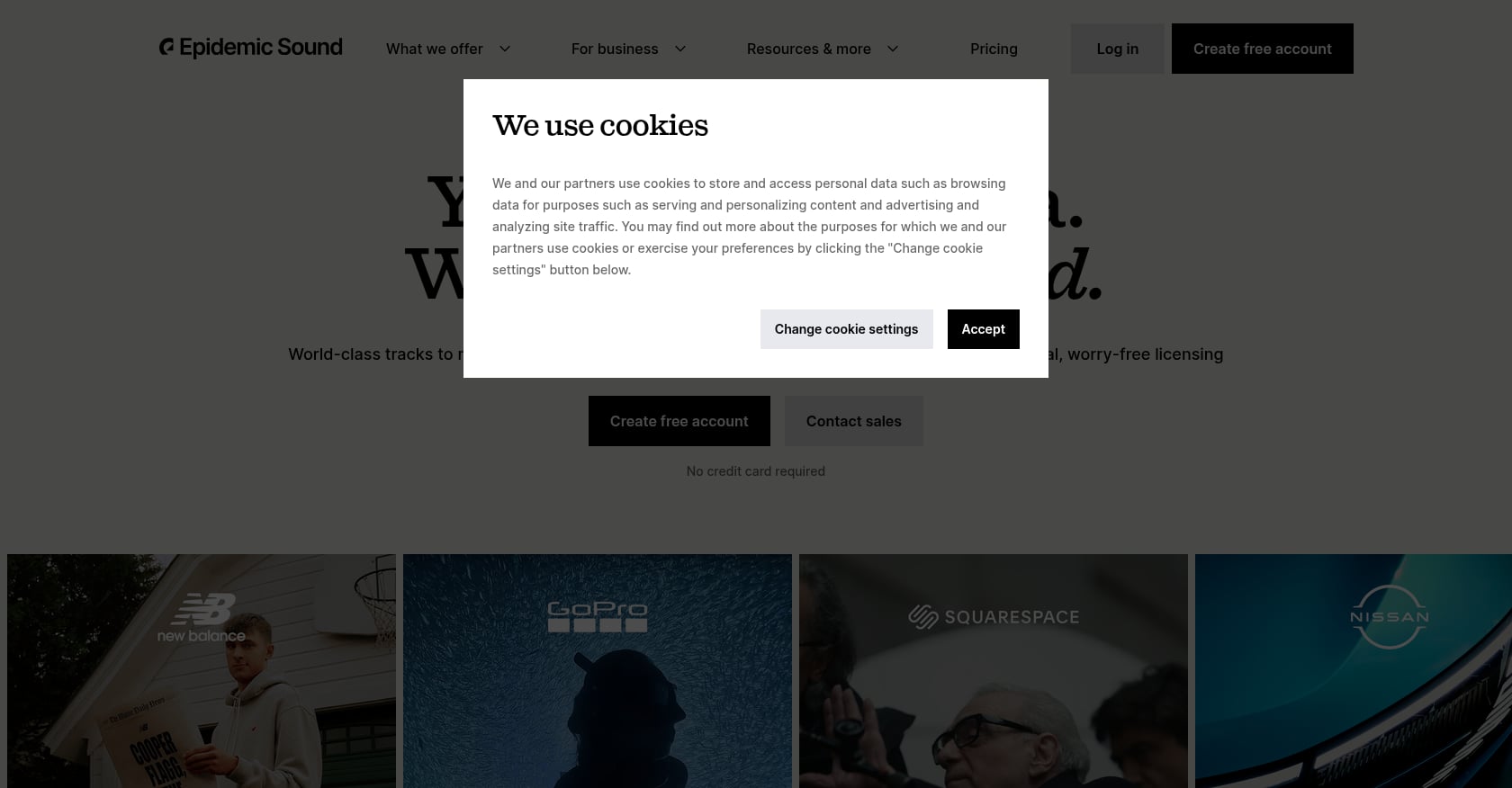
Best for: High-volume creators who need a large music and SFX library and publish multiple times per week.
Pricing:
Creator: $9.99/month (billed yearly at $119.88)
Pro: $16.99/month (billed yearly at $203.88)
Business: $30/month (billed yearly at $360)
No free plan; free trial available
Key features:
Unlimited downloads and usage during active subscription
Music and sound effects
Creator plan covers one channel per platform; Pro covers three
Pro covers freelancer client work and digital ads
Safelisted/connected channels for YouTube clearance
Tradeoffs:
No free plan, only a trial
Ads and client work require Pro or Enterprise tiers
Channel limits apply
No prorated refunds per public FAQ
Real user perspective: G2 reviews (4.3/5, 31 reviews) praise the library and interface. Reddit sentiment is mixed: creators like the catalog but raise recurring concerns about cost, changing prices, and unclear post-cancellation rules.
Epidemic Sound makes sense when you publish often enough that a subscription lowers your cost per video. If you only need a few tracks a year, calculate the real annual cost before subscribing.

Best for: Creators who want music, SFX, and broader creative assets in a single subscription.
Pricing:
Social Creator: $9.99/month
Pro plans: annual billing only
Key features:
Music and SFX with stems
Social license covers one channel per platform (YouTube, TikTok, Facebook, Instagram, Twitch) plus one podcast
Premiere Pro extension
Upgrade paths to Pro, Teams, Max, and AI credits
Tradeoffs:
Social license does not cover commercial or client work
Pro plans are annual only
Mixed Reddit sentiment around support, AI subscription changes, and cancellation friction
Artlist can be good value if you need more than music, but do not buy the Social plan for client work. The low price is attractive only if the license matches the video’s real use.
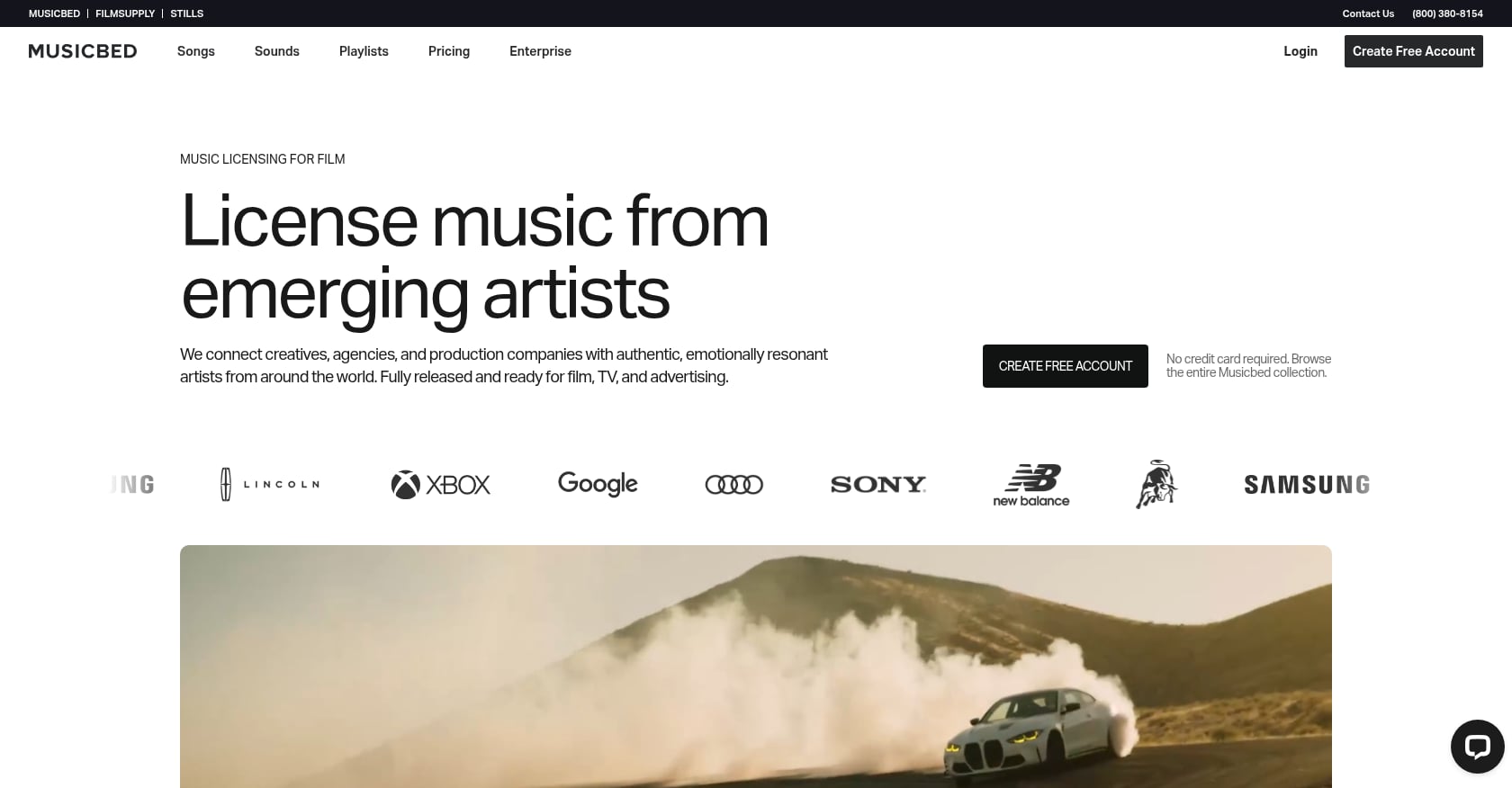
Best for: Cinematic filmmakers, wedding videographers, and documentary creators who prioritize music quality over simplicity.
Pricing:
Individual: from $29/month
Business: from $99/month
14-day free trial
Key features:
Curated, rights-managed (not royalty-free) music catalog
SyncID claim-clearing system for subscribers
Individual plan covers web, podcast, social (up to 1M followers), and monetization
Business covers client and brand work (clients up to 250 employees)
Tradeoffs:
Rights-managed music can be flagged by Content ID; SyncID clears claims only for active subscribers
Single-song licenses do not include monetization or claim clearance
More complex workflow than royalty-free licensing
Real user perspective: Trustpilot shows strong praise for music quality but complaints about fine print, annual commitment, and claim-release friction. Reddit creators echo similar tensions: the music is great, but the admin overhead is higher.
Musicbed is for creators who want a filmmaker-grade sound and will manage a rights-managed workflow. It is not the simplest option if the goal is zero-admin YouTube background music.
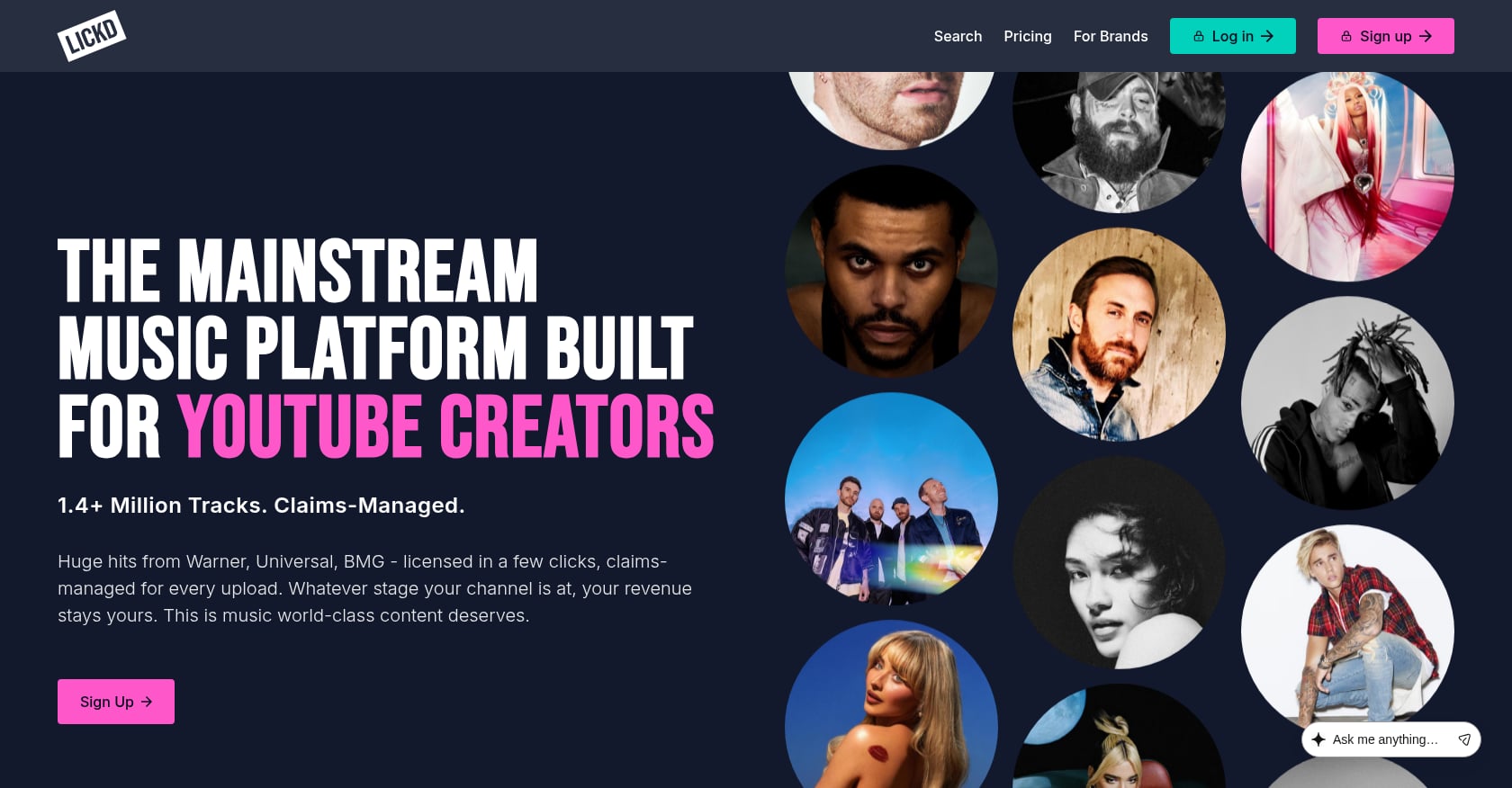
Best for: YouTubers who need recognizable mainstream songs and are willing to pay per track based on channel size.
Pricing:
Mainstream track licenses from $8 per track
Price depends on channel’s average video views
Subscriptions include credits; one credit equals one premium track
Key features:
Claims-managed mainstream music from recognized artists
YouTube channel connection to confirm pricing
Licenses must be used within six months; once used, the video is permanently protected
Tradeoffs:
Premium mainstream tracks are not unlimited
Price scales with audience size
Usually not the answer for multi-platform ads or broad commercial reuse
Lickd solves a different problem from royalty-free libraries: it helps YouTubers use mainstream songs legally. Use it when the recognizable song is the hook and the extra cost is worth it.

Best for: Budget creators and small teams who want a free starting point with a clear upgrade path.
Pricing:
Free: $0/month, 3 downloads renewed monthly, 30% catalog
Essentials: $5.59/month (yearly); 1 YouTube channel safelisted
Creator: $7.99/month (yearly); 3 YouTube channels
Pro: $13.99/month (yearly); 10 YouTube channels, extended license for organizations, ads, client content
Key features:
Music, sound effects, motion graphics, and LUTs on higher plans
YouTube safelisting included on paid plans
Free tier for testing before committing
Tradeoffs:
Free tier has download and catalog limits
Business, client, and ad use requires Pro
Some Reddit users report confusion around credits, attribution, and claim handling
Uppbeat is a practical budget pick when you want more structure than free music but do not need a full production-library subscription.
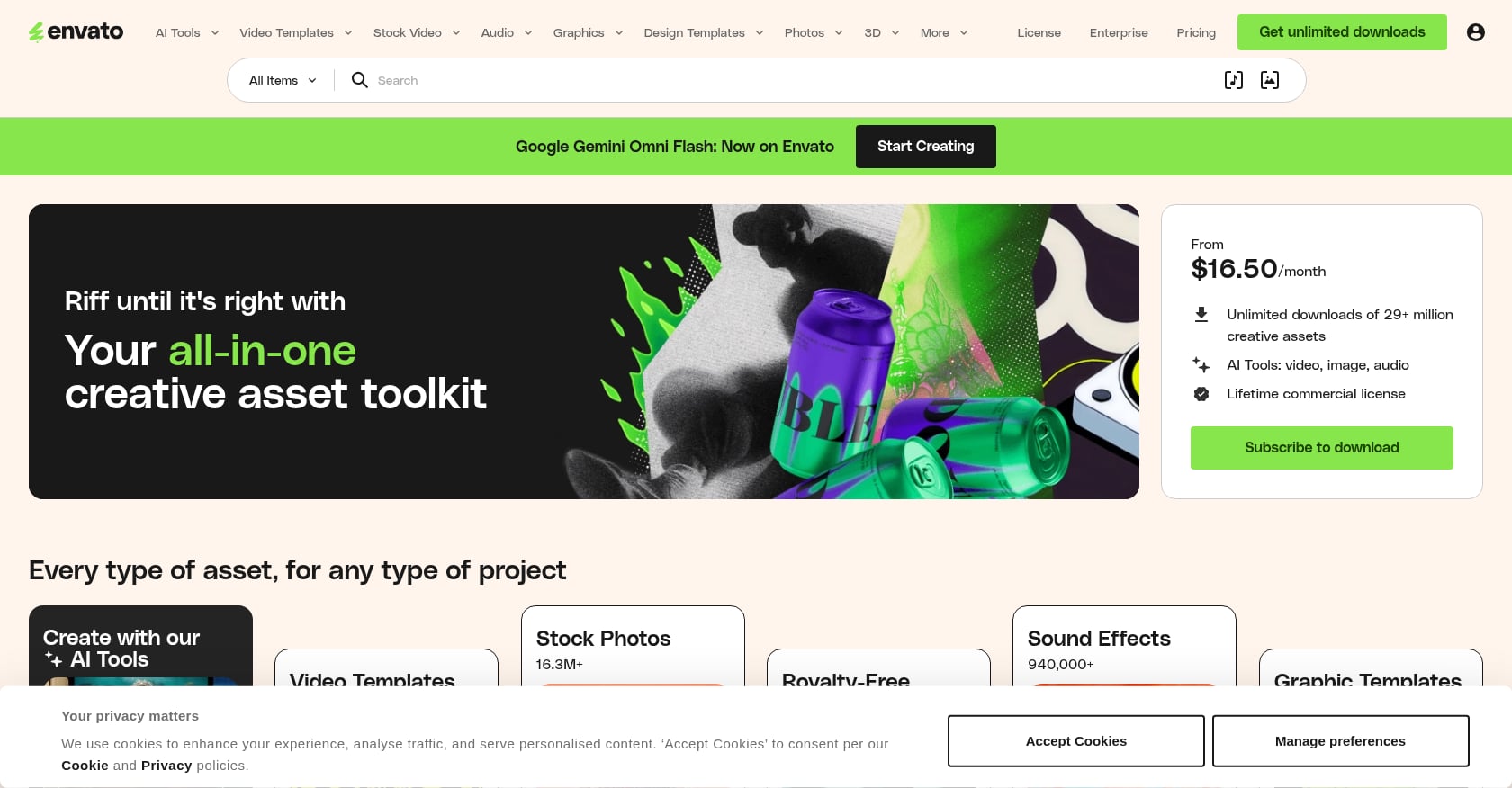
Best for: Editors who already need stock footage, templates, graphics, and fonts alongside music.
Pricing:
Core: $16.50/month (annual) or $39/month (monthly)
Plus: $39/month (annual) or $59/month (monthly)
Ultimate: $109/month (annual) or $169/month (monthly)
Key features:
Unlimited downloads of 28+ million creative assets
Music, sound effects, stock video/photos, video templates, graphics, fonts, add-ons
AI tools on higher plans
Tradeoffs:
Music cannot be the primary value of the video (a video that is basically a static image plus relaxing music may breach the license)
Music is not eligible for YouTube Live, Twitch, Facebook Live, or VOD/streaming under the Elements subscription
Content ID clearance may require dispute or license-text workflows
Real user perspective: Reddit users report Content ID claims with Envato music that required manual resolution. Capterra reviews praise the broader asset library but treat music as a secondary strength.
Envato is a strong asset subscription, not the cleanest music-only answer. Use it when music is one small part of a larger video production workflow.
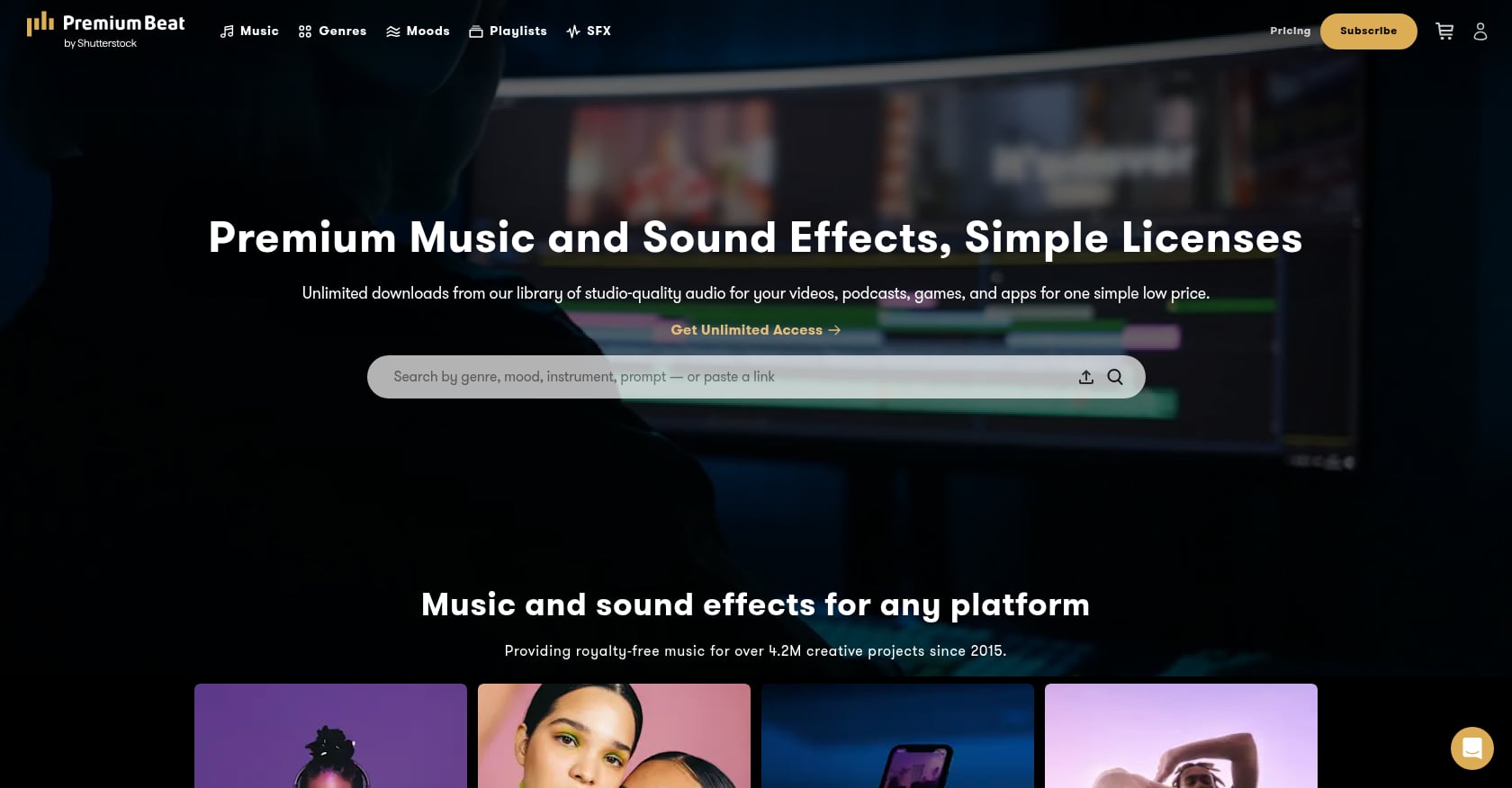
Best for: One-off polished hero tracks when a single high-quality song matters more than volume.
Pricing:
Creator: $39/track
Standard: $59/track
Premium: $199/track
Business: $999/track
Key features:
Pay once, use forever within the licensed project
Creator license covers personal use, web/social/podcast, monetization on 1 social channel
Standard covers client work and 5 social channels
Premium covers TV, radio, film, apps, games, unlimited social channels
Includes full song, loops, short clips, stems, and instrumental versions
Tradeoffs:
Per-track pricing climbs quickly for frequent uploads
One-project license structure may not fit channels that reuse tracks
G2 reviews (4.3/5) praise quality but mention pricing and license-clarity concerns
PremiumBeat is useful when you need one polished track and do not want a subscription. For frequent YouTube publishing, compare the per-track cost against bundles like Foximusic’s Commercial 25-track option at $5.96 per track.
Neither model is always better. The right answer depends on how many videos you publish and what you do with them.
Subscriptions work when:
You publish weekly or more
You need lots of tracks and sound effects
You stay inside the covered channels
The plan covers your commercial, client, and sponsor use
Pay-once licensing works when:
You publish less frequently
You need permanent, transferable project proof
You create evergreen videos that stay up for years
You deliver client projects and want clean documentation
You want to avoid losing rights after cancellation
The post-cancellation question is the one most creators skip. Some subscription services explicitly state that canceled subscribers cannot use downloaded content in new projects. A detailed one-time vs. subscription comparison breaks down the full math.
Here is a quick cost-per-video calculation:
A $203.88/year subscription used in 100 videos = about $2.04 per video
The same subscription used in 8 videos = about $25.49 per video
A $29 Foximusic Commercial track used in one monetized client video = $29 for that project, no renewal needed
A 25-track Foximusic Commercial bundle at $149 = $5.96 per track, which changes the economics for editors planning many projects
Subscriptions win on volume. Pay-once wins on simplicity, long-term proof, and freedom from renewal admin.
Want to test how the numbers work for your channel? Browse Foximusic’s catalog and preview tracks before committing to anything.
Watch for these problems before you hit publish:
The plan says “personal” but your video is for a client. Personal licenses rarely cover client delivery or commercial endorsement.
The music is free but requires attribution, and you forgot the credit. Some Audio Library tracks and free-tier platforms require visible attribution in the video description.
Your subscription covers your channel but not your sponsor’s ad use. Sponsored content and paid advertising often require a higher license tier.
The track works on YouTube but not on Instagram, TikTok, or podcasts. If the same edit goes to multiple platforms, you need multi-platform rights. For creators editing in CapCut, check whether the music license covers those exports going to different destinations.
You get no downloadable license proof. If YouTube asks you to prove your rights, a receipt email may not be enough.
You cannot tell what happens after cancellation. If the terms are unclear on post-cancellation use, assume the worst.
You assume a Content ID claim is harmless, but the video is a 1-3 minute Short. Longer Shorts with active claims get blocked entirely.
The music is the primary value of the video. Some stock-asset licenses explicitly prohibit this use.
It depends on the use case. For pay-once lifetime licensing with Content ID-cleared tracks, Foximusic is the strongest option for most creators. For high-volume weekly uploads, a subscription platform may lower per-video costs. For mainstream songs, Lickd fills that niche.
Yes, if the license explicitly allows monetized YouTube use. YouTube Audio Library music is monetizable for YPP creators. Paid music licensing companies for YouTube vary by plan, so check the specific tier before assuming monetization is included.
No. Royalty-free means you pay once or subscribe under set terms rather than paying ongoing royalties per use. Copyright still exists, and the owner can register the track in Content ID.
Not always. A valid license gives you the right to use the music, but Content ID can still flag tracks depending on how fingerprints, safelisting, or false positives are handled. The safest workflow combines cleared tracks, clean license scope, and downloadable proof. For more detail, read about Content ID-safe music and YouTube monetization.
It depends on the service. Some allow already-published videos to remain covered but block use of downloaded tracks in new projects. Always check post-cancellation terms before subscribing, because this is where most licensing surprises happen.
Only if the plan covers client work and the correct license holder is named. Practitioners on Reddit flag this as one of the most common sources of problems, especially when a freelancer’s personal license does not extend to the brand’s channel.
Only if the music does not trigger an active Content ID claim. YouTube says 1-3 minute Shorts with active claims are blocked, even if the claimant’s policy would normally allow the content.
It is enough for many YouTube-only beginner videos. It falls short when creators need distinctive music, formal client documentation, paid ad coverage, or multi-platform reuse. YouTube itself says it cannot give legal guidance for music issues arising outside its platform.
Most music licensing problems on YouTube trace back to one gap: the creator chose music based on how it sounded rather than what the license actually covered. Catalog quality matters, but license clarity matters more.
If you want music for YouTube without another subscription to track, start by previewing tracks and matching the license tier to your actual use case, whether that is a monetized video, client delivery, or a digital ad.
Browse Foximusic playlists to find tracks organized by mood, genre, and project type, or grab the free intro/outro pack to test the workflow before spending anything.
Generate production-ready text-to-video prompts instantly and get pro-level results with our free video prompt generator tool.








 English English
  Spanish
 French
 Italian
 German
 Portuguese
 Chinese
 Japanese
 Hebrew