✨ Summarize article with AI

Royalty-free music for commercial use is still copyrighted music, just licensed so you pay once (or subscribe) instead of paying per play. “Commercial use” is not one thing: a monetized YouTube video, a client ad, a podcast, and a mobile game can each require different license terms. Pay-once lifetime licenses are the simplest path for occasional commercial creators. Subscriptions work for high-volume publishers. Free libraries are fine when the license clearly covers your project and you save proof.
You found a track labeled “royalty-free,” but your client video, paid ad, or monetized YouTube upload still needs the right license behind it. The painful part is not finding music. It is proving you had permission when a Content ID claim shows up three months later. This guide compares 10 safe royalty-free music options for commercial use, covering free libraries, subscriptions, pay-per-track, and lifetime licenses.
Who this is for: Freelance video editors, small-business owners, YouTubers, podcasters, course creators, and agencies who use music in monetized or client-facing content.
How we evaluated: Pricing, commercial rights, client and ad coverage, Content ID handling, license proof, cancellation rules, file quality, and real user sentiment from Reddit, G2, and creator forums.
Why this guide exists: To help you avoid three common mistakes: using “free” music that doesn’t actually cover commercial use, subscribing without understanding cancellation limits, or publishing without saving proof of your license.
If you need a few tracks with permanent proof for commercial videos, a pay-once lifetime license is usually the simplest choice. If you publish daily and need a constant stream of tracks plus sound effects, a subscription can make more sense. If your budget is zero, use free libraries only when the license explicitly allows your specific commercial use.
Royalty-free means you don’t pay ongoing royalties per play or view after meeting the license terms. It does not mean nobody owns the music. The U.S. Copyright Office explains that copyright protects original works once fixed in a tangible medium, including musical compositions and sound recordings.
So when you see “royalty-free,” you’re getting permission to use copyrighted music under specific rules, not receiving copyright-free material.
Commercial use means the music appears in content that earns money, supports a client, promotes a business, or gets distributed by an organization. But “commercial use” is not one checkbox. A track licensed for monetized YouTube videos might not be cleared for paid Instagram ads, embedded app audio, or broadcast television. The license must match the actual project.
One more trap worth knowing: Creative Commons licenses. If you see “Creative Commons,” check the letters. A “CC BY-NC” license prohibits commercial use, which rules it out for ads, client work, business promos, monetized videos, and sponsored content. For a deeper look at how this applies to real projects, this commercial use guide walks through common scenarios.
The right source depends less on catalog size and more on how often you need music and what rights you need.
| Model | How it works | Best for | Watch out for |
|---|---|---|---|
| Free / Creative Commons | Download at no cost, usually with attribution or license restrictions | Zero-budget hobby or low-risk social content | NC licenses block commercial use; no warranty; Content ID risk |
| Subscription | Monthly or annual fee for unlimited downloads | High-volume creators publishing weekly or daily | Cancellation rules, stockpiling limits, plan tier gaps for ads and client work |
| Pay-per-track | One fee per track, use within the licensed scope | One polished track for a specific project | Cost adds up fast across multiple videos |
| Lifetime / pay-once | One payment, permanent rights within the tier | Occasional commercial creators, freelancers, small businesses | Catalog may be smaller; broadcast or app use may cost more per track |
| Broadcast / app license | Higher-tier license for TV, radio, VOD, apps, games | Agencies, developers, broadcasters | Always check what “broadcast” actually covers in the terms |
Most creators don’t realize how much the pricing model affects total cost until they’re twelve months in. For a full breakdown, read this license vs subscription comparison.
| Option | Pricing Model | Starting Price | Best For | Commercial Use Note | Main Tradeoff |
|---|---|---|---|---|---|
| Foximusic | Pay once, lifetime | Personal from $12; Commercial from $29 | Freelancers, agencies, creators wanting permanent proof | Commercial tier covers monetized content, client work, digital ads, unlimited online platforms | Smaller catalog than subscription giants |
| YouTube Audio Library | Free | $0 | YouTube-only creators | Good for YouTube monetization; attribution varies by track | Limited for off-platform, client, or broadcast work |
| Pixabay Music | Free | $0 | Fast free tracks for social or B-roll | Allows commercial use subject to restrictions | No warranty; Content ID issues possible |
| Uppbeat | Freemium / subscription | Free tier or $6.99/mo | Social creators wanting affordable safelisting | Pro covers digital ads and client content | Free users need credits; stockpiling limits apply |
| Free Music Archive | Free / CC | $0 | Indie creators willing to inspect licenses | Only CC tracks that allow commercial use | Quality and rights certainty vary |
| Bensound | Free attribution + paid | Free with attribution | Corporate-style small-business videos | Free requires attribution; paid broadens coverage | Smaller catalog; fewer new additions |
| Mixkit | Free | $0 | Fast no-signup stock downloads | Free license allows commercial use | Less formal documentation for client or broadcast |
| Soundstripe | Subscription + per-song | $19.99/mo or $119/yr | Editors needing lots of tracks and SFX | Individual plans exclude brand ads; higher tiers widen scope | Complex plan selection |
| PremiumBeat | Pay per track | $39 Creator; $59 Standard | One polished track for a defined project | Standard allows client web, social, podcast | Cost rises fast with multiple tracks |
| Epidemic Sound / Artlist | Subscription | From $9.99/mo billed annually | High-volume social creators and filmmakers | Channel and plan scope matters | Cancellation rules; plan-name changes |
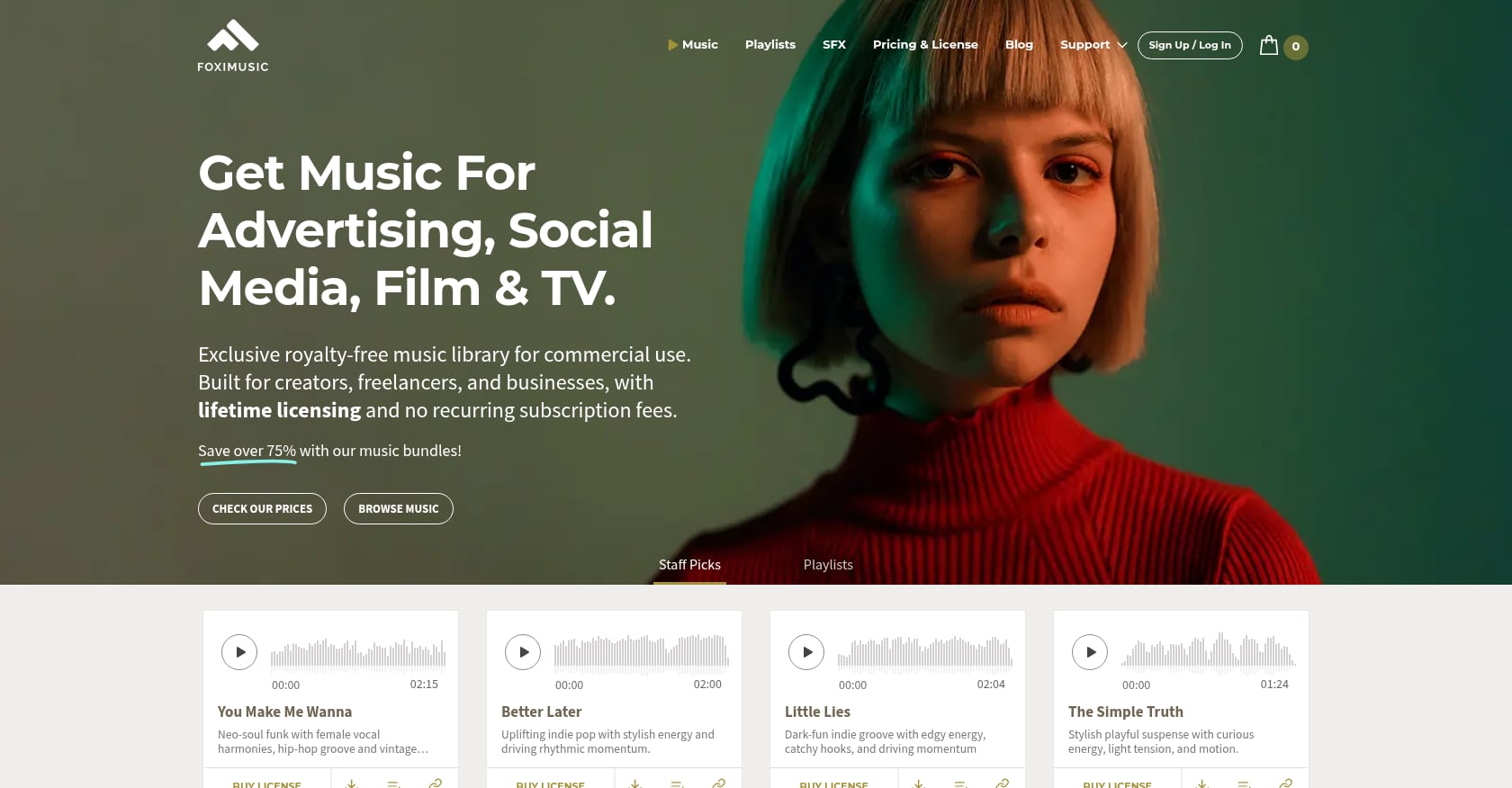
Best for: Freelancers, YouTubers, podcasters, small businesses, agencies, course creators, and app/game developers who want a permanent license they can archive and reuse without recurring fees.
Pricing:
Key features:
Tradeoffs:
Real user perspective: On Reddit’s r/VideoEditing, a creator looking for lifetime, pay-per-track alternatives specifically cited Foximusic as an option worth considering. G2 reviews show a small but positive review base. Third-party roundups from JUST Creative and FixThePhoto have included Foximusic in their royalty-free music lists.
Bottom line: If you need a few commercial-safe tracks for client videos, ads, podcasts, or YouTube content and don’t want another subscription to track, a pay-once lifetime license is often cleaner than keeping a subscription alive just in case an old video gets questioned two years later.
Best for: Creators who publish mainly on YouTube and want free music from inside YouTube Studio.
Pricing: Free.
Key features:
YouTube’s own documentation describes the Audio Library as royalty-free production music and sound effects for videos.
Tradeoffs:
Real user perspective: Practitioners on Reddit consistently recommend YouTube Audio Library as the safest free option for avoiding YouTube claims. In an r/NewTubers thread, creators said it’s far more reliable than random “no copyright music” uploads from unknown channels.
Bottom line: Use YouTube Audio Library when the project lives on YouTube and the budget is zero. For client work or off-platform distribution, read the terms carefully and consider a source that gives you explicit proof.
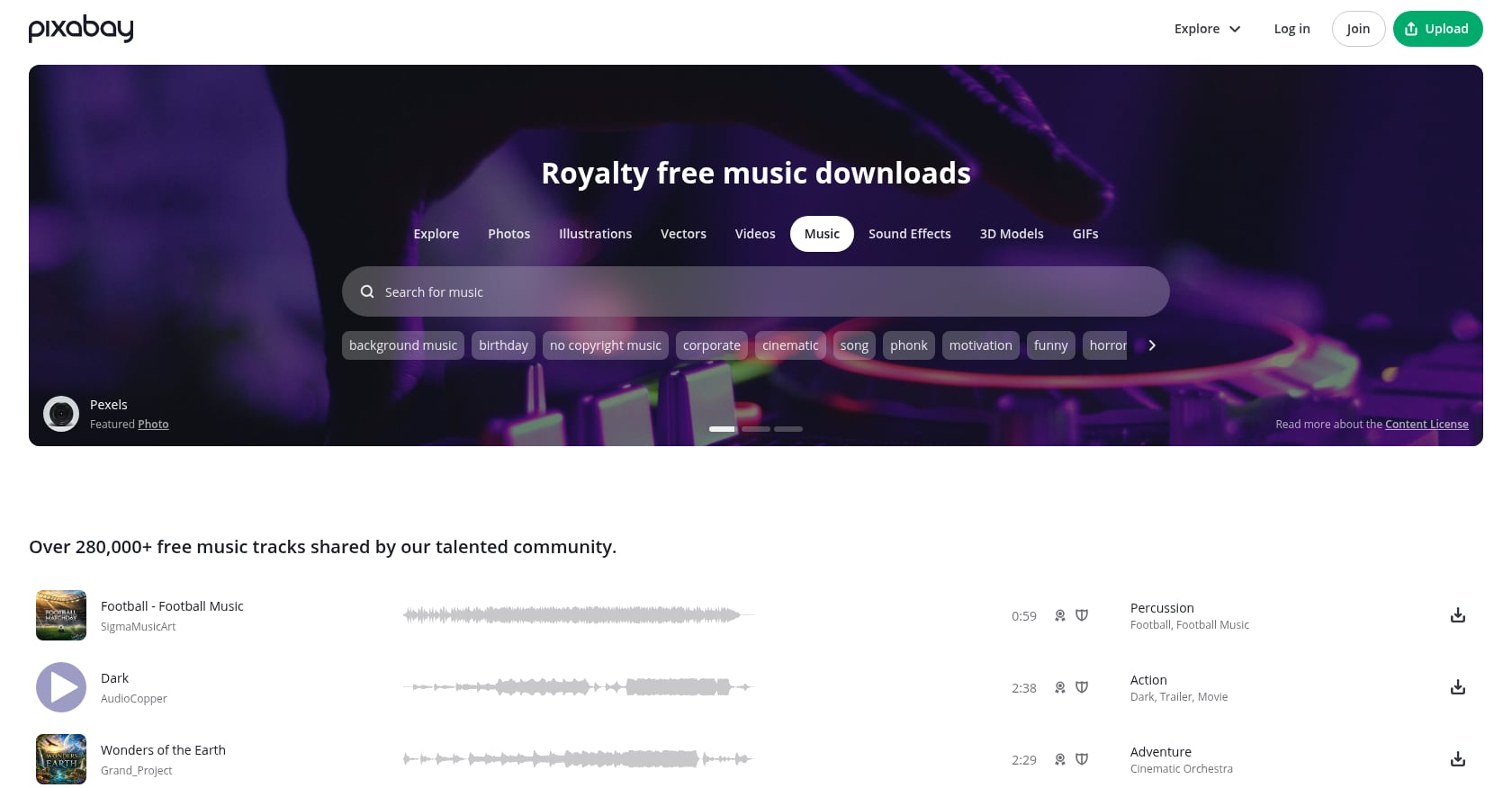
Best for: Creators who need free tracks fast for social videos, B-roll, simple YouTube uploads, and low-budget projects.
Pricing: Free.
Key features:
Tradeoffs:
Real user perspective: A creative director writing for Moonb described a Pixabay track that triggered a Content ID claim and had to be disputed with the downloaded license text. The takeaway was simple: download and file the license text every time. Reddit comments show similar mixed experiences. Some users like Pixabay for free music, while others warn that tracks can still create ownership uncertainty if someone uploads music they don’t fully control.
Bottom line: Pixabay is useful when “free and fast” matters more than premium sound or client documentation. For commercial client work, keep the license text and be ready to replace the track if a claim appears.

Best for: YouTubers, short-form creators, podcasters, and streamers who want a free tier plus affordable paid plans with channel safelisting.
Pricing:
Key features:
Tradeoffs:
Real user perspective: In an r/Filmmakers thread, users liked Uppbeat’s credit and license-text system but noted that using the same track in multiple videos requires multiple credits. Worth knowing before committing to a workflow.
Bottom line: Uppbeat is a good middle ground for creators who publish often enough to justify a small subscription but not enough to need an enterprise library. Just understand what happens when you cancel.
Best for: Indie filmmakers, students, and zero-budget creators comfortable checking per-track Creative Commons licenses.
Pricing: Free.
Key features:
Tradeoffs:
Real user perspective: In an r/videography thread from 2026, creators warned that CC0 music can be valid on paper but still create problems if the original uploader didn’t control all rights, used unlicensed samples, or if someone else registered a derivative work in Content ID. One commenter described disputing a YouTube claim on an FMA song because another creator had uploaded a version and registered it.
Bottom line: FMA is not a one-click commercial music solution. It’s a library for people willing to read licenses carefully and accept some proof-of-rights friction.
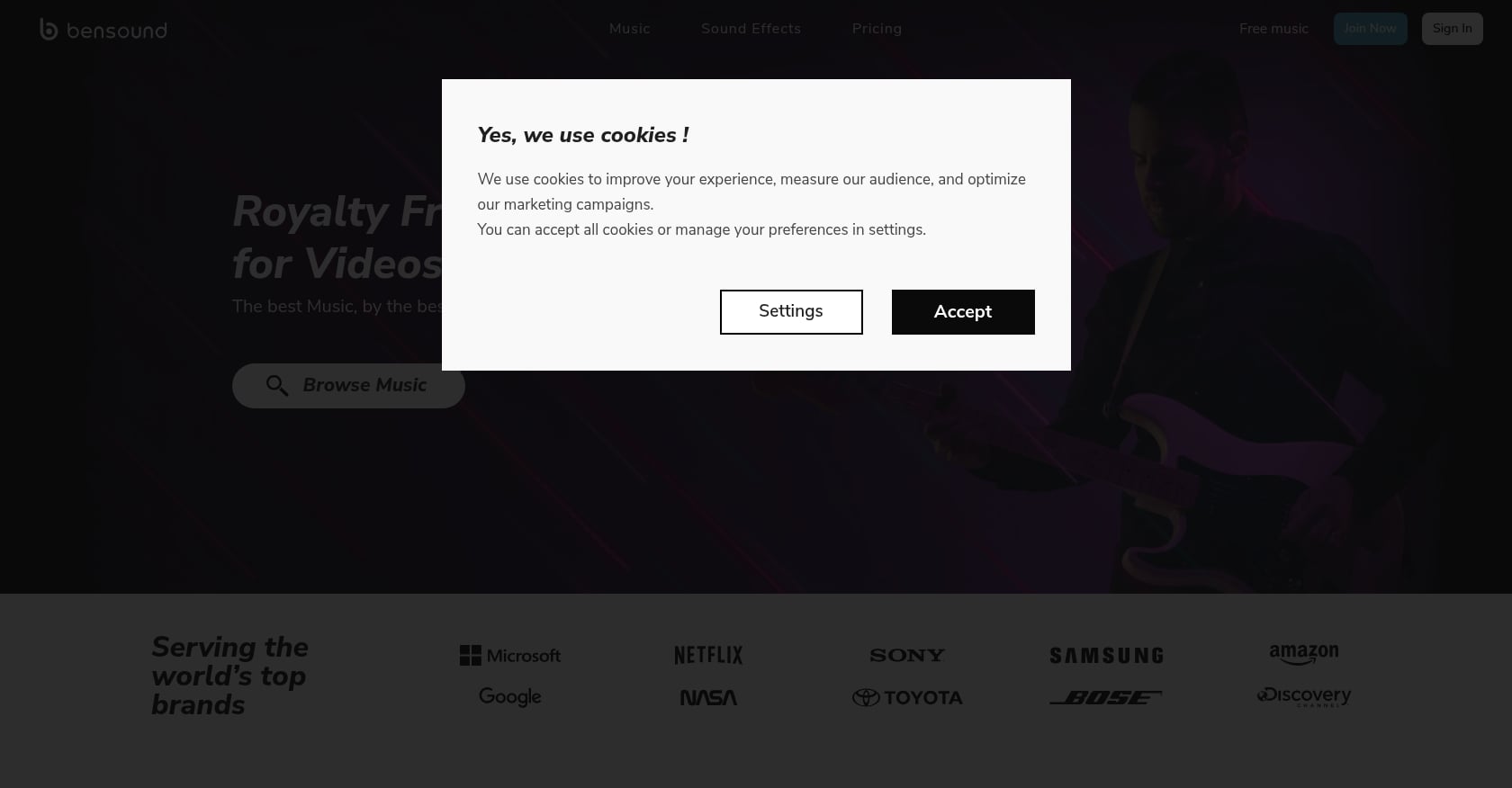
Best for: Small-business videos, explainers, corporate backgrounds, and presentations where a clean, familiar stock-music sound is acceptable.
Pricing: Free with attribution; paid commercial licenses available.
Key features:
Tradeoffs:
Real user perspective: G2 lists Bensound at 4.6 out of 5 from 17 reviews. Users praise the variety and simplicity, while noting limited new additions. A verified marketing user on G2 said they found music that fit their video theme and integrated well into Adobe Premiere.
Bottom line: Bensound works when you need familiar background music quickly and you’re comfortable following attribution or paid license rules. Less ideal for broad client, ad, or broadcast needs.
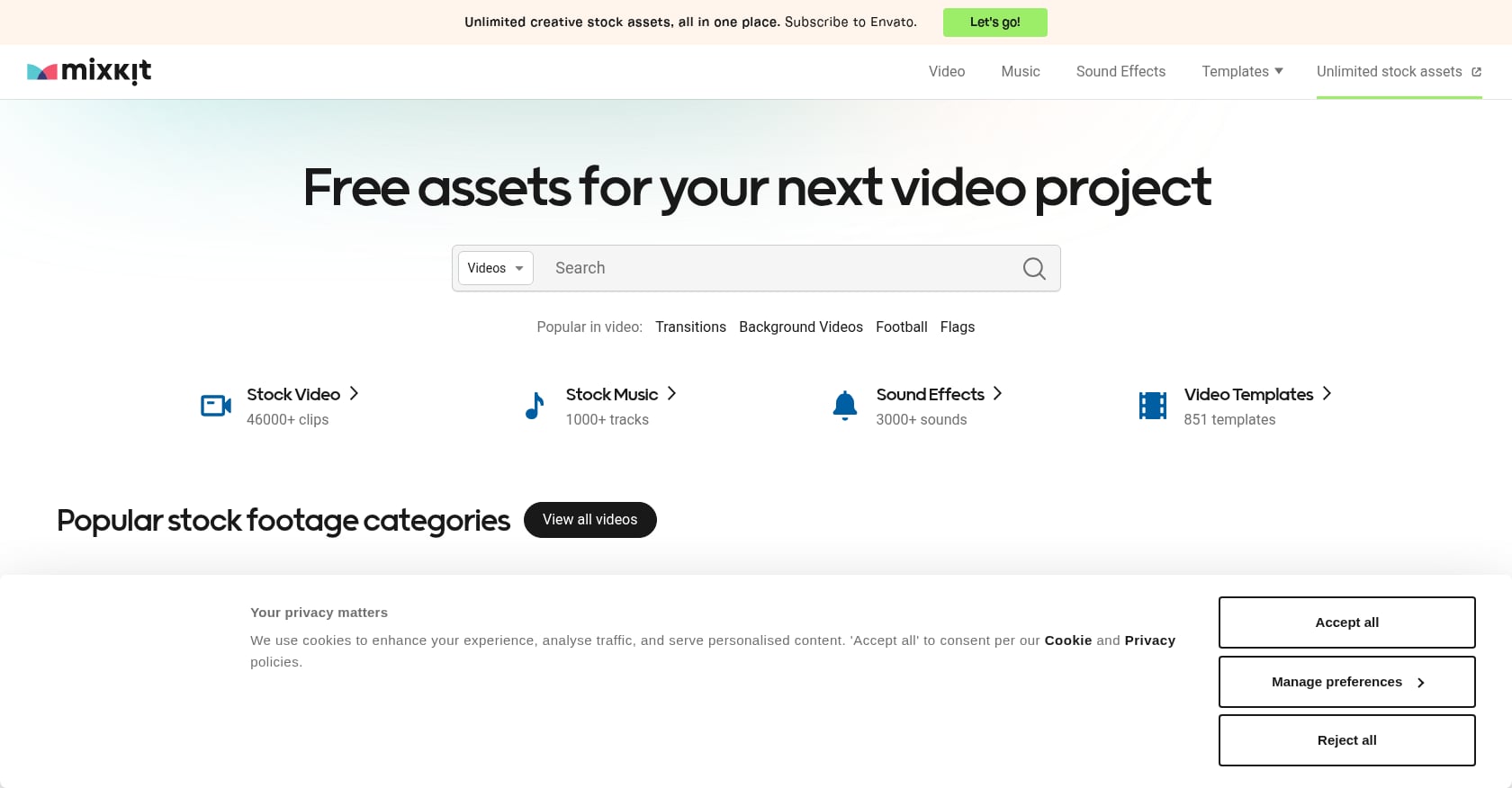
Best for: Editors who need a quick free music or SFX download for a simple commercial video, social post, or mockup.
Pricing: Free.
Key features:
Tradeoffs:
Real user perspective: A Reddit r/premiere user praised Mixkit as a free resource and quoted the license as allowing commercial and non-commercial use. The consensus among practitioners: solid for quick edits, not built for complex commercial workflows.
Bottom line: Mixkit is good for quick projects. If the project is a paid ad, app, broadcast spot, or client campaign with legal review, move from “free download” thinking to “license proof” thinking.
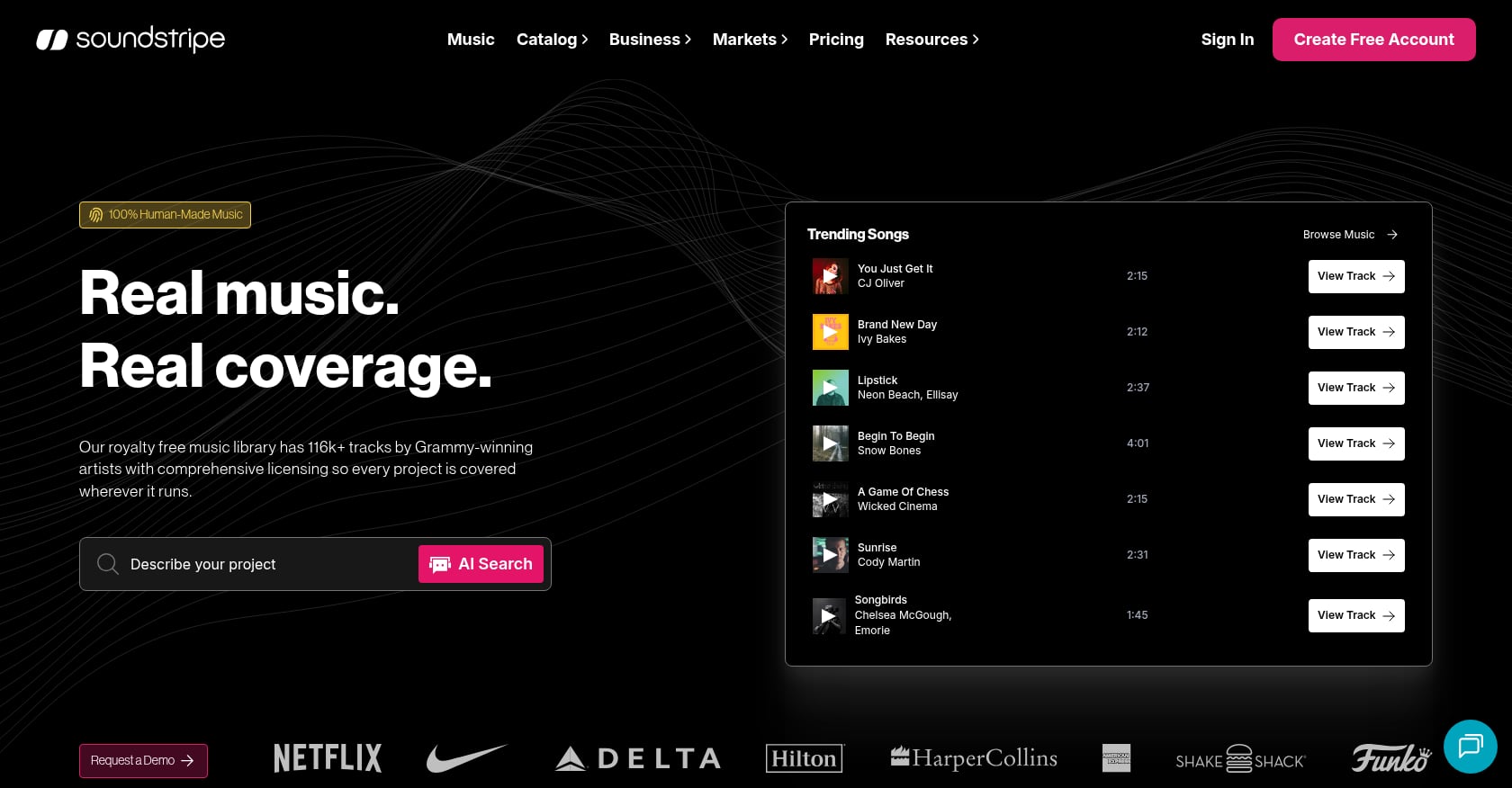
Best for: Freelancers, podcasters, teams, and editors who need frequent downloads with music plus SFX in a subscription workflow.
Pricing:
Key features:
Tradeoffs:
Real user perspective: G2 shows 4.7 out of 5 from 28 reviews, with users valuing unlimited access and music quality.
Bottom line: Soundstripe is a strong fit when download volume is the problem. If license permanence and a low annual track count are the problem, a pay-once model can be cleaner and cheaper.
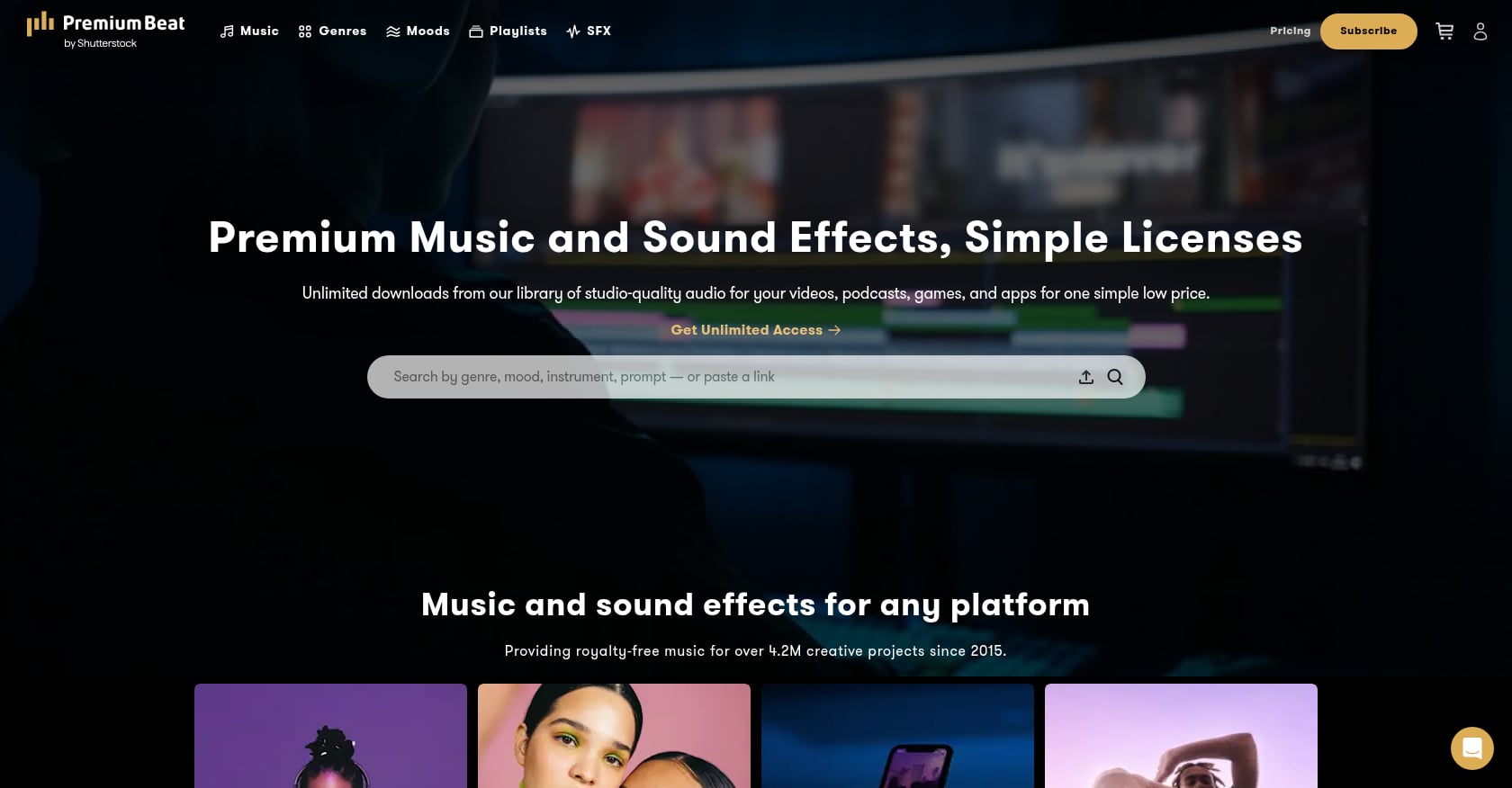
Best for: One polished commercial, brand video, podcast intro, or client deliverable where the buyer wants a single high-production track.
Pricing:
Key features:
Tradeoffs:
Real user perspective: In a 2026 r/gamedev thread, practitioners warned buyers to check whether a license includes stems and whether the track is exclusive or non-exclusive. A non-exclusive track can show up in a competitor’s game or ad.
Bottom line: PremiumBeat works for one polished track. When you need multiple tracks for commercial use at lower per-track pricing with lifetime documentation, compare it against bundle-based options.
Best for: High-volume social creators and filmmakers who publish constantly and need a continuous stream of new tracks.
Pricing:
Key features:
Tradeoffs:
Real user perspective: Practitioners on Reddit often say subscription libraries work well for frequent publishing but consistently raise concerns about cancellation. The recurring question: if you cancel, are previously published videos still covered? The answers vary by provider and plan.
Bottom line: If you publish daily and need a constant stream of tracks, a subscription can be worth it. If you publish a few important videos per month and need proof you can archive permanently, a lifetime license is usually simpler.
Match the license to the final use, not the edit timeline. A track used in a personal YouTube video, a client ad, an online course, and a mobile game can each require different rights. Think of commercial use as a ladder, where each step requires stronger license terms.
Monetized YouTube or social video. You need monetization rights, Content ID clearance (or a dispute-ready workflow), and a license certificate you can reference if a claim appears. For more on keeping your channel safe, this Content ID monetization guide covers the details.
Client video delivered by a freelancer. The license must cover client work specifically. Some “personal” or “creator” tiers exclude this. Save proof for the client handoff folder.
Paid social or digital ads. Many creator-tier plans exclude ads, boosted posts, and brand promotions. If your next project involves ad campaigns, check these tracks for music cleared for video ads.
Podcast intro, outro, or episode music. You typically need download and distribution rights, since podcasts live on multiple platforms simultaneously. This podsafe music guide covers what podcasters specifically need.
Online course or tutorial. Platforms like Udemy, Teachable, and Kajabi distribute your content to paying students, which usually requires explicit commercial or educational-use rights.
App or game. Music embedded in software often sits in a higher license tier because it’s distributed with the product itself, not just streamed in a video.
TV, radio, VOD, or broadcast. This is typically the most expensive tier. Standard creator licenses almost never cover broadcast. If your project involves broadcast music licensing, verify that the license explicitly includes public performance rights.
Free music is fine for low-risk projects when the license is clear and you can give attribution if required. It becomes risky when the license says “non-commercial” but you’re monetizing the content, or when no one can confirm who actually owns the track. A platform that disclaims all warranties about third-party rights is a red flag for client work.
The cost of free music is not always zero. Practitioners on Reddit repeatedly point out that “free” can cost time: hunting for attribution formats, decoding vague CC licenses, educating clients about why the track might trigger a claim, and replacing music after publishing.
Free music isn’t “bad.” It’s just not always free once your time, proof, client risk, and claim handling are counted. A top Reddit comment in r/Filmmakers put it plainly: read the license on each site rather than trusting labels like “royalty-free.” Later comments warned that some free libraries have licenses more complex or restrictive than they first appear.
A Content ID claim doesn’t always mean you did something wrong. Google’s YouTube Copyright Transparency Report shows that Content ID partner claims accounted for over 99% of copyright actions on YouTube in 2025, with more than 2 billion claims total. Over 65% of disputes were resolved in favor of uploaders.
The problem is that YouTube can’t verify your license. The platform may not know you bought one. Your certificate, invoice, track title, and license terms are what help you clear a claim.
A claim can freeze monetization or create client panic, but it is not the same as a copyright strike. The best fix is prevention: use claim-cleared music and keep proof. For a deeper explanation of how Content ID and AdRev work behind the scenes, that walkthrough covers the mechanics.
Save these files before you publish:
Treat music like a deliverable, not a download. Save the license before you export the video so you can answer a client, platform, or Content ID claimant quickly. Foximusic supports this workflow with instant PDF license certificates after purchase, account dashboard re-downloads for invoices and files, and a Content ID-cleared catalog.
The answer depends on how many tracks you need and how often you publish. Here’s the math for three common situations.
Scenario 1: YouTuber needs 3 commercial-safe tracks this year.
Scenario 2: Freelance editor needs 25 client-safe tracks.
Scenario 3: Course creator, app developer, or broadcaster.
The break-even point shifts with volume, client requirements, ad rights, and whether you need new tracks after canceling a subscription.
If a music source can’t show who owns the track, what commercial uses are allowed, and how you prove permission, don’t use it in client work or ads. A vague “no copyright” title is not a license. Commercial projects need written terms you can save.
Watch for these warning signs:
YouTube’s own help documentation confirms that giving credit, owning a physical copy, or choosing not to monetize are not valid dispute reasons on their own. You need actual license proof.
Using royalty-free music for commercial use is not a yes-or-no question. It depends on what the license says, what the project is, and whether you can prove permission later. Pick by workflow and license risk, not by catalog size or popularity.
If you publish constantly, a subscription can be worth it. If you need commercial-safe tracks for client work, ads, podcasts, YouTube videos, or long-term business content without another monthly bill, start with pay-once lifetime licensing. Keep proof, choose the correct tier, and never rely on the words “no copyright” alone.
If your next video is for a client, ad campaign, podcast, course, or monetized channel, don’t leave the music license as the last-minute problem. Pick a track, choose the license that matches the project, and save the certificate with your edit files before you publish.
Start with free tracks to test the workflow, or jump straight to commercial licenses if your project is already in production.
Yes, if the license allows commercial use. “Royalty-free” only means you’re not paying ongoing royalties per play after meeting the license terms. Always check whether your exact use (monetized video, client work, paid ad, app, game, course, or broadcast) is covered by the specific license you purchased or downloaded.
No. Most royalty-free music is still copyrighted. The U.S. Copyright Office confirms that copyright protects musical works automatically once fixed in a tangible form. You’re getting permission to use the music under a license, not receiving unprotected material you can use without limits.
Only some Creative Commons licenses allow commercial use. Avoid any license marked NC (NonCommercial) for business content, ads, monetized videos, client projects, and sponsorship work. Creative Commons states this explicitly in the license legal code.
Check whether you have a valid license, then follow YouTube’s dispute process if you’re confident you have rights. Save your certificate, invoice, track details, and license terms before publishing so you can respond quickly. YouTube says the claimant has 30 days to respond to a dispute, and over 65% of disputes are resolved in favor of uploaders.
The composition may be public domain, but a modern recording of it usually isn’t. Beethoven’s symphony is public domain. A 2024 orchestra recording of that same symphony is almost certainly still protected by copyright. The U.S. Copyright Office notes that works published before January 1, 1931 are currently in the public domain, but compositions and sound recordings must be considered separately.
A subscription is better when you need many tracks every month and value constant catalog updates. A lifetime license is better when you need fewer tracks, want permanent proof, prefer not to pay recurring fees, or need to hand license documentation to clients. For occasional commercial projects, the math usually favors pay-once.
No. A playlist label is not written sync permission. Practitioners on Reddit warn against treating streaming playlists as usable license sources. Use music from a platform that gives you clear commercial-use terms and downloadable proof.
Usually, yes. You own or control your video, but you don’t own the music itself. The music stays the property of the rights holder. Your license gives you permission to use it within the terms you agreed to, nothing more.
Generate production-ready text-to-video prompts instantly and get pro-level results with our free video prompt generator tool.








 English English
  Spanish
 French
 Italian
 German
 Portuguese
 Chinese
 Japanese
 Hebrew