
✨ Summarize article with AI


The best royalty-free music platform depends on how often you need tracks and what rights you need. If you publish a few important videos per month and want lifetime proof of license, a pay-once platform like Foximusic gives you the clearest long-term value. High-volume creators publishing daily may prefer subscriptions. Zero-budget YouTubers can start with the YouTube Audio Library, but should understand its limits before using tracks off-platform.
You found the perfect track. Then you noticed the words “personal use only,” “attribution required,” or “subscription must be active.” That is the moment a simple edit turns into a licensing problem. If you publish monetized videos or client work, the wrong royalty-free music platform can mean copyright claims, confusing license terms, or another subscription you barely use.
This guide compares the best royalty-free music platforms by pricing model, license clarity, Content ID risk, and real creator workflow so you can choose without guessing.
Who this is for: YouTubers, freelance editors, podcasters, small businesses, and agencies that need music for monetized videos, social ads, client projects, courses, apps, games, or broadcast work.
How we evaluated: Each platform was compared by pricing model, license duration, commercial and client coverage, Content ID handling, cancellation rules, file quality, and real user sentiment from G2, Reddit, and practitioner discussions.
Why this exists: To help creators avoid two common mistakes: choosing “free” music with hidden attribution or platform limits, or choosing a subscription without understanding what happens after cancellation. If you want a deeper primer on how music licensing works overall, this guide to music licensing for content creators is a good starting point.
If you need a few tracks with long-term rights, choose a pay-once lifetime license. If you publish constantly and need a stream of fresh music plus sound effects, choose a subscription. If you have no budget and only publish on YouTube, start with YouTube Audio Library.
Here are the short recommendations:
Best pay-once lifetime license: Foximusic
Best free option for YouTube: YouTube Audio Library
Best subscription for high-volume social creators: Epidemic Sound
Best all-in-one creative subscription: Artlist
Best workflow subscription for editors: Soundstripe
Best polished one-off commercial track: PremiumBeat
Best simple free/paid option for beginners: Bensound
Best budget subscription with a free plan: Tunetank
Best stock-media bundle including music: Storyblocks
This catches people off guard. Royalty-free means you do not owe ongoing royalties after following the license terms. It does not mean the music costs nothing. You may still need to pay a one-time fee, maintain a subscription, provide attribution, or follow platform-specific restrictions.
Here is the breakdown of common terms:
Copyright-free / public domain: Extremely rare. The work’s copyright has expired or was explicitly waived.
Royalty-free: You pay once (or subscribe) and use the music without per-use royalties. The underlying copyright still belongs to someone.
Free with attribution: You can use the music at no cost, but you must credit the creator. Skip the credit and you violate the license.
Creative Commons: A family of licenses with varying restrictions. Some allow commercial use; others do not. Always read the specific CC license type.
A LinkedIn practitioner summarized the practical issue well: “royalty-free” does not automatically mean risk-free, because licenses may not cover all platforms, Content ID may not be handled properly, or rights can change if the music is improperly sourced. The real question is not “Is this royalty-free?” but “Does this license cover my exact project, platform, client, and future use?”
Most comparison articles jump straight to platform names. That is backwards. The first decision is which pricing model fits your workflow.
Pricing model | Best for | Main risk |
|---|---|---|
Free / Creative Commons | Hobby videos, zero budget | Attribution rules, platform limits, inconsistent quality |
Subscription | Weekly creators, teams needing many tracks | Recurring cost, cancellation rules, plan restrictions |
Pay-per-track | Occasional creators, client deliverables | Can get expensive at volume |
Lifetime license | Long-tail videos, client proof, low ongoing admin | Smaller catalog than massive subscriptions |
Broadcast/app license | TV, radio, games, apps, VOD, courses | Higher per-track price |
AI music generator | Custom length/mood, experiments | Ownership and licensing ambiguity varies by provider |
Practitioners on Reddit regularly express frustration that “everything seems to have moved to subscription.” One editor posted specifically asking for one-off royalty-free music purchases because subscriptions felt excessive for occasional projects. Multiple threads echo the same theme: creators who only need 3 to 10 tracks per year feel they are overpaying with monthly plans.
If you publish weekly, subscriptions make sense. If you need a handful of tracks per year, one-time purchase music licensing may be easier to justify, both financially and administratively.
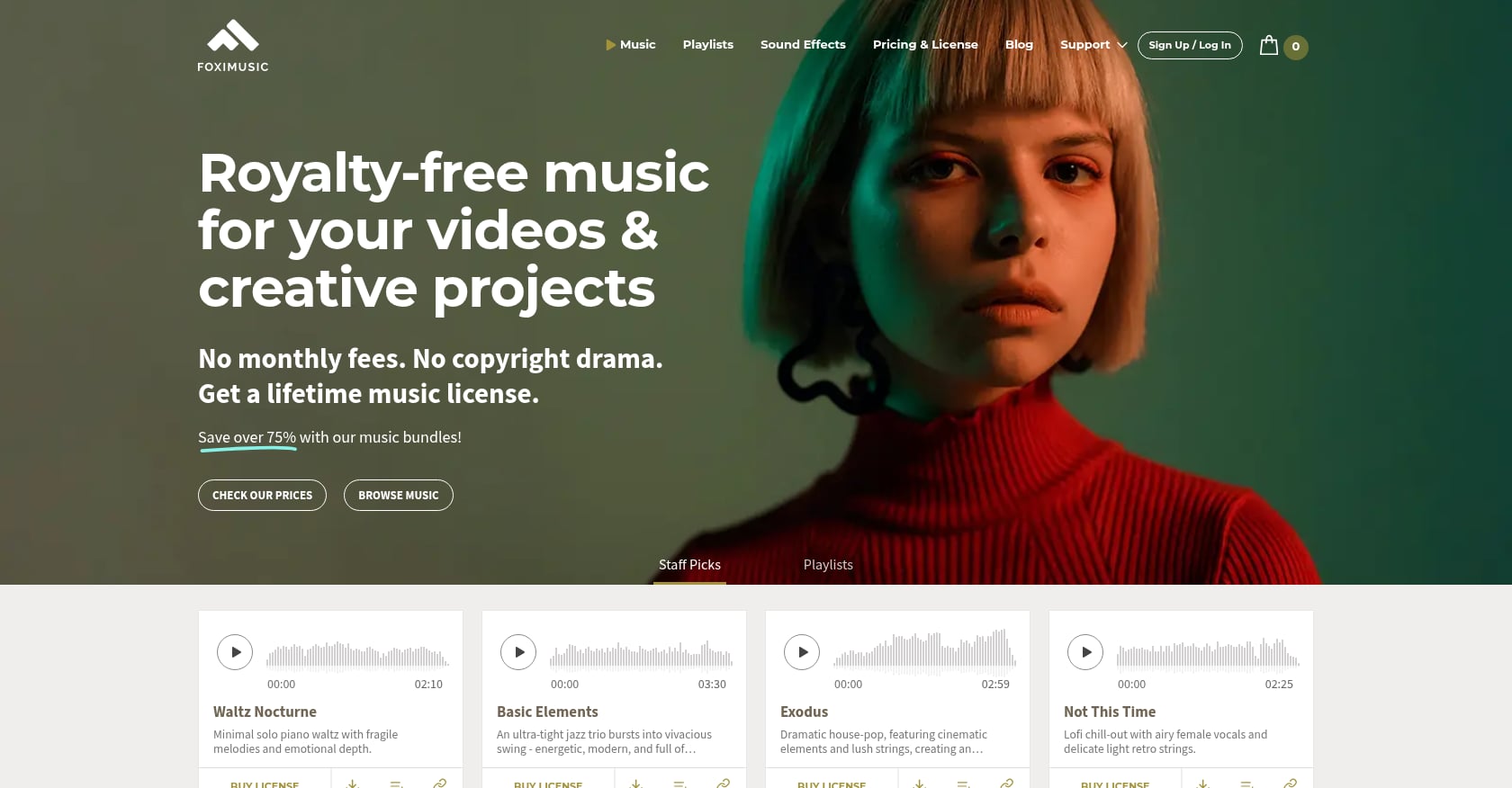
Best for: Pay-once lifetime licensing without subscription fatigue
Foximusic is a strong fit if you need a few high-quality tracks and want to pay once instead of maintaining a monthly subscription. Founded in 2017 by music producer Israel Erez, it produces and licenses an in-house catalog, which means Foximusic owns 100% of its music. That simplifies rights and reduces the risk of third-party conflicts or changing terms.
Its main appeal is clear lifetime licensing, Content ID-cleared tracks, instant PDF license certificates, and straightforward tiers for personal, commercial, and extended broadcast/app use.
Pricing:
Personal (Basic) bundles:
1 track: $12
3 tracks: $24 ($8/track)
10 tracks: $59 ($5.90/track)
25 tracks: $99 ($3.96/track)
Commercial (Standard) bundles:
1 track: $29
3 tracks: $59 ($19.67/track)
10 tracks: $99 ($9.90/track)
25 tracks: $149 ($5.96/track)
Extended (Broadcast & Apps) bundles:
1 track: $150
3 tracks: $399 ($133/track)
5 tracks: $600 ($120/track)
10 tracks: $1,000 ($100/track)
Key features:
One-time payment, lifetime license with worldwide, perpetual rights
Content ID-cleared catalog to reduce YouTube and social copyright claims
Commercial tier covers monetized content, client work, digital ads, unlimited online platforms
Extended tier covers TV/radio, VOD/streaming, apps/games, courses, film/festivals, live audiences up to 20,000
Full, loop, and short edits included per track
Uncompressed WAV downloads (16-bit, 44.1 kHz)
Instant PDF license certificate after purchase
Account dashboard for re-downloading files and invoices
14-day refund if no downloads occurred
Free 12-track intro/outro pack (with attribution) and an AI SFX Generator with free tries
Tradeoffs:
Smaller catalog than subscription giants
No unlimited-download music subscription
Extended license required for broadcast, apps, games, VOD, and courses
Real-world perspective: An organic Reddit mention shows a user searching for lifetime, pay-per-track alternatives citing Foximusic as an example. On G2, Foximusic has a small number of reviews with positive aggregate sentiment. Third-party roundups like JUST Creative and FixThePhoto include Foximusic in their best royalty-free music lists, noting its in-house production and commercial suitability.
Foximusic is strongest when you want to license a track once, save the certificate, and use it for years without tracking another renewal date. If you already know what kind of video you are cutting, browse Foximusic’s catalog and compare licensing options directly.
Best for: Free starting point for YouTube-only creators
YouTube Audio Library is the easiest free royalty-free music platform if your main outlet is YouTube. It sits inside YouTube Studio and provides production music and sound effects. Creators can filter for tracks that do not require attribution. YouTube Help confirms the library contains royalty-free music and sound effects with clear attribution filters.
Pricing: Free with a YouTube account.
Key features:
Official YouTube Studio integration
Music and sound effects
Filters for genre, mood, duration, artist, attribution requirement
Both attribution-required and attribution-free tracks
Tradeoffs:
Not always the best fit for off-platform commercial use, client projects, or ads
Some tracks require attribution
Limited creative range compared with paid libraries
Many creators use the same free tracks, so your videos may sound like everyone else’s
Real-world perspective: Reddit discussions show creators generally trust the YouTube Audio Library more than random “no copyright music” channels, but some report confusion when tracks they assumed were safe triggered claims or when they tried using the same music outside YouTube. Always check the specific license for each track.
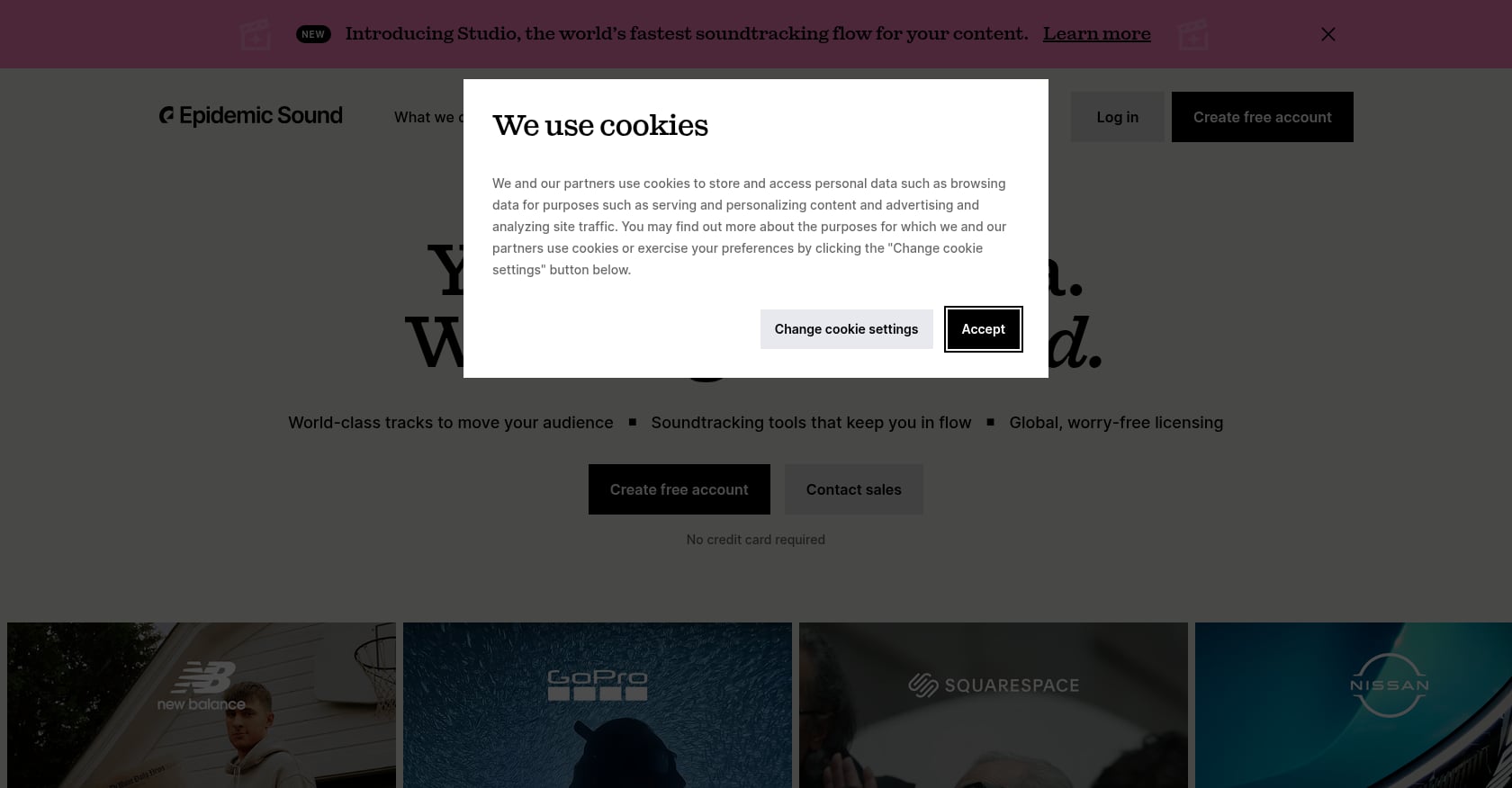
Best for: High-volume social creators who need constant new music and SFX
Epidemic Sound works well for creators publishing frequently across YouTube, TikTok, Instagram, and podcasts. It has a large catalog, social-channel clearance workflows, stems for some tracks, and a search system built for speed.
Pricing: G2’s 2026 roundup lists Epidemic Sound with a 30-day free trial and paid plans starting at approximately $9.99/month billed annually. G2 rates it 4.3/5 from 31 reviews.
Key features:
Large catalog of music and sound effects
Search by mood, genre, pacing, and reference audio
Social-channel clearance and safelisting
Stems for select tracks
Strong for high-volume social workflows
Tradeoffs:
Subscription required for new use
Plan scope matters for business, ads, and client work
Large catalog can slow down search
Not ideal if you only need a few tracks per year
Real-world perspective: Reddit sentiment is mixed. Creators praise the music quality and SFX, but complaint threads mention copyright claims appearing despite subscriptions, renewal and pricing confusion, and uncertainty about whether a client’s channel remains covered after cancellation. On G2, some reviewers note that search can feel overwhelming given catalog size and that license coverage can feel narrow for the cost.
Epidemic is better if you need a constant stream of tracks. A pay-once platform is better if you want to license selected tracks once and avoid another renewal.
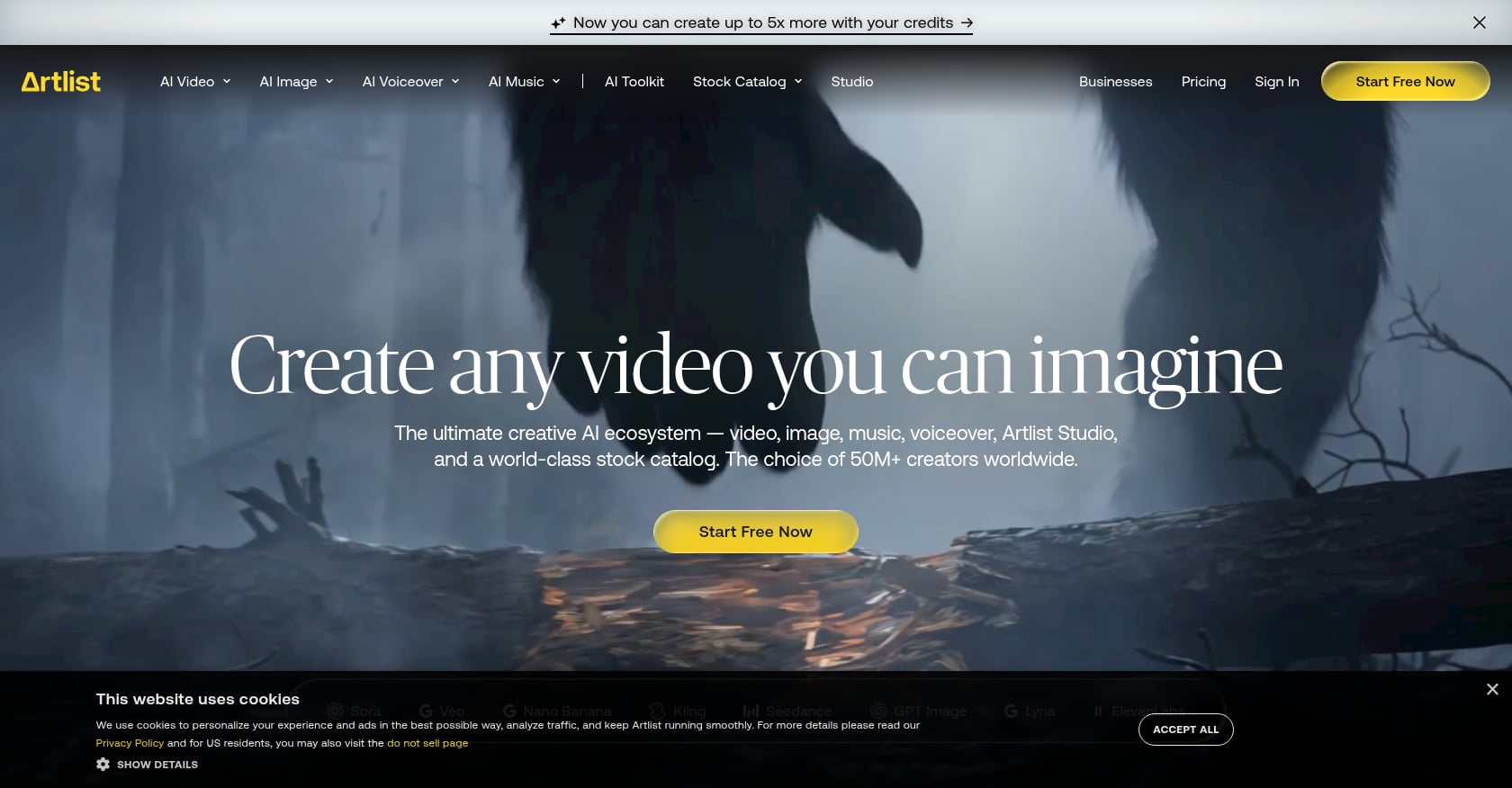
Best for: Unlimited downloads and social/filmmaker workflows
Artlist offers an all-in-one creative subscription spanning music, SFX, stock footage, and templates. Its Social Creator plan is affordable for individual creators publishing to linked social channels, though broader client and commercial use requires higher plans.
Pricing: Artlist’s Social Creator plan costs $14.99/month or $9.99/month when billed annually ($119.88/year). G2 rates Artlist 3.7/5 from 31 reviews, with a notable split between enthusiastic users and those frustrated by billing.
Key features:
Unlimited access to music and SFX on eligible plans
Social-channel linking
Music, SFX, footage, templates, AI tools on broader plans
Good creative ecosystem for video production
Tradeoffs:
Subscription-first model
Annual billing can surprise users
Need the right plan for multiple channels, client work, or paid ads
G2 and Reddit reviews show more billing friction than some competitors
Real-world perspective: On Reddit, some editors like Artlist’s licensing model and use it across channels, while others describe frustration with pricing presentation and billing practices. One Reddit thread titled “Artlist pricing feels misleading” generated significant discussion among video editors about the gap between advertised and actual costs.
Artlist is strong if you want an all-in-one creative subscription. A pay-once platform with per-track licensing is cleaner if you want a certificate you can hand to a client.
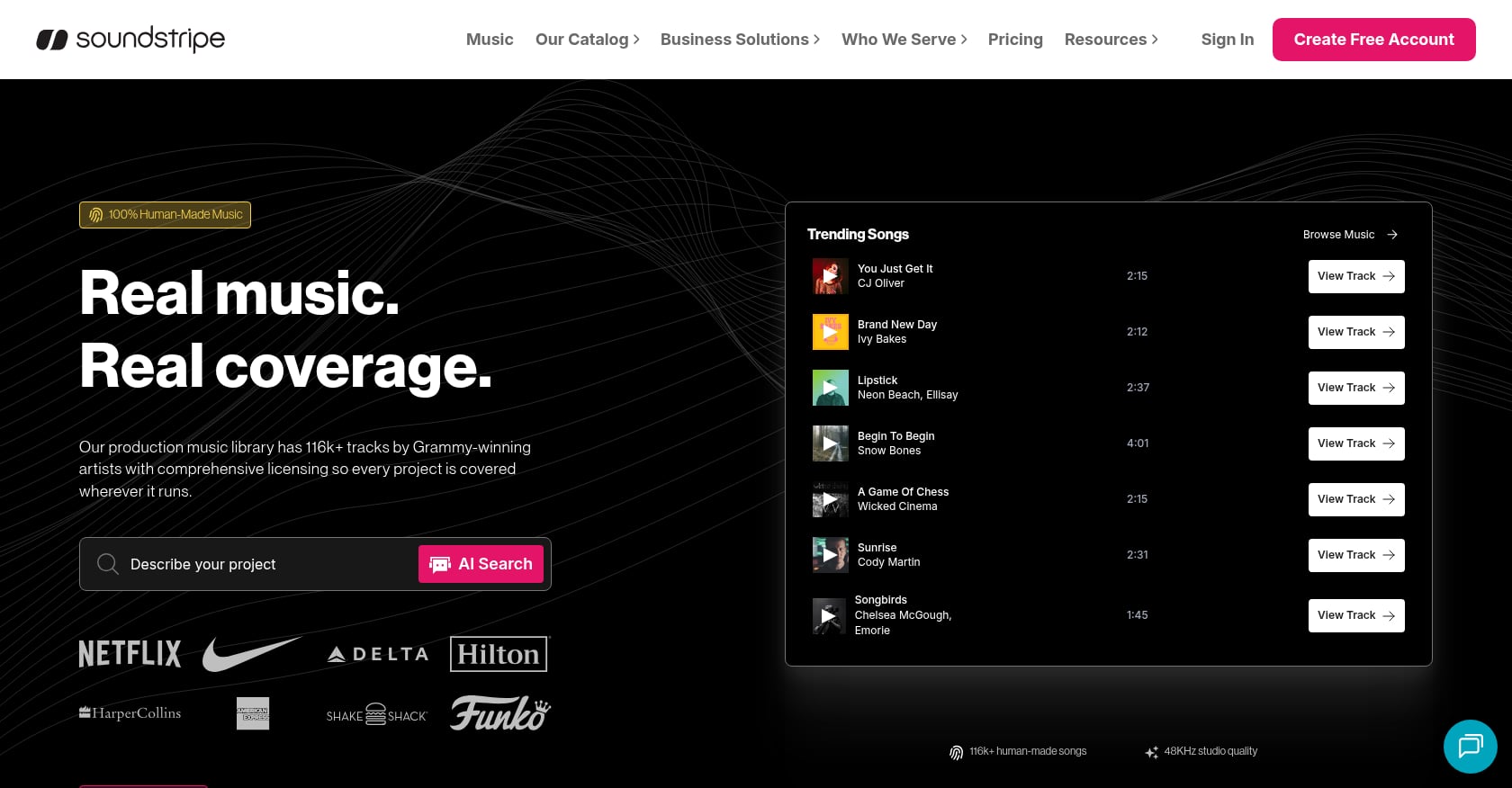
Best for: Editors who value search, workflow tools, and licensing support
Soundstripe is built for creators and teams that want fast music search, simple licensing, and stock audio/video in one platform. It earns strong reviews for music quality, customer support, and licensing clarity.
Pricing: Public pricing varies by source; plans are commonly listed around $10 to $13 per month when billed annually. G2 rates Soundstripe 4.7/5 from 28 reviews, the highest among the subscription platforms reviewed here.
Key features:
Unlimited licenses on subscription plans
Music, SFX, and stock video on some plans
AI-powered search
Adobe Premiere Pro and editor workflow integrations
YouTube clearance support
Stems and curated playlists
Tradeoffs:
Subscription model
Some niche genres may feel limited
Search still takes work despite strong tools
Broadcast or enterprise use may require higher-tier or custom plans
Real-world perspective: G2 reviewers praise diverse tracks, easy search, licensing clarity, and customer support. Complaints include wanting a Mac desktop app, more Latin music, better filtering, and some skepticism around subscription terms.
Soundstripe is a good workflow subscription for teams producing a lot of content. Foximusic is simpler for editors who only need a handful of tracks and want client-friendly lifetime proof.

Best for: Polished one-off commercial projects
PremiumBeat is a solid pay-per-track option when you need a single polished track for a specific project. Its tiered license matrix makes it straightforward to match project scope to the right license, from personal web use to broadcast, apps, and games.
Pricing: PremiumBeat’s license page lists Creator at $39, Standard at $59, Premium at $199, and Business at $999 per track. Enterprise pricing requires contacting sales. G2 rates PremiumBeat 4.3/5 from 12 reviews.
Key features:
Pay once, use within licensed project
Clear tiered license matrix
Full songs, loops, short clips, stems, and instrumental versions where available
Strong for corporate and commercial production quality
Tradeoffs:
Cost rises quickly if you need many tracks
Higher-tier licenses needed for broadcast, apps, games
Some creators find the catalog skews “corporate”
Smaller review base on G2
Real-world perspective: G2 users praise quality, genre range, and ease of navigation. Reddit discussions echo this, with some editors calling PremiumBeat polished but pricey. Others note it can sound too corporate for certain creative projects.
Both PremiumBeat and Foximusic work for pay-per-track buyers. PremiumBeat has broader brand recognition. Foximusic offers lower entry pricing ($29 vs $39 for a commercial single track), bundle economics, and simple lifetime positioning.
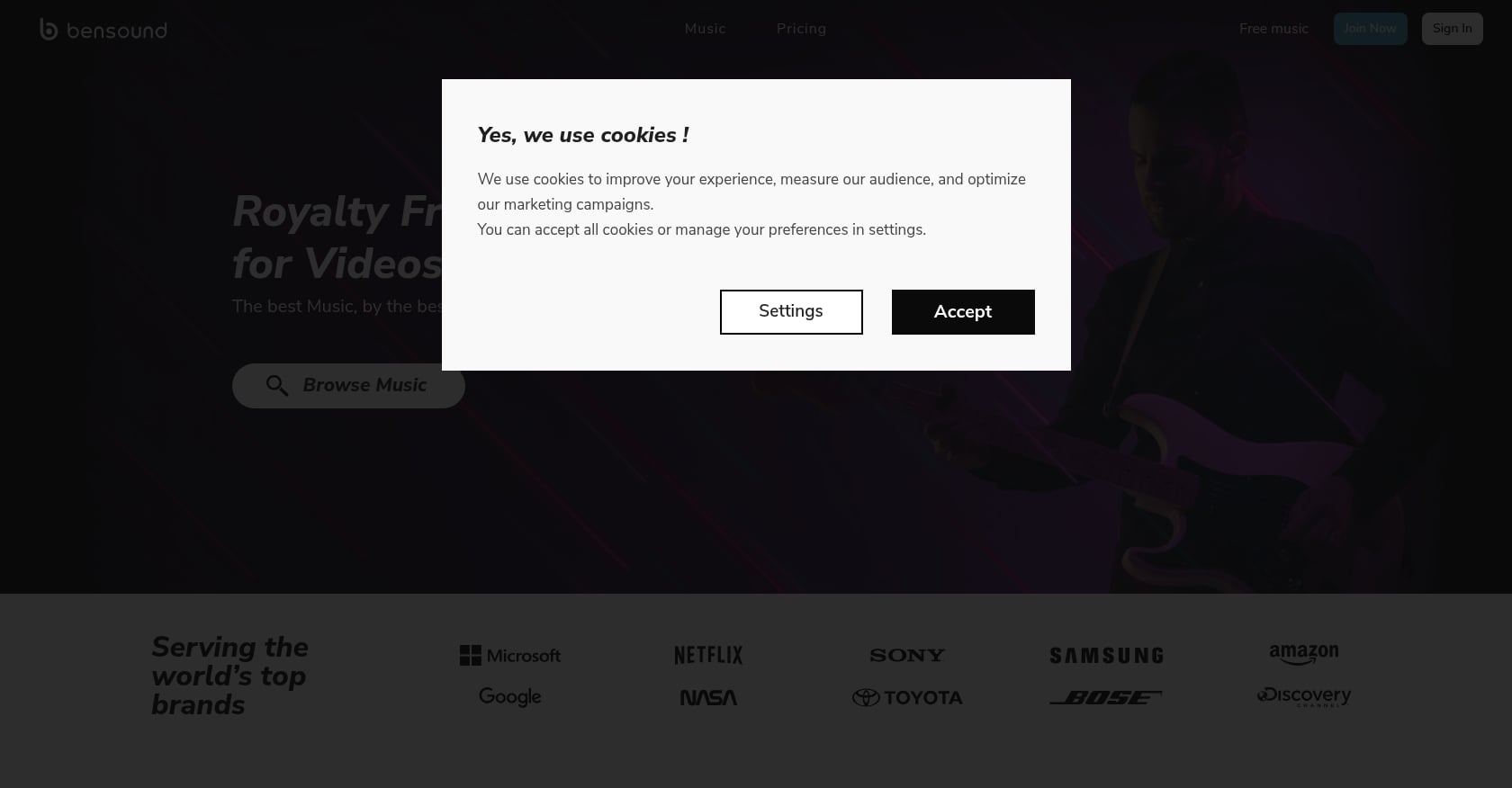
Best for: Simple free/paid option for beginner creators
Bensound is useful for creators who want simple background music and are comfortable with attribution or willing to upgrade to paid licenses. It has a free tier, pay-per-track options, and all-access subscriptions.
Pricing: Single-track licenses start around €34. Subscription plans range from approximately €9.99 to €39.99 per month depending on the tier. Free music is available with attribution.
Key features:
Free music with attribution
Paid no-credit options
Pay-per-track and subscription plans
License certificates on paid plans
Good for social media, podcasts, and small business content
Tradeoffs:
Smaller catalog
Free use requires careful attribution compliance
Not ideal for high-volume teams
Client, ad, and broadcast needs require checking the correct license tier
Real-world perspective: Ranking pages consistently present Bensound as beginner-friendly, especially for short videos, corporate clips, and animations. Multiple roundups note that broader commercial or podcast use requires upgrading from the free tier.
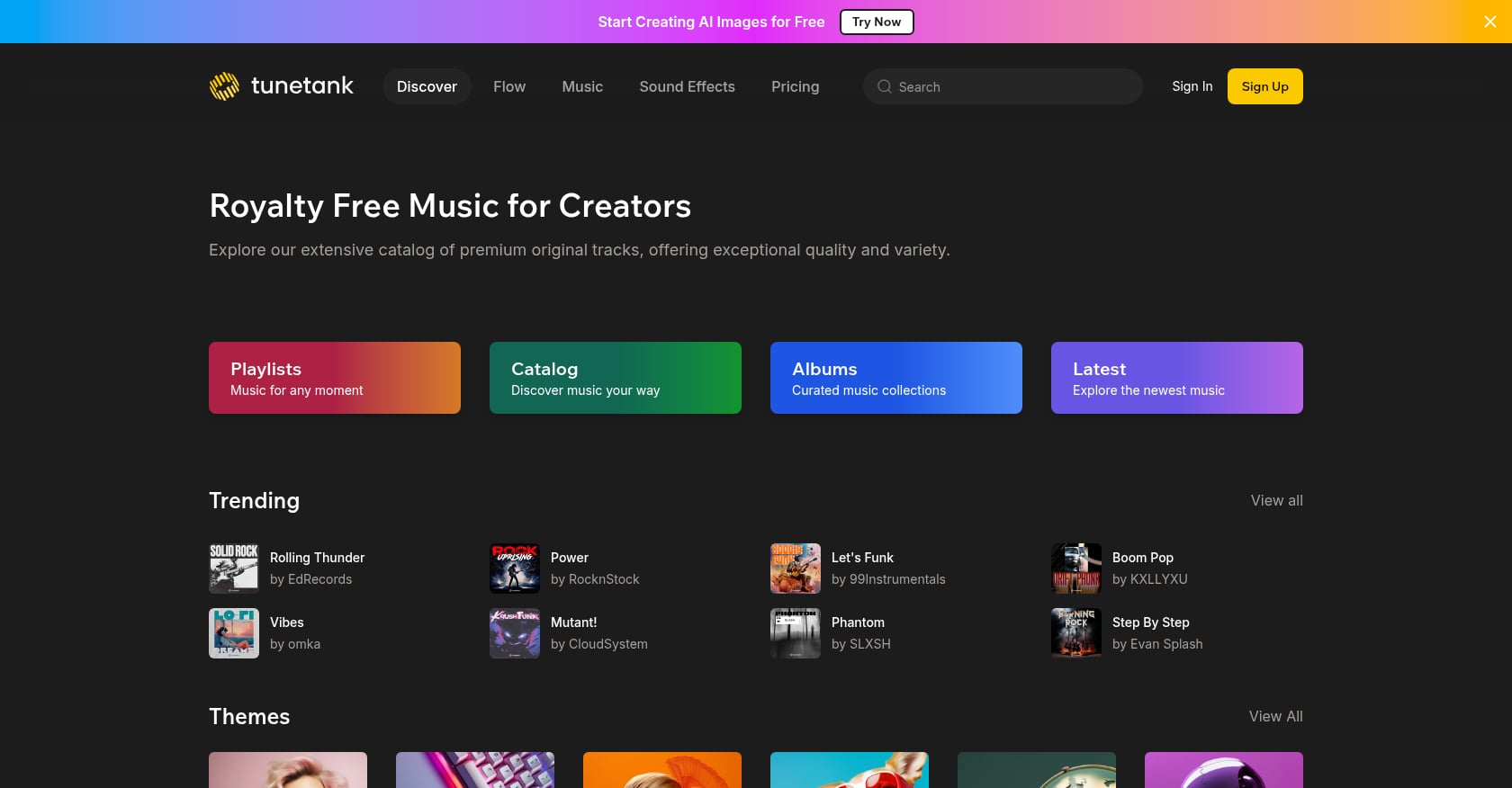
Best for: Budget subscription with a free plan and clear upgrade path
Tunetank addresses the low-cost creator segment directly with a free plan, affordable annual subscriptions, YouTube whitelisting, and single-track licensing.
Pricing:
Free: $0/month, 128 kbps MP3, limited monetization, personal use only
Pro: $7/month billed annually ($84/year), unlimited downloads, 320 kbps MP3 + WAV, SFX, up to 5 team members, whitelist up to 3 YouTube channels
Max: $15/month billed annually ($180/year), adds digital ads, client work, PDF license files, whitelist up to 10 YouTube channels, stems, priority support
Single-track license: one-time payment option available
Key features:
Free plan as a starting point
Low-cost annual subscriptions
YouTube channel whitelisting
WAV files on paid plans
PDF license on Max plan
SFX included
Tradeoffs:
Free plan has download quality and monetization limits
Client work and digital ads require Max
Catalog depth may be thinner than larger platforms
Broadcast and integration use may require custom options
Real-world perspective: A Reddit user in r/NewTubers asked specifically about Tunetank’s free plan and what “limited monetization” means, which shows a common confusion point. Users like the free entry point but need clearer explanations of what they can and cannot do without upgrading.
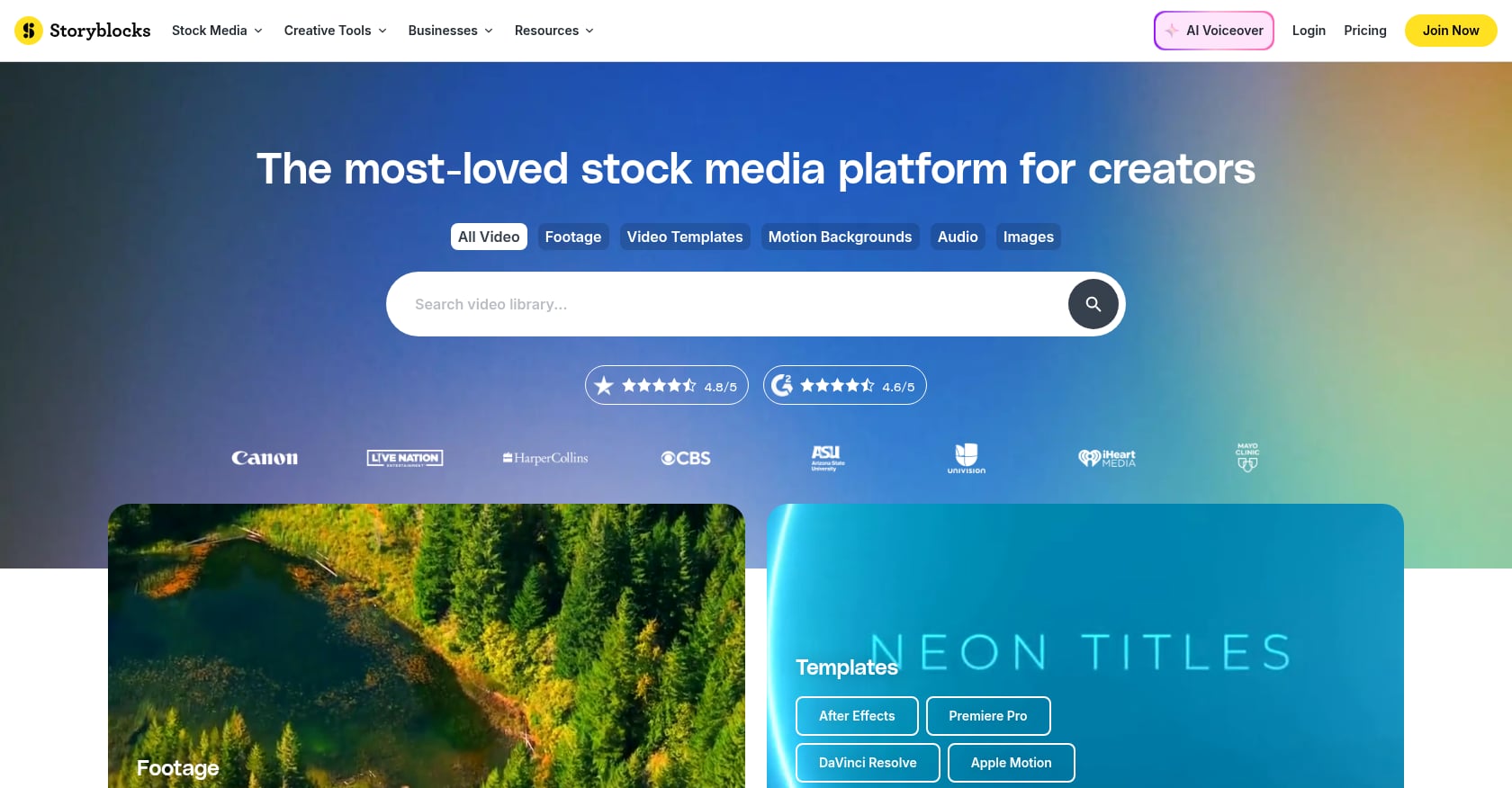
Best for: Stock-media bundle that includes music
Storyblocks is useful when you need music as part of a larger production workflow that also includes stock video, images, and templates. It is less of a dedicated music-first platform, but the bundle can save money for video teams.
Pricing: G2 lists Storyblocks at 4.6/5 from 422 reviews with paid plans starting around $15/month billed annually.
Key features:
Stock video, audio, images, templates under one subscription
Over 6 million assets according to G2
Unlimited access depending on plan
Good for end-to-end video production
Tradeoffs:
Music is not the primary focus
Search can be broad and unfocused for audio specifically
Niche music needs are often better served by dedicated music libraries
Subscription model
Real-world perspective: G2 users praise the extensive library and unlimited downloads. Recurring complaints include limited niche content, search issues, and gaps in specific categories.
Storyblocks makes sense when music is one asset among many. A dedicated royalty-free music platform is better when your primary buying decision is a specific music license with lifetime proof.
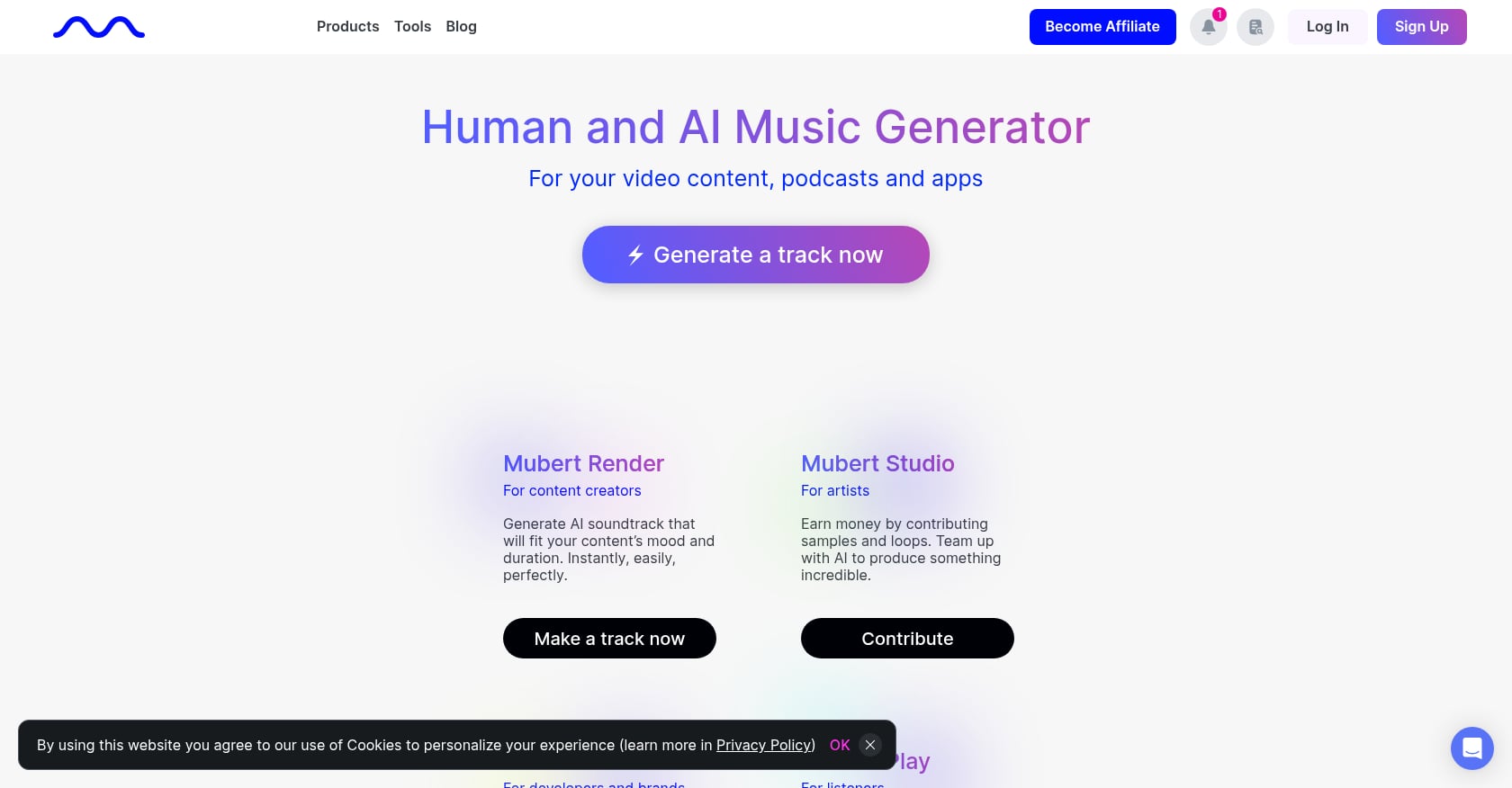
Best for: Custom-length experimental background music
AI music tools are useful when you need background audio quickly and want to control length, mood, or style through prompts. They are not automatically safer than traditional royalty-free music platforms. The key question is whether the provider clearly explains training data, ownership, commercial use, platform clearance, and what proof you receive.
Pricing: Free generation is often available. Paid plans vary by provider. Always verify current terms before relying on AI-generated music for commercial work.
Key features:
Generate tracks by mood, style, prompt, or length
Good for quick mockups and repetitive background needs
Useful for ambient or live stream background when licensing is clear
Tradeoffs:
Licensing differs significantly by provider
Training-data concerns may matter for brands
AI output can feel generic or repetitive
Content ID and platform safety depend on each provider’s terms
Ownership and commercial-use clarity is still evolving
Real-world perspective: Reddit threads show a clear split. Some creators suggest AI tools as a way to avoid paid platforms entirely, while others specifically request music that is “not AI-generated” and worry about the licensing implications. AI music is a workflow option, not a universal replacement.
AI tools are fast when you need a custom bed. A platform with human-produced, in-house music and clear track-specific license proof is safer for commercial and client work.
The math depends on how many tracks you need per year. Here are three real scenarios.
Scenario 1: YouTuber needs 3 tracks this year
Foximusic Commercial 3-track bundle: $59 total, lifetime license
Subscription at $10/month billed annually: about $120/year
The bundle costs less than half the annual subscription and includes permanent rights
Scenario 2: Freelance editor needs 25 client-safe tracks
Foximusic Commercial 25-track bundle: $149, about $5.96/track, lifetime license
A subscription may still make sense if the editor needs constant variety or SFX on top of music
But if the tracks are for archiving with client projects, the bundle gives cleaner long-term documentation
Scenario 3: App developer or course creator
Foximusic Extended starts at $150/track, with lower per-track pricing in bundles ($100/track at 10 tracks)
Other platforms charge $199 to $999 per track for comparable broadcast/app/game coverage
Extended-use pricing varies dramatically, so always verify which specific uses are covered before purchasing
For a deeper comparison of how these models play out across different creator types, this breakdown of one-time payment license vs subscription plans walks through additional scenarios.
Even with a legitimate royalty-free music platform, you can still face problems if you skip the documentation step. YouTube processed 2.2 billion Content ID copyright claims in 2024, and over 99% of those claims were automated. A single invalid reference file can affect thousands of videos by removing monetization or blocking content.
The good news: more than 65% of Content ID disputes in 2024 were resolved in favor of the uploader. But you can only dispute effectively if you have proof.
Save these four things before you close the tab:
PDF license certificate or license ID
Invoice or receipt
Track title, composer, version, and download date
Screenshot or PDF of license terms at purchase time
Keep these in the same folder as the project files. If you are working on client videos, include the license certificate in the deliverable archive. For more on how Content ID claims work and what AdRev and YouTube Content ID actually do, that guide explains the mechanics.
Foximusic issues an instant PDF license certificate after purchase and lets you re-download invoices and files from your account dashboard, which makes this archiving step straightforward.
Watch for these warning signs:
The page says “copyright-free” but provides no actual license
The license only covers personal social posts, not commercial use
There is no invoice or certificate available
Paid ads, client work, apps, games, courses, and broadcast are not mentioned anywhere
You cannot find clear cancellation or after-purchase terms
The music comes from a random “no copyright music” YouTube channel rather than the actual rights holder
Choose based on the project, not the brand name. A free YouTube track, a social subscription, and an Extended broadcast license solve completely different problems.
Monetized YouTube videos: Foximusic, YouTube Audio Library, Epidemic Sound, Artlist, Soundstripe, Tunetank. For creators running faceless YouTube channels, a lifetime music license removes ongoing admin entirely.
Client videos: Foximusic Commercial, Soundstripe team plans, PremiumBeat Standard/Premium, Artlist Pro. Always confirm the license explicitly covers client work, not just your own channels.
Instagram and Facebook ads: Foximusic Commercial, Tunetank Max, PremiumBeat Standard or higher, relevant business subscription plans. If you are specifically running paid social campaigns, this guide to royalty-free music for Facebook and Instagram ads covers the licensing details.
Podcasts: Foximusic, Bensound (paid), YouTube Audio Library (for video podcasts on YouTube only), Artlist where applicable. Podcast licensing has its own nuances, especially for distribution across Apple Podcasts, Spotify, and other platforms. This guide to royalty-free music for podcasts covers what to check.
Online courses: Foximusic Extended, PremiumBeat higher tiers. Basic creator licenses typically do not cover course platforms like Udemy, Teachable, or Kajabi.
Apps and games: Foximusic Extended, PremiumBeat Premium/Business. Do not assume a YouTube or social license covers app distribution.
Broadcast and VOD: Foximusic Extended, PremiumBeat Premium/Business, enterprise or custom plans from subscription platforms.
High-volume social content: Epidemic Sound, Artlist, Soundstripe, Storyblocks, Tunetank.
No budget: YouTube Audio Library, Bensound free tier, Tunetank free plan. Accept the limits: attribution requirements, restricted monetization, and limited off-platform use.
Reddit creators repeatedly worry about this, and for good reason. One thread in r/SmallYTChannel asked directly whether subscription-based royalty-free music must be removed after canceling. Another thread discussed lifetime licensing as a way to avoid this problem altogether.
Before subscribing to any royalty-free music platform, ask: Can I publish new projects with downloaded tracks after I cancel, or are only already-published projects covered?
The answers vary. Some subscription platforms keep content published during an active subscription cleared but do not allow new use after cancellation. Others have more restrictive terms. Still others let you keep licenses generated during subscription regardless of cancellation.
For pay-once platforms like Foximusic, the answer is simpler: you pay once for the track or bundle and keep lifetime rights under the license tier you purchased. There is no cancellation to worry about.
Free libraries are genuinely useful for zero-budget creators. But there is a hidden cost that rarely gets discussed. If you spend two hours searching free libraries to avoid a $12 to $29 license, and you bill clients or could have spent that time editing, the “free” music was not actually free.
Lower curation, inconsistent quality, attribution compliance checks, and the risk of using the same tracks as thousands of other creators all add up. For hobby projects, none of that matters. For client deliverables or monetized channels, it often does.
If you publish constantly and need many tracks, a subscription library can be worth it. Pick one based on catalog fit, search tools, and how well the plan covers your actual use cases.
If you want clear rights for selected tracks without monthly payments, Foximusic is the simplest fit. It uses one-time lifetime licensing, Content ID-cleared tracks, and downloadable proof. You license what you need, save the certificate, and move on.
If you only need a few tracks and want to keep your license proof simple, start with a pay-once track or bundle instead of adding another subscription. Browse Foximusic’s catalog and compare licenses to see if the tracks fit your next project.
For YouTube-only creators with no budget, YouTube Audio Library is the safest free starting point because it is built into YouTube Studio. For monetized creators who want broader commercial rights and lifetime proof, Foximusic is a better fit because it offers pay-once lifetime licenses with Content ID-cleared tracks. High-volume YouTubers publishing daily may also benefit from subscription platforms.
Not always. Royalty-free means you do not owe ongoing royalties after following the license terms. The music may still require a purchase, subscription, or attribution. “Royalty-free” and “free” are different things, and confusing them is one of the most common licensing mistakes creators make.
It depends on the platform. Some subscriptions keep already-published projects covered but do not allow new use after cancellation. Others require active subscriptions for ongoing rights. Always check cancellation and license-duration terms before downloading. Pay-once platforms avoid this issue entirely since there is nothing to cancel.
Only if the license explicitly covers client work. Personal creator plans often exclude client projects, paid ads, and business use. Freelance editors should choose a commercial license tier and keep the certificate in the client project archive. On Foximusic, the Commercial license covers monetized content, client work, digital ads, and unlimited online platforms.
Yes. Even with legitimate libraries, automated Content ID claims can occur due to rights data conflicts, platform matching errors, or third-party claims. YouTube’s own transparency data shows that over 99% of Content ID claims are automated and a single bad reference file can affect thousands of videos. Use Content ID-cleared music when possible and keep your license certificate ready to dispute claims.
A lifetime license is better if you need a limited number of tracks and want long-term proof without renewals. A subscription is better if you publish frequently and need constant access to a large, regularly updated catalog. Neither model is universally superior. The right choice depends on your publishing frequency and how you document rights for each project.
Usually, yes. Most personal or standard creator licenses do not cover app distribution, game integration, online courses, TV, radio, or VOD platforms. On Foximusic, the Extended license covers these use cases. On other platforms, you will typically need a higher-tier or enterprise license. Always verify before publishing.
Create a dedicated “Music Licenses” folder (Google Drive, Dropbox, or your project management tool). For each track, save the PDF license certificate, invoice, track details, and a screenshot of the license terms at purchase time. If you use Foximusic, you can re-download certificates and invoices from your account dashboard at any time. Pair each license with the project folder it belongs to so you can respond to any future claim in minutes, not hours.
Generate production-ready text-to-video prompts instantly and get pro-level results with our free video prompt generator tool.








 English English
  Spanish
 French
 Italian
 German
 Portuguese
 Chinese
 Japanese
 Hebrew